AI for Business: Transform Your Strategies into Apps
Try Enter Pro to turn your insights into powerful tools:
Key Features that Make Enter Pro Stand out
Professional Business Apps from Scratch
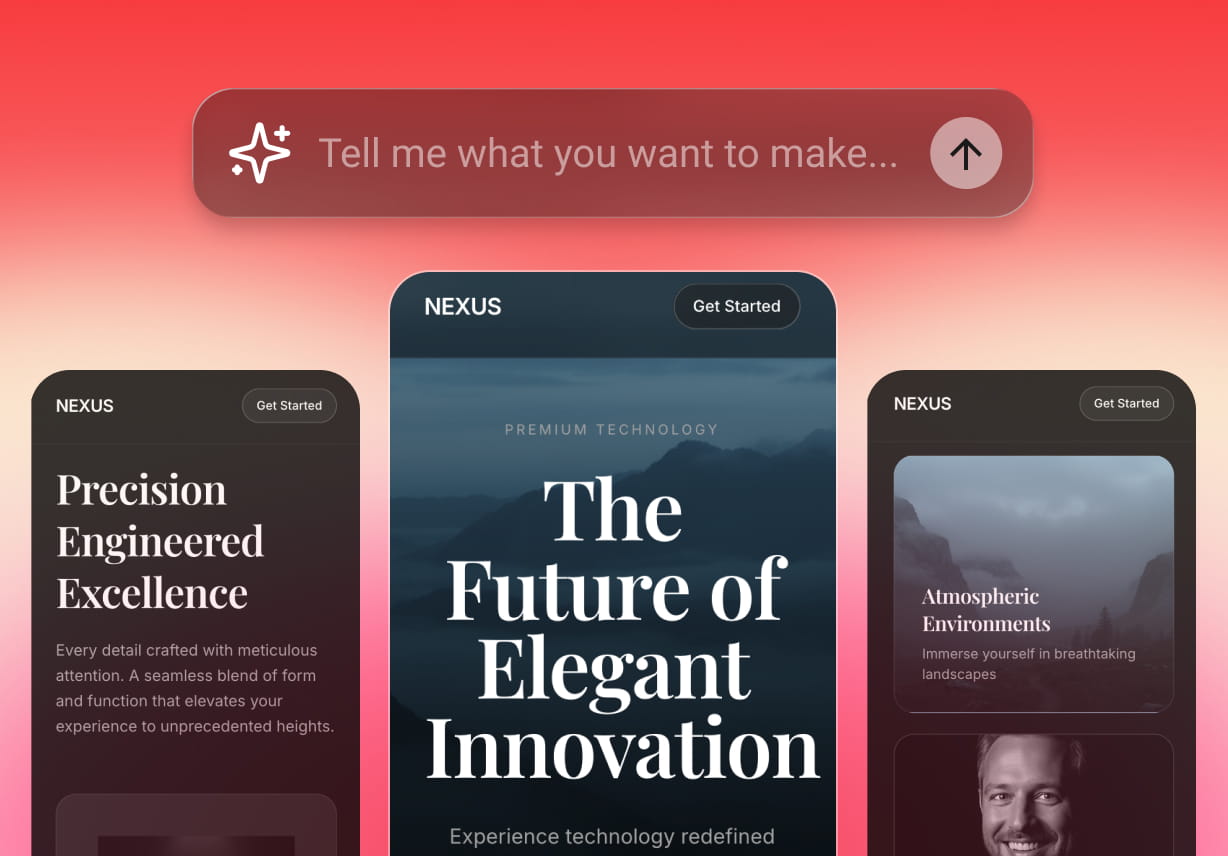
Enter Pro lets you build fully functional, professional-grade business intelligence apps from nothing but an idea. You can either opt for ready-made templates or type a descriptive prompt to turn your words into apps.
100% Code Ownership
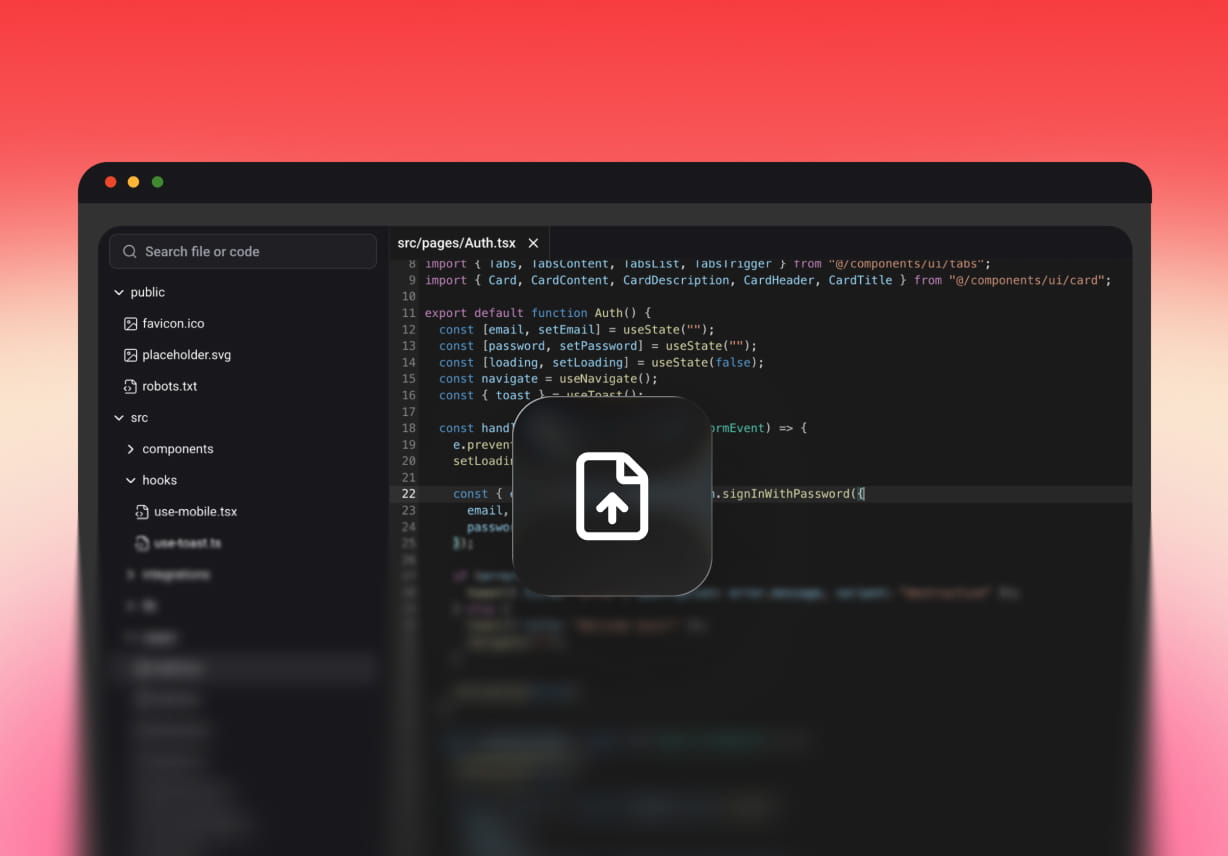
Enter Pro ensures you own what you build, so you can modify, extend, or migrate your app as your business grows. Try vibe coding and export your code at any time, keeping control over your efforts and data.
Production-Ready Integration Ecosystem
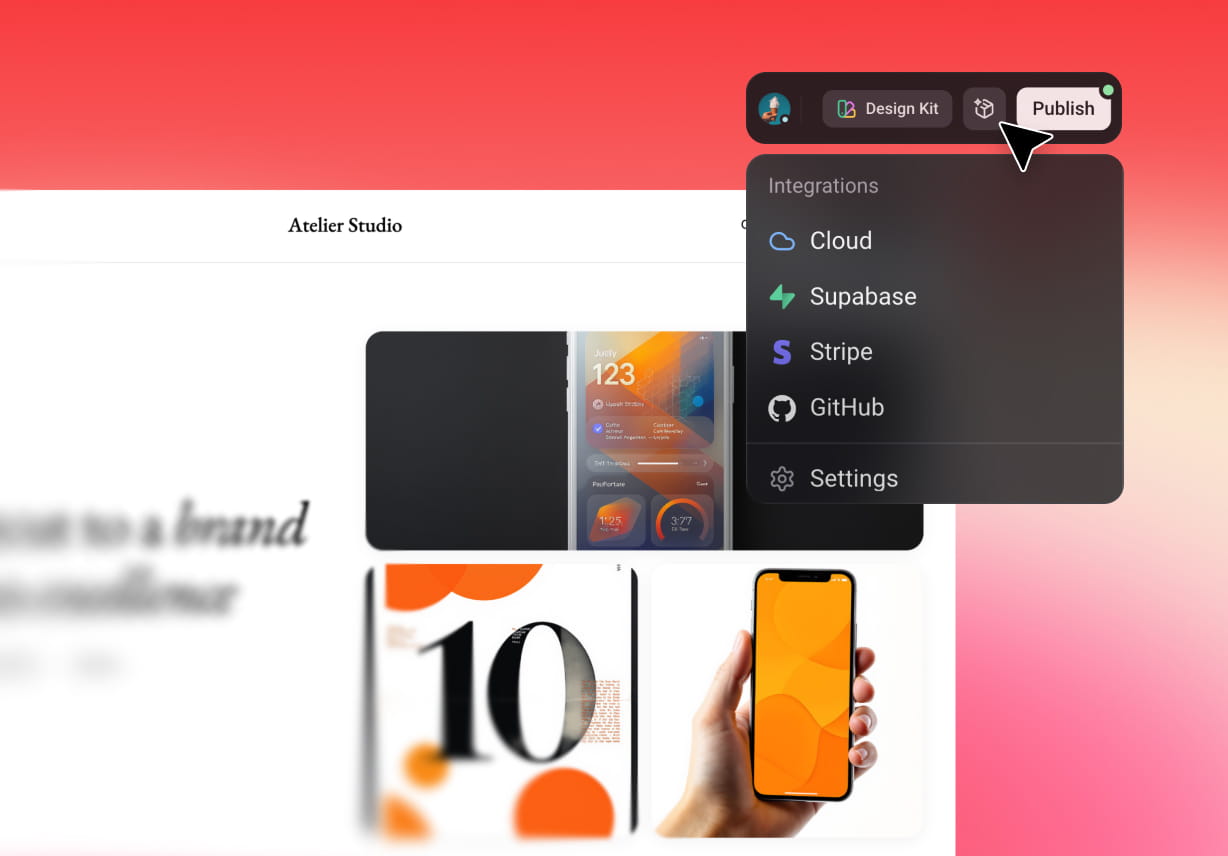
Enter Pro is built to work seamlessly with the tools and systems you already use. With Enter Pro, you can seamlessly integrate with Stripe, Google Analytics, Supabase, and more, to make your app go live instantly.
Switch between Top AI Models
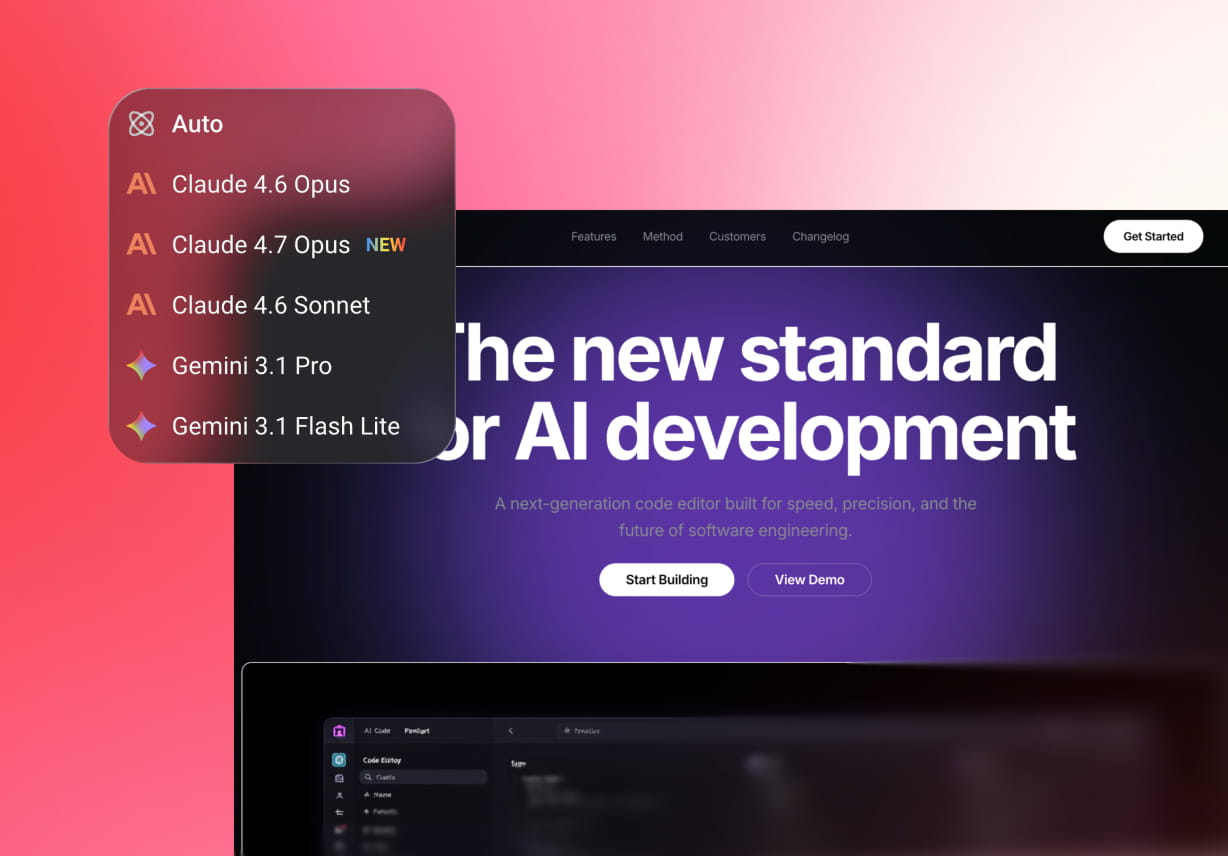
Enter Pro gives you the flexibility to use different AI models based on your business goals. You can switch between Gemini Pro, Claude 3.5, Sonnet, and other advanced models instantly.
What Exactly can You Build with Enter Pro

CRMs and Dashboards
With Enter Pro, you can build fully customized CRMs, marketing tools, and real-time dashboards that automatically track performance, revenue, and key metrics.

Booking Systems and Order Management Apps
With Enter Pro, you can create booking systems that let customers schedule appointments and order-management apps that track orders and automate confirmations.

Invoice & Billing Tools
Using Enter Pro, you can generate invoices and billing tools based on your business logic and transactions.
How to Use Enter Pro to Create a Business App
Describe Your Business App Prompt
Start by telling Enter Pro what you want to build in your natural language. Enter Pro's AI understands your requirements and automatically generates the app structure, features, and workflows.
Use the Visual Editor to Modify the App Icons
Once your app is generated, you can customize it using a Visual Editor. It allows you to modify layouts, text, icons, colors, and components to match your brand identity.
Publish Your App and Go Live
When you're ready, launch your app with a single click. Click the "Publish" button in the top-right corner to go live.
What People Think about Enter Pro
Enter Pro has completely transformed how we operate. Their AI-powered app automated our inventory and customer tracking seamlessly. What used to take hours now happens in minutes.

James Carter
Enter Pro delivered exactly what we needed - an intelligent business app that adapts to our workflow. Their AI features genuinely improve efficiency.

Michael Anderson
The team at Enter Pro built us a powerful AI-driven solution that streamlined our operations. The predictive analytics feature has been a game-changer for planning and decision-making

Sophia Williams
FAQs
Turn Your Words into Apps with Enter Pro
Build smarter systems and scale without limits-all from a single platform.