Next-Gen AI Code Editor
Write, debug, and deploy faster with an AI-powered workspace.
A Smart Code Editor Every Developer Should Know
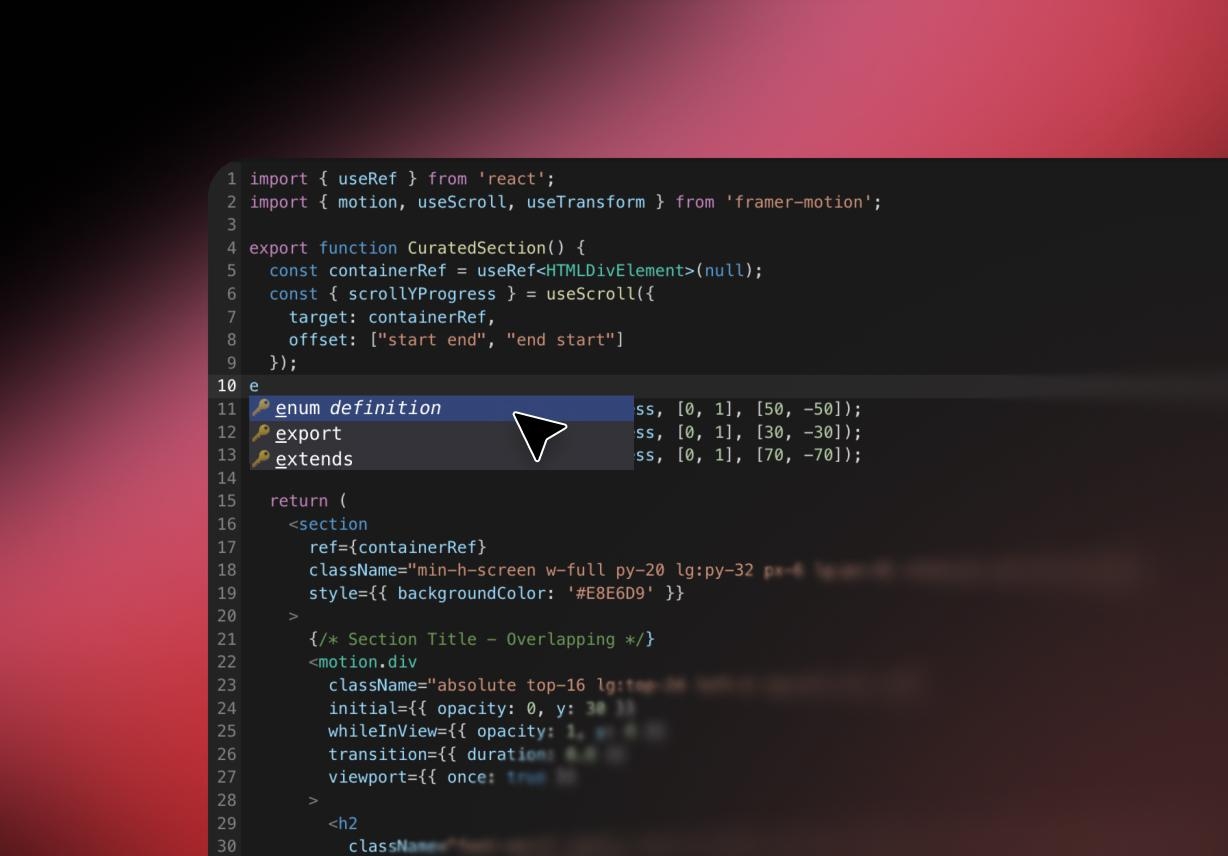
AI Code Suggestions
Overcome the friction of a blank canvas. Enter Pro proactively eliminates developer's block by suggesting structural layouts, auto-generating contextual code snippets, and applying real-time micro-corrections as you type.
Multi-Language Support
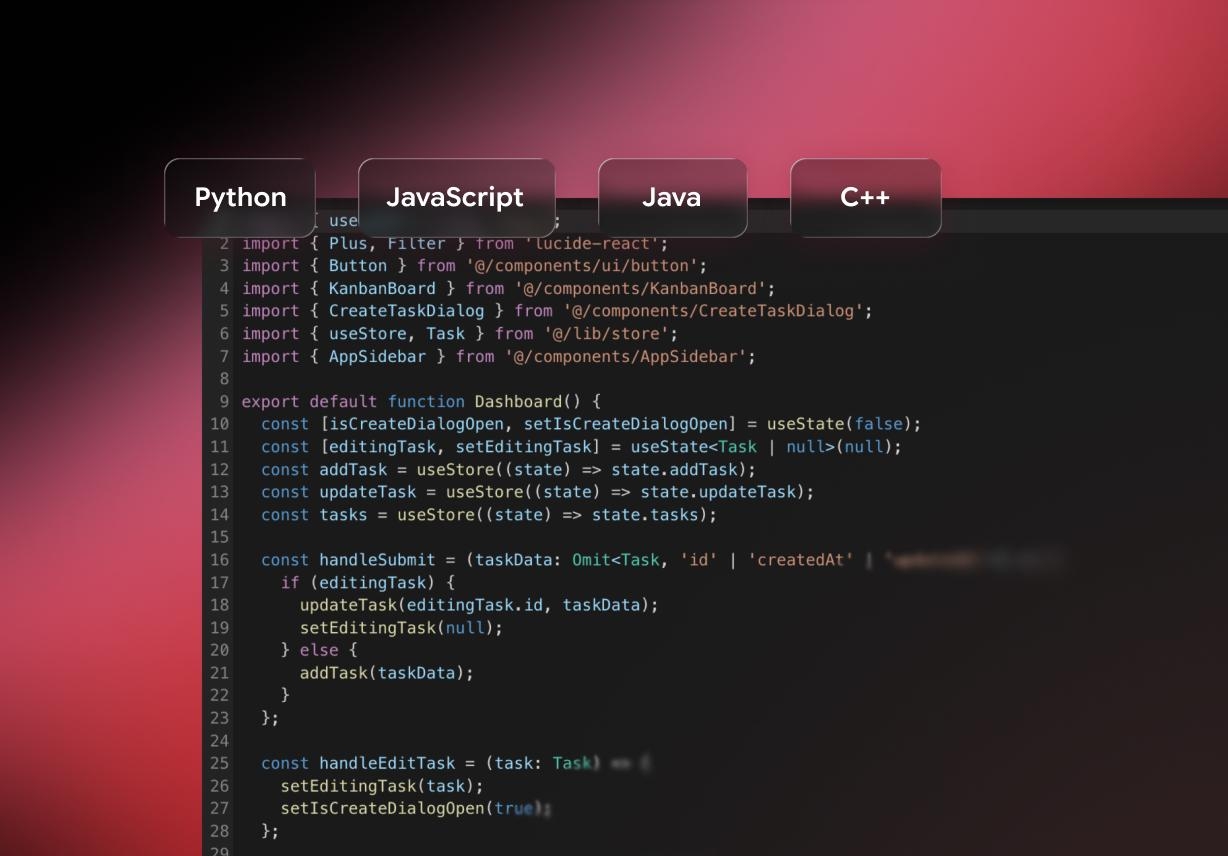
Modern deployment shouldn't be confined to a single tech stack. Enter Pro offers comprehensive, polyglot support for all industry-standard languages, including Python, JavaScript, Java, and C++.
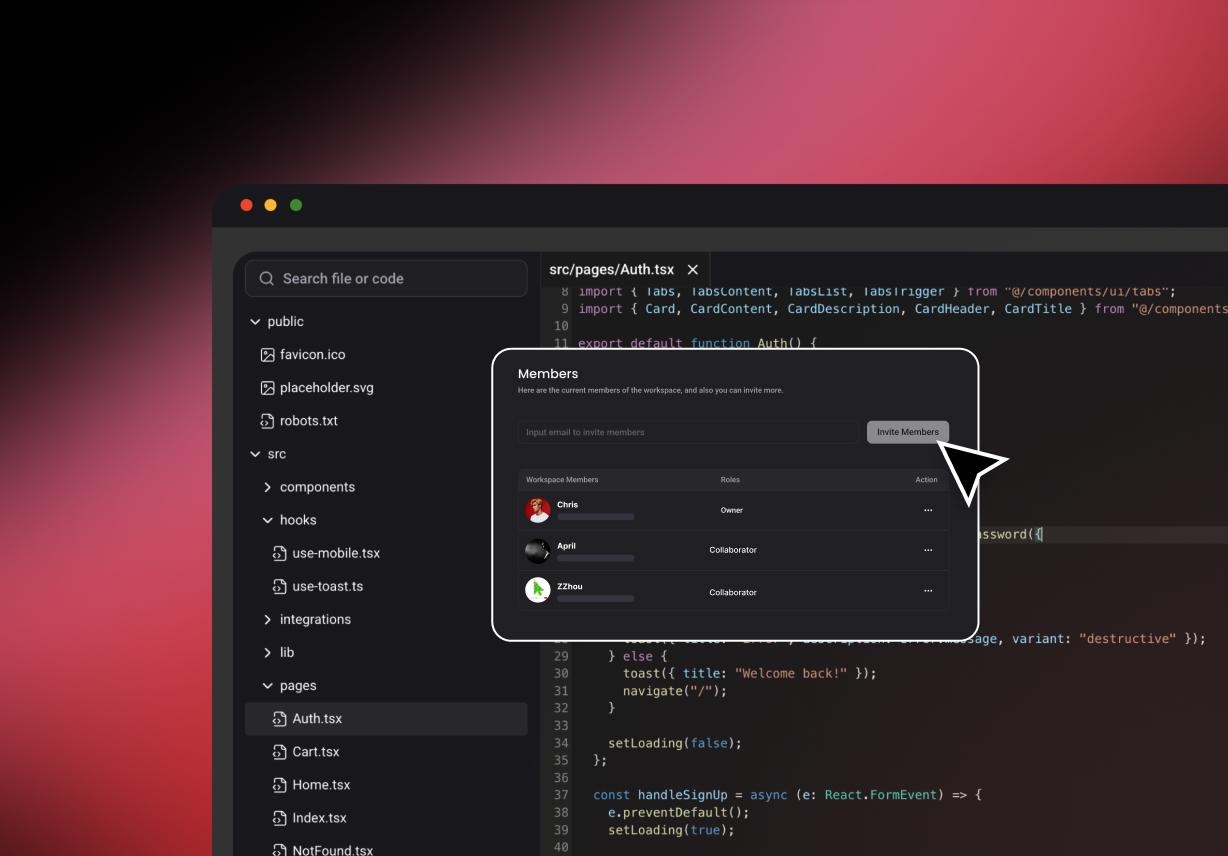
Collaborative Workspace
Engineering is inherently collaborative. Enter Pro streamlines your team's code reviews, feedback loops, and deployment handoffs with granular shared access, instant live previews, and native GitHub integration.
Cloud Storage
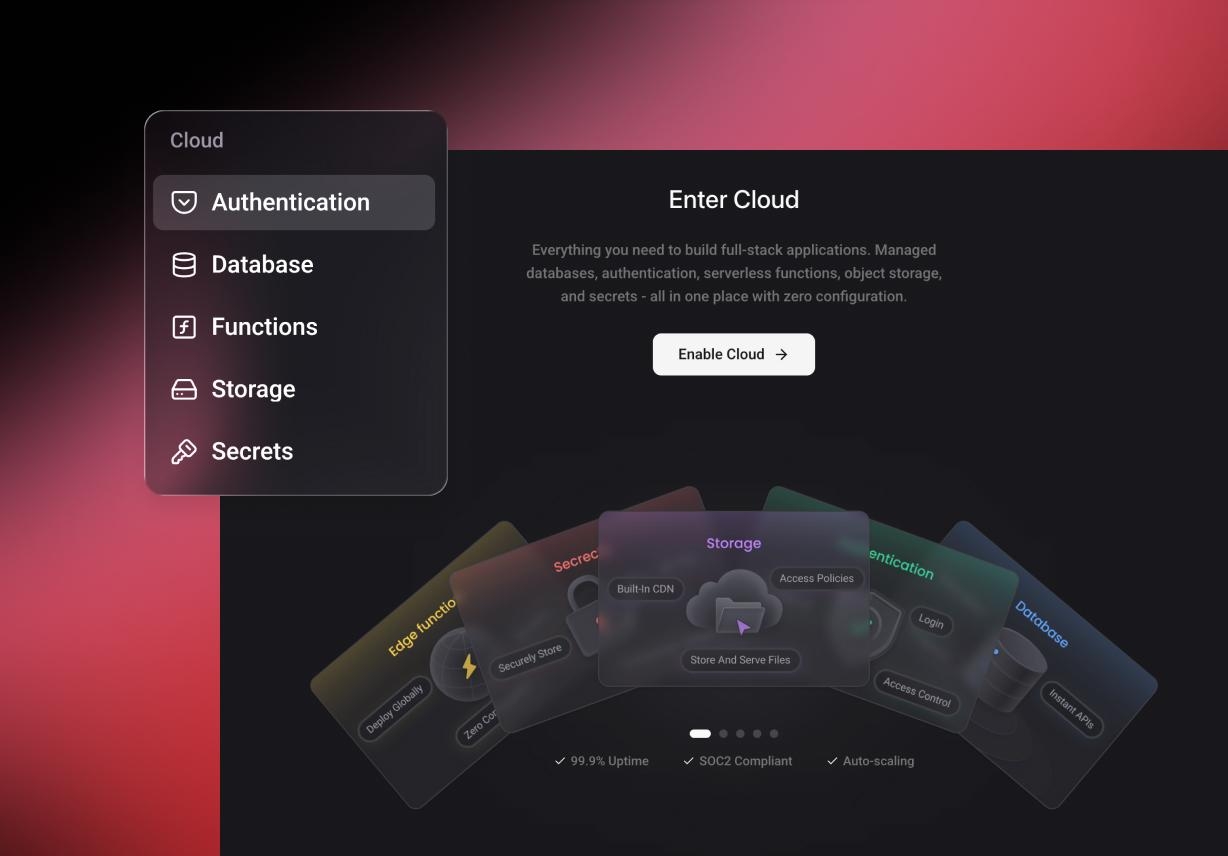
Say goodbye to broken syncs and local environment fragmentation. Powered by secure cloud infrastructure, Enter Pro keeps your workspace on-demand, enabling you to save your progress and transition seamlessly between multiple devices with zero configuration.
Integrate More Tools into Your Code Editor Workflow

Syntax Highlighting
Reduce cognitive fatigue with intelligent syntax color-coding. Visually isolate keywords, variables, and functions to audit logic flows and catch typos at a glance.

Intelligent Autocomplete
Eliminate boilerplate code. Our predictive engine suggests variables, methods, and blocks tailored to your exact context, minimizing repetitive keystrokes and boosting velocity.

Code Search and Navigation
Seamlessly traverse dense directories, trace dependencies, and pinpoint exact lines of code using dynamic global search and structural navigation.

Code Formatting and Auto-Indentation
Keep your repository clean automatically. Live formatting and precise auto-indentation enforce consistent style guidelines mid-keystroke, optimizing future peer reviews.

Built-in Debugging Tools
Isolate bugs without switching contexts. Inspect variables, set conditional breakpoints, and trace live execution flows right inside your unified cloud workspace.

Integrated File Explorer
Keeping files in view makes daily coding easier to handle. Users can switch between folders, code files, and assets from one place, keeping the work more organized in the code editor.
Why You Build Faster with the Online Code Editor

Beginner-Friendly
An empty file is not always sufficient for new users. The first steps are easier to follow with the help of AI hints and suggestions. This helps learners understand structure, write with more confidence, and make progress faster inside the online code editor.

Time-Saving
Small delays add up during coding. AI help, quick search, and built-in tools reduce that drag. Users can move from idea to working draft faster, which makes the free code editor more useful during short tasks and larger projects alike.

Free & Web-Based
No installation means fewer barriers at the start. Users can open the editor in a browser and begin sooner. That gives the code writer an online workflow with more convenience for quick testing, code generation, and remote work.
An Easy Guide to Using the Free Code Editor
Enter Your Prompt
Start by describing your coding requirement clearly in the "Prompt" field to proceed.
AI Generates Code
Then, wait for Enter Pro to start analyzing the prompt and quickly generate your page.
Review & Edit
Next, review the generated code, make edits where needed, and refine prompts for better results.
Run & Collaborate
Finally, run the generated code to test functionality, then share or collaborate with your team easily.