AI for Operations: Build Tools to Streamline Processes
Build intelligent, flexible operations tools tailored to your workflows:
What Ops Teams can Build with Enter Pro
Operational Dashboards
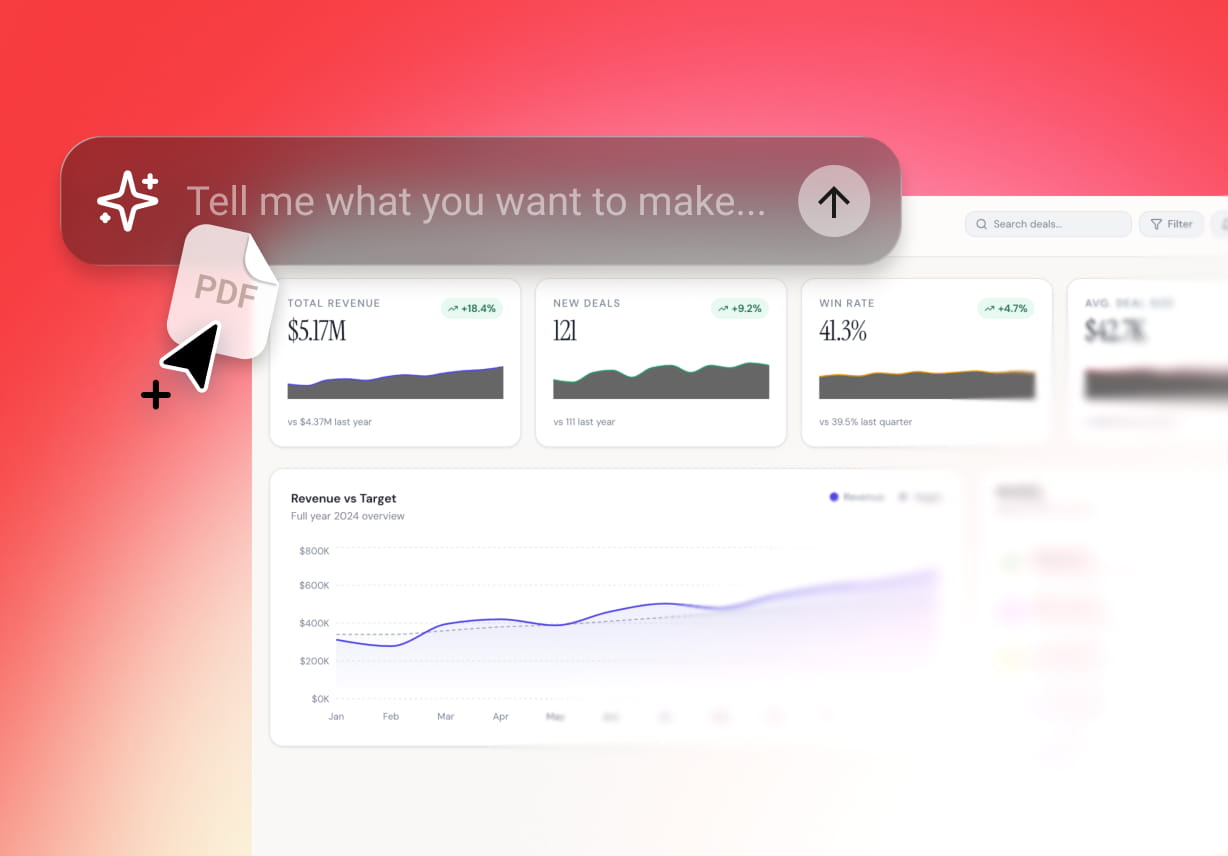
Enter Pro helps build real-time dashboards that transform CSVs, PDFs, and spreadsheets into powerful visualization tools. Monitor everything from a single place and enable faster, data-driven decisions.
Approval Workflow
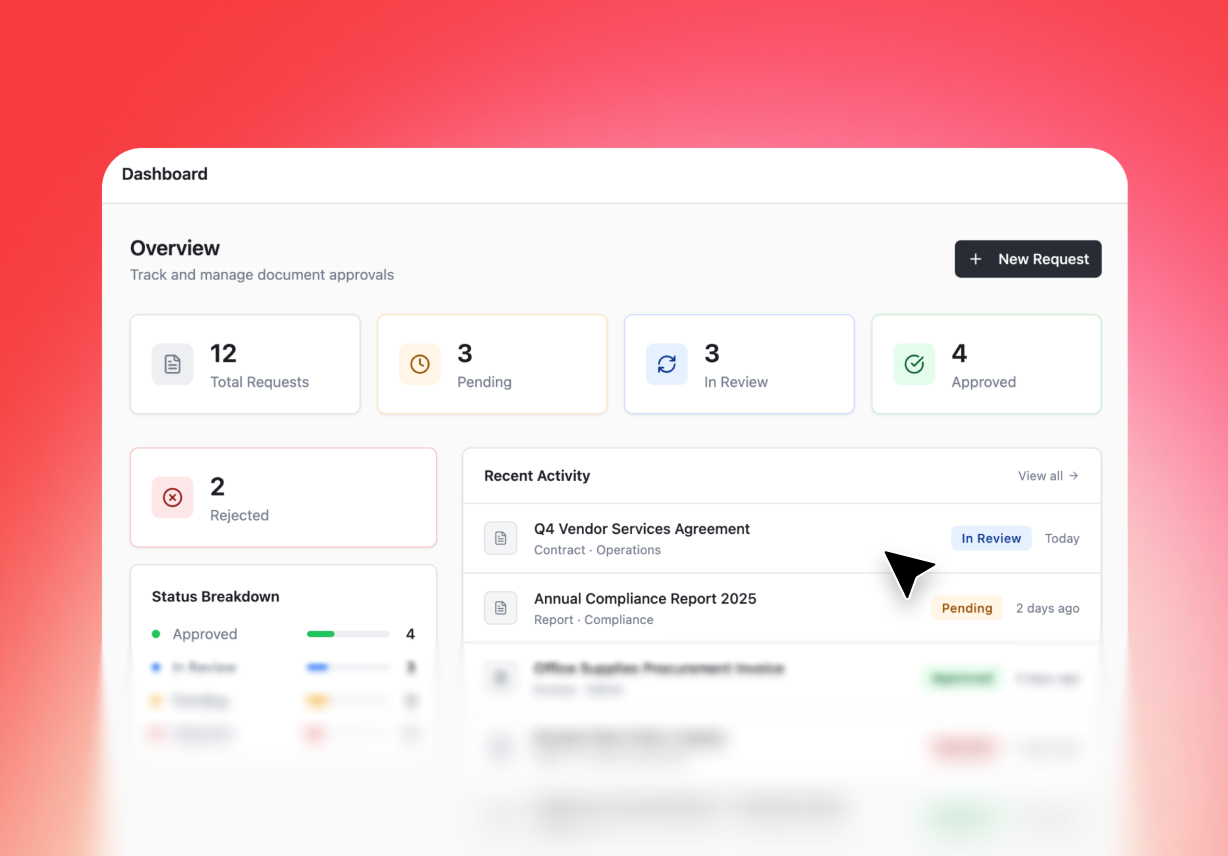
With Enter Pro, you can create custom approval workflow apps that automate request routing, approvals, and notifications across teams. Ensure team productivity, full visibility, and zero bottlenecks.
Searchable Runbooks and SOPs app
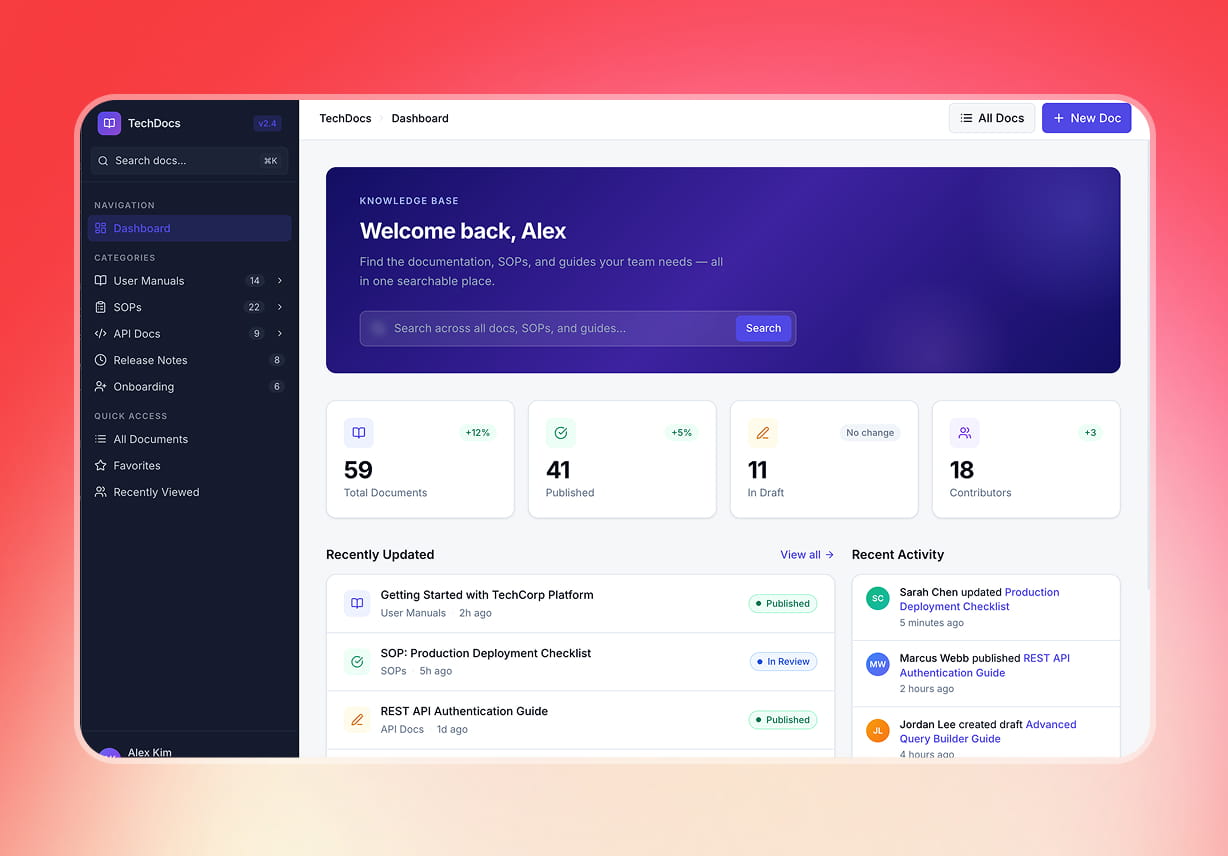
Enter Pro enables you to create searchable runbooks and SOPs, empowering your team to instantly find processes, troubleshoot issues, and follow standardized procedures with ease.
Automation Apps
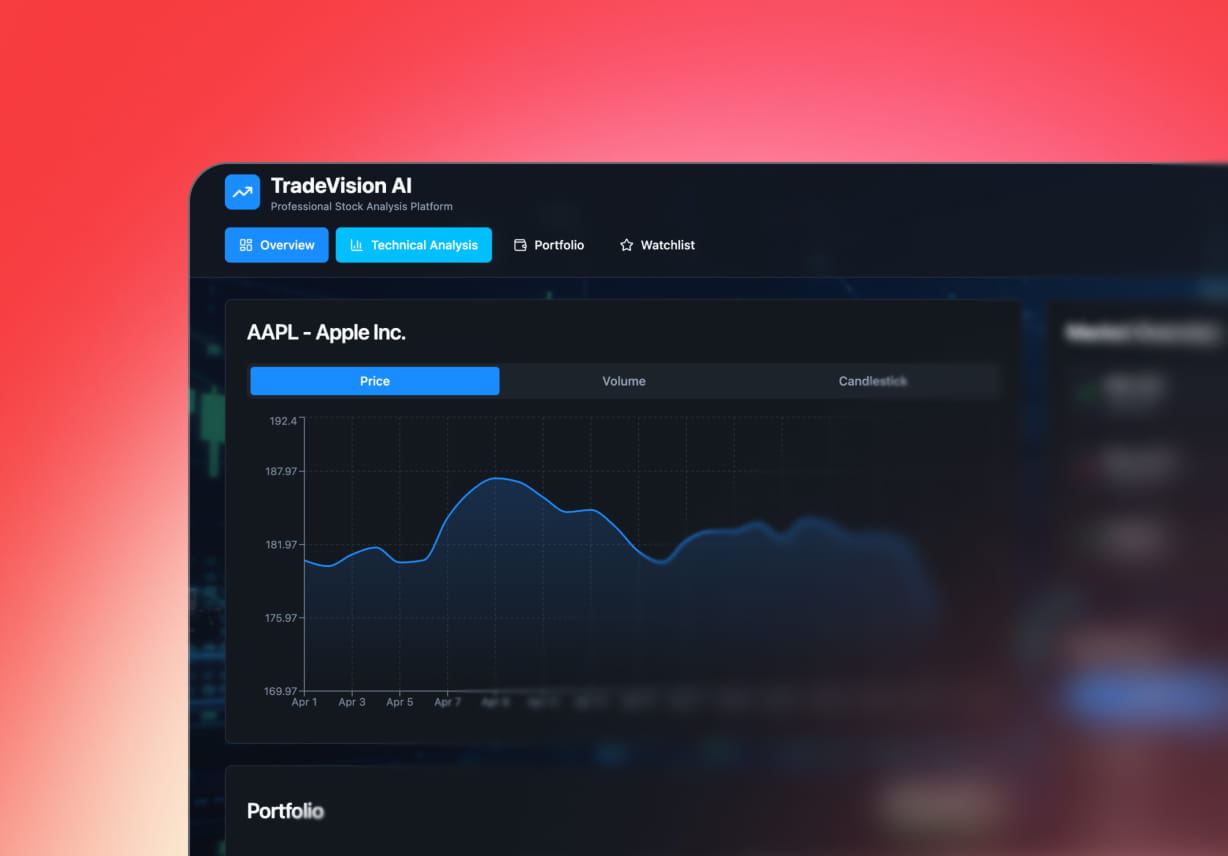
Create automation apps with Enter Pro and say goodbye to repetitive tasks. This coding app helps automate repetitive operational tasks such as reporting, notifications, task assignments, and data updates.
Why does the Operations Team Prefer Enter Pro

100% Code Ownership
Maintain full control over your applications. Unlike closed platforms, Enter Pro ensures you own what you build and can extend your codebase at any time.

Backend Support
No need to stitch together multiple tools. Enter Pro provides built-in backend capabilities, including databases, payment gateways, APIs, and more, all on a single platform.

Creative Freedom
Enter Pro gives you complete flexibility to design apps that match your exact operational needs. Unlike rigid templates or one-size-fits-all software, you can fully customize every aspect of your app, from UI layout to icons.
How to Use Enter Pro's AI for Operations Tool
Type a Descriptive Prompt to Make an Operations Tool
Describe the operations tool you want in plain language, whether it’s a dashboard, workflow system, or automation app. Choose the appropriate AI model and start generating the app.
Customize the App with Visual Editor
Refine your app using an intuitive visual editor. Adjust layouts, text font, color, icons, and more without friction
Publish and Go Live
Once you are satisfied with the final design, click the Publish button in the top-right corner and deploy your app instantly.
What Users are Saying about Enter Pro
We got rid of a lot of standalone tools that weren't connected and replaced them with a single AI-generated platform that handles approvals, dashboards, and internal workflows without issues.

Sarah Mitchell
Head of Operations
We've used a lot of automation tools in the past, but they always made us change how we did things. Enter Pro was different. We built custom approval workflows and automation apps that fit right in with how we already do things.

David Chen
Operational Manager
Enter Pro gave us the ability to build internal tools without relying heavily on engineering resources. From creating SOP apps to automating repetitive tasks, everything is faster and more efficient.

Rig Jones
Director of Business Operations