Collaborative Coding: Share and Work on Code Online
Write, share, and run code online in real-time. Work together seamlessly with AI suggestions, shared editors, and cloud storage.
Work Better Together with the Collaborative Code Editor
Share Preview Links
Send a preview link when you want quick feedback. The team members do not need to open the entire project to verify progress or generate code again. It makes the review easy and time-saving

GitHub Integration
GitHub support helps teams connect coding work more smoothly. This keeps development closer to familiar workflows and version handling. That gives cooperative coding a stronger connection to real team habits.
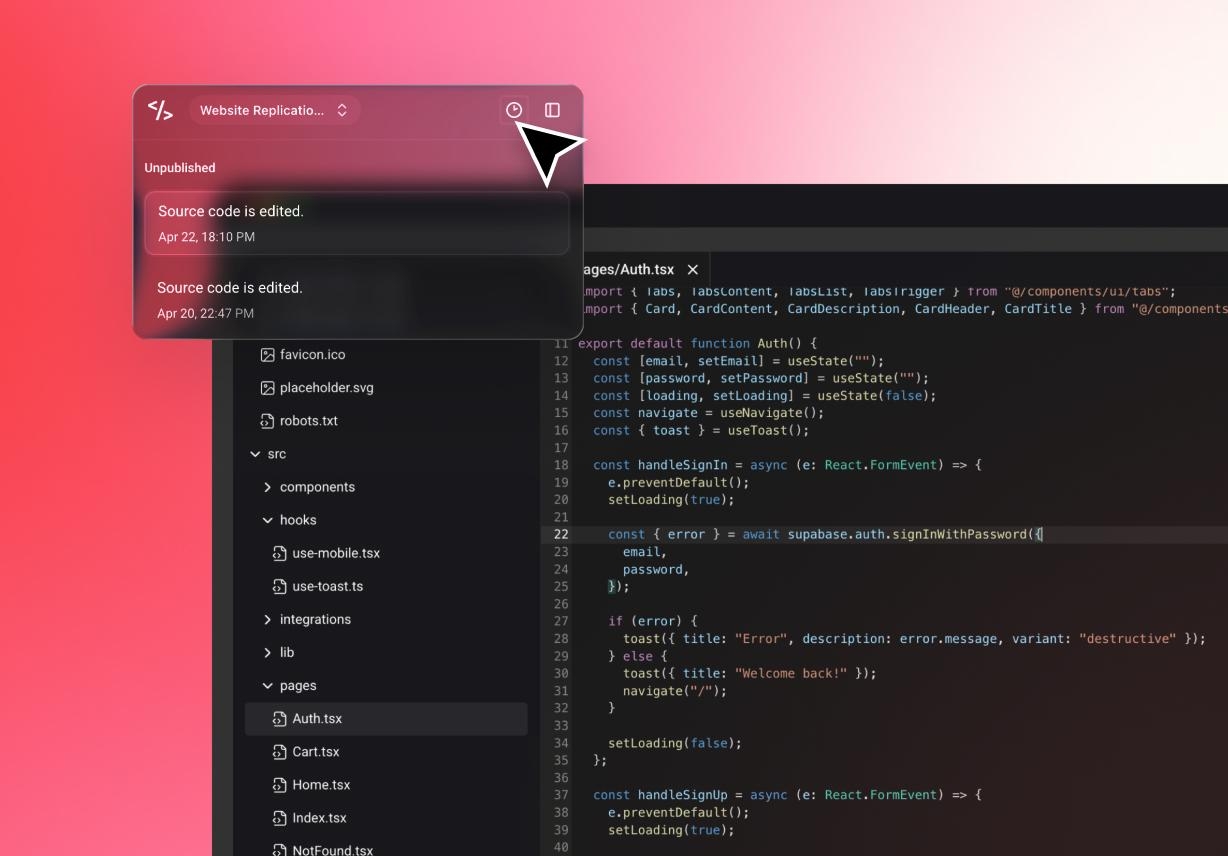
Full Project Visibility
Teams can review project history and follow how work has changed. This gives collaborators a better context before making updates or suggestions, helping connect teams across longer projects.
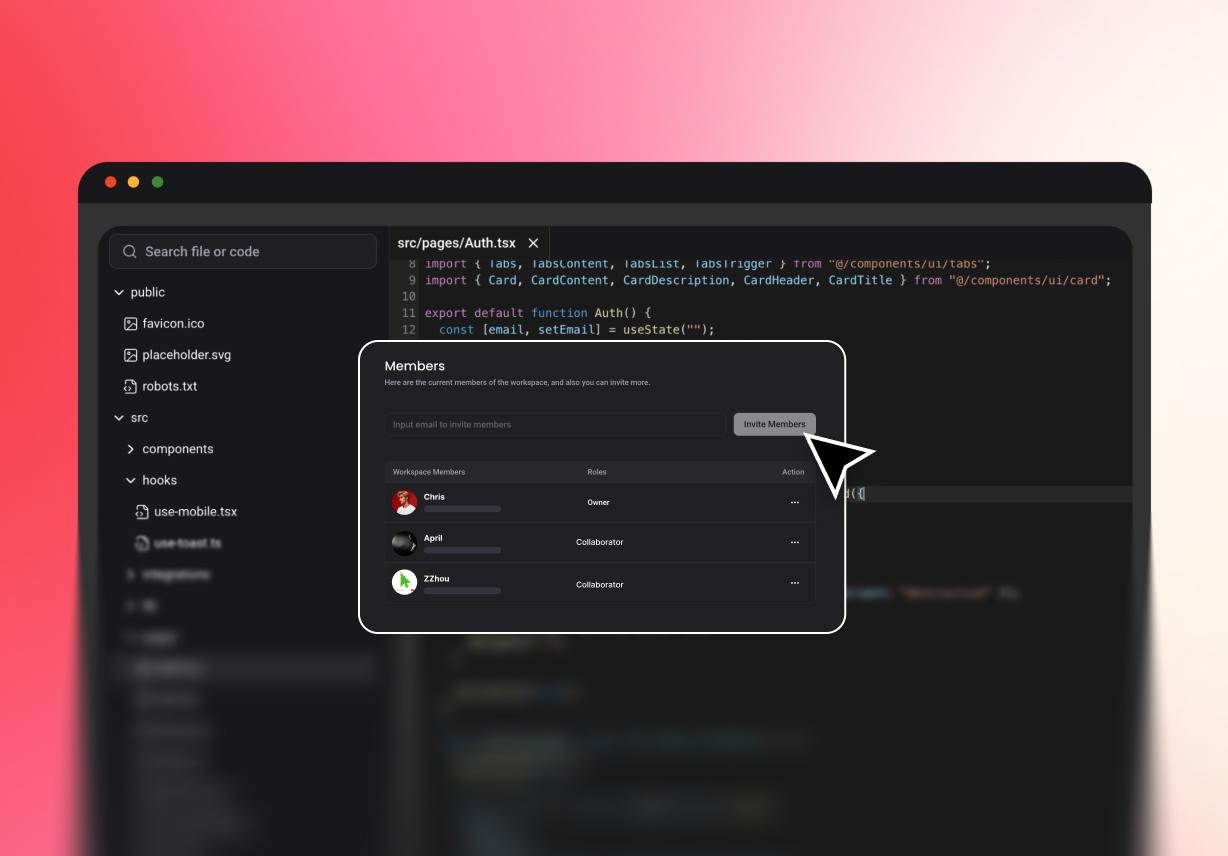
Shared Project Context
Editing code is only one part of the work. Project details and earlier decisions also matter during review. Keeping them together makes the workflow easier to follow.
Protect Your Code with Strong Privacy and Security

Role-Based Access Control
Different people need different levels of access. That is true in almost every team. Project owners can choose who can access the workspace and who cannot.

Protected Project Access
Project data should stay protected in transit and storage. That should be a basic part of any shared workflow. Encryption helps protect code and project files while teams work with their AI coding assistants.

Activity Tracking and Version History
Built-in logs help teams track changes and review what happened across the project. Version history also gives users a safer way to cross-check.
Why Teams Boost Productivity via Collaborative Coding

Faster Development
Waiting slows down software work. Shared access helps reduce that. When teammates can review progress early, projects move forward with fewer pauses. Preview links, GitHub connection, and project visibility all help speed up the cycle.

Better Learning and Mentorship
Teamwork is also how people learn. Shared work gives junior and senior members more room to grow. When projects are visible, newer team members can follow changes, understand decisions, and learn from the pace of real work.

Smoother Version Control
History should stay easy to follow. Our version of history gives teams a clearer view of progress and earlier states. That helps people work with more confidence, especially when projects change back and forth.
Follow Simple Steps for Prompt-Driven Cooperative Coding
AI Generates Code
Enter Pro can generate code snippets or full scripts from prompts. This gives teams a workable base before review begins.
Share with Your Team
Next, users can invite project members or send preview links for feedback. This keeps collaboration tied to the project itself.
Review, Refine, and Save
Teams can review the project, follow changes, and keep version history visible. This supports smoother progress across edits and updates.