AI Drag and Drop Website Builder
Turn simple prompts into complete platforms, then tweak them to perfection:
Key Features of Our AI Drag and Drop Website Builder
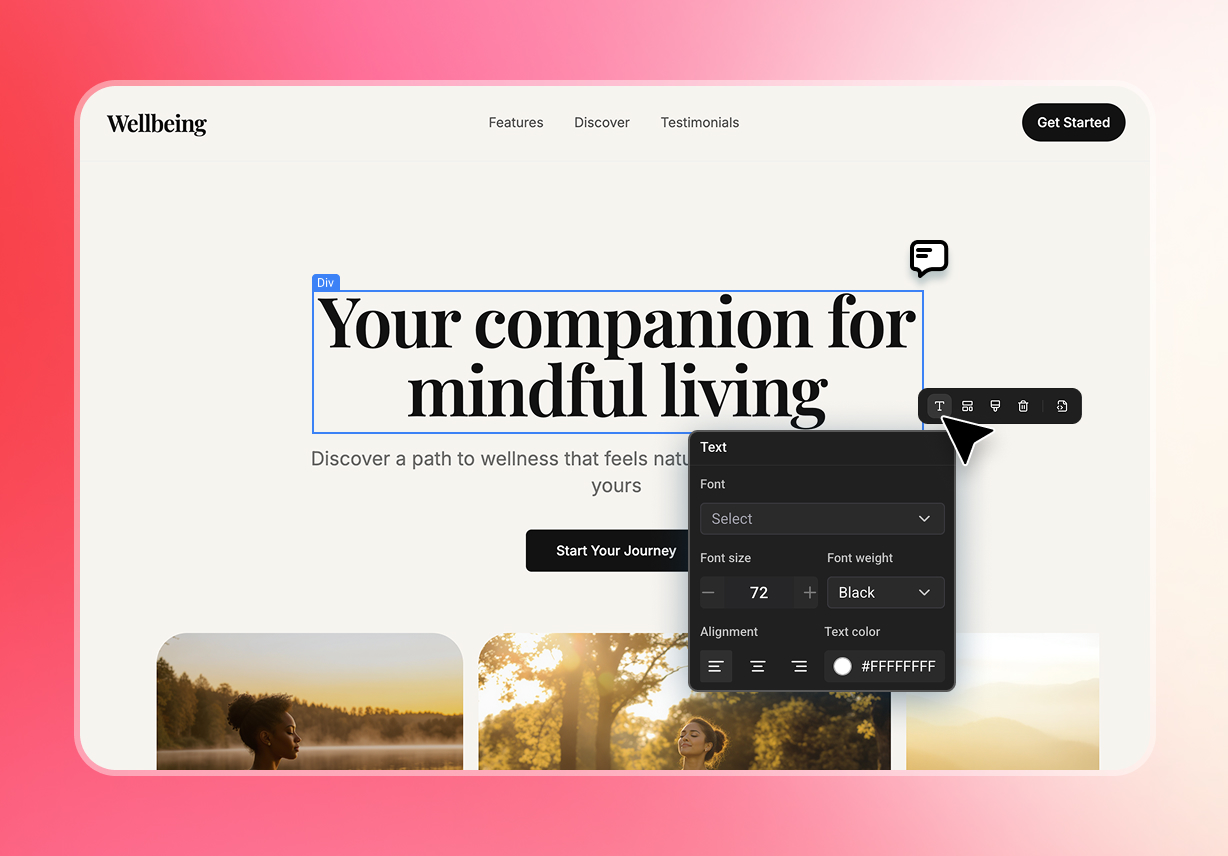
Visual Editor UI Control
Tweak your application design with complete visual control. Click any container on the visual editor to instantly override CSS attributes with pixel-perfect precision.
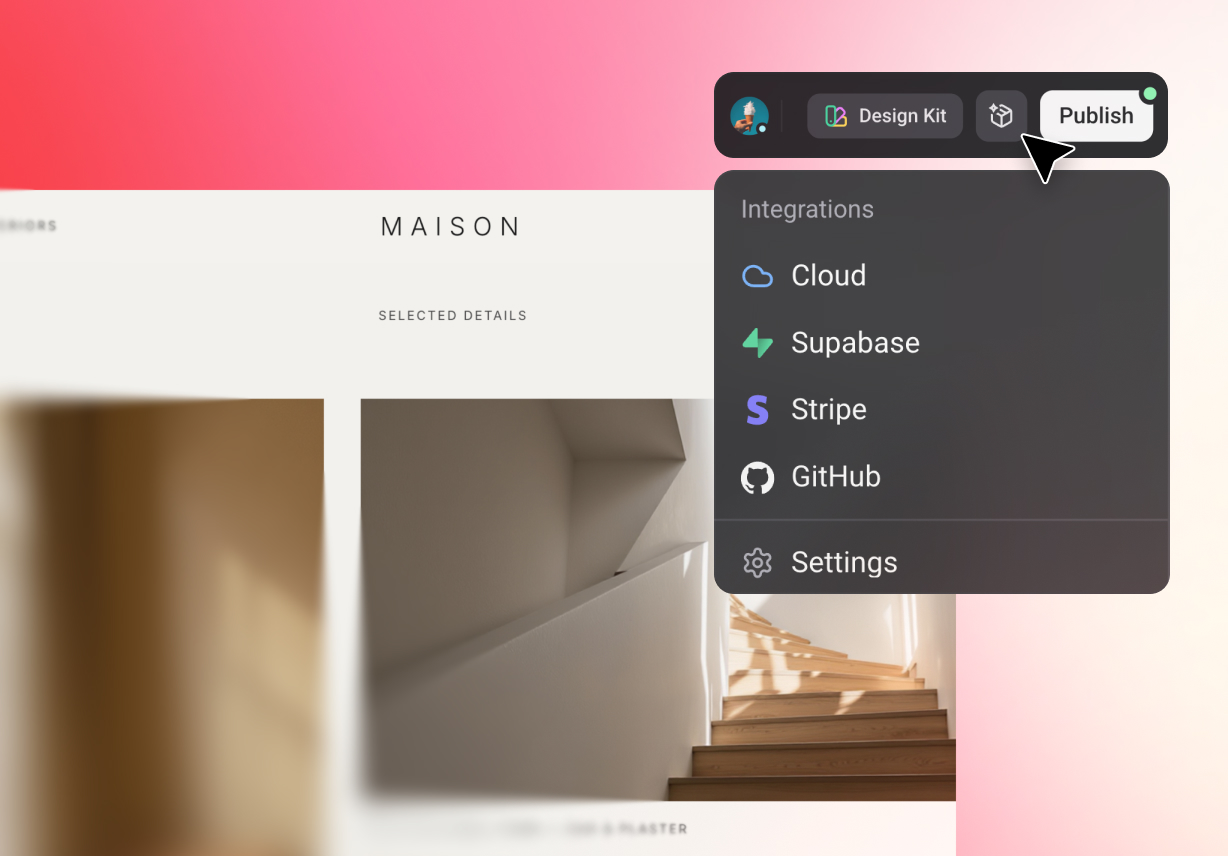
Integrated Payment Gateways
Connect external commerce systems effortlessly. Connect your application directly to secure, industry-leading billing networks like Stripe to process live transactions immediately.
AI-Native Application Generation
Turn plain text prompts into fully deployable platforms instantly. Based on your requests, Enter Pro autonomously handles complex syntax and complete server configuration, letting you launch applications without manual coding.

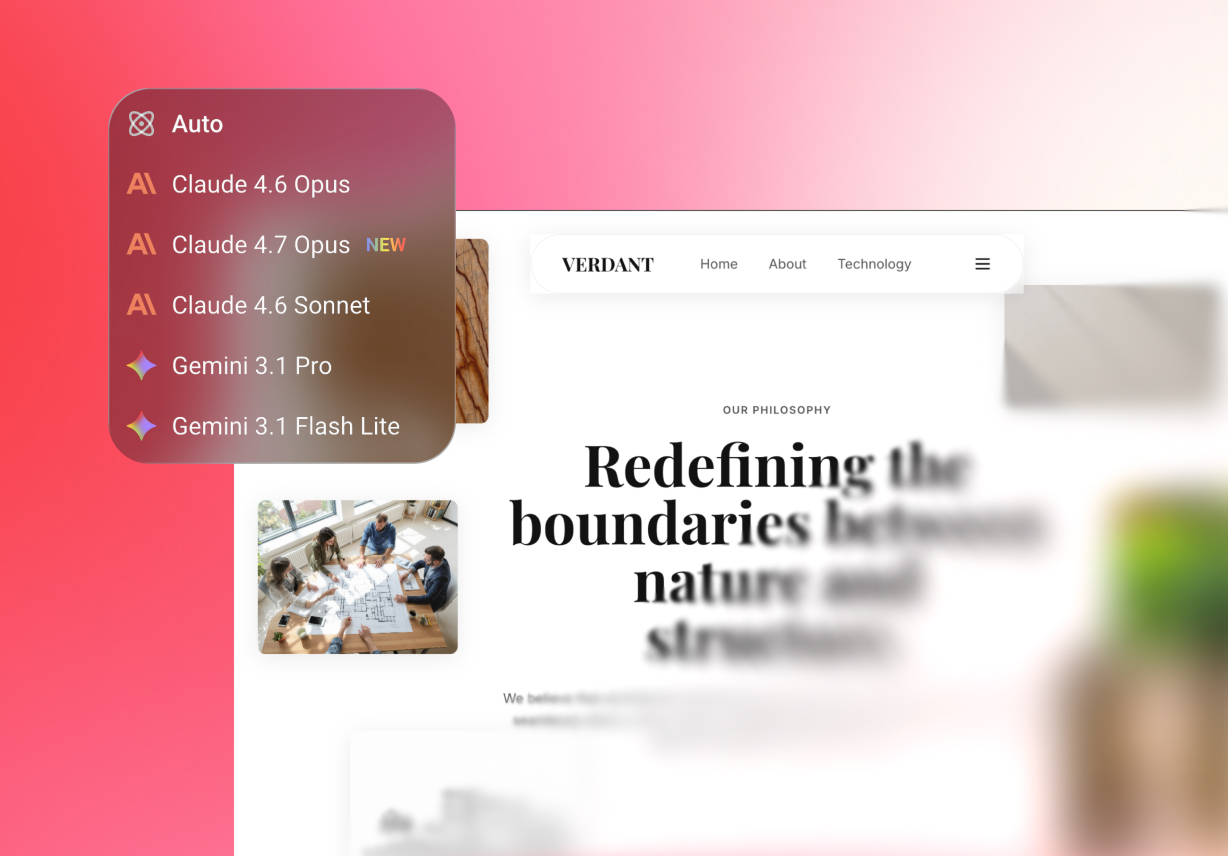
Model Freedom
Switch between the absolute best LLMs on the fly. Jump from Claude 4.6 Sonnet directly to Gemini Pro instantly, ensuring the sharpest artificial intelligence logic handles your current task.
Production-Ready API Connections
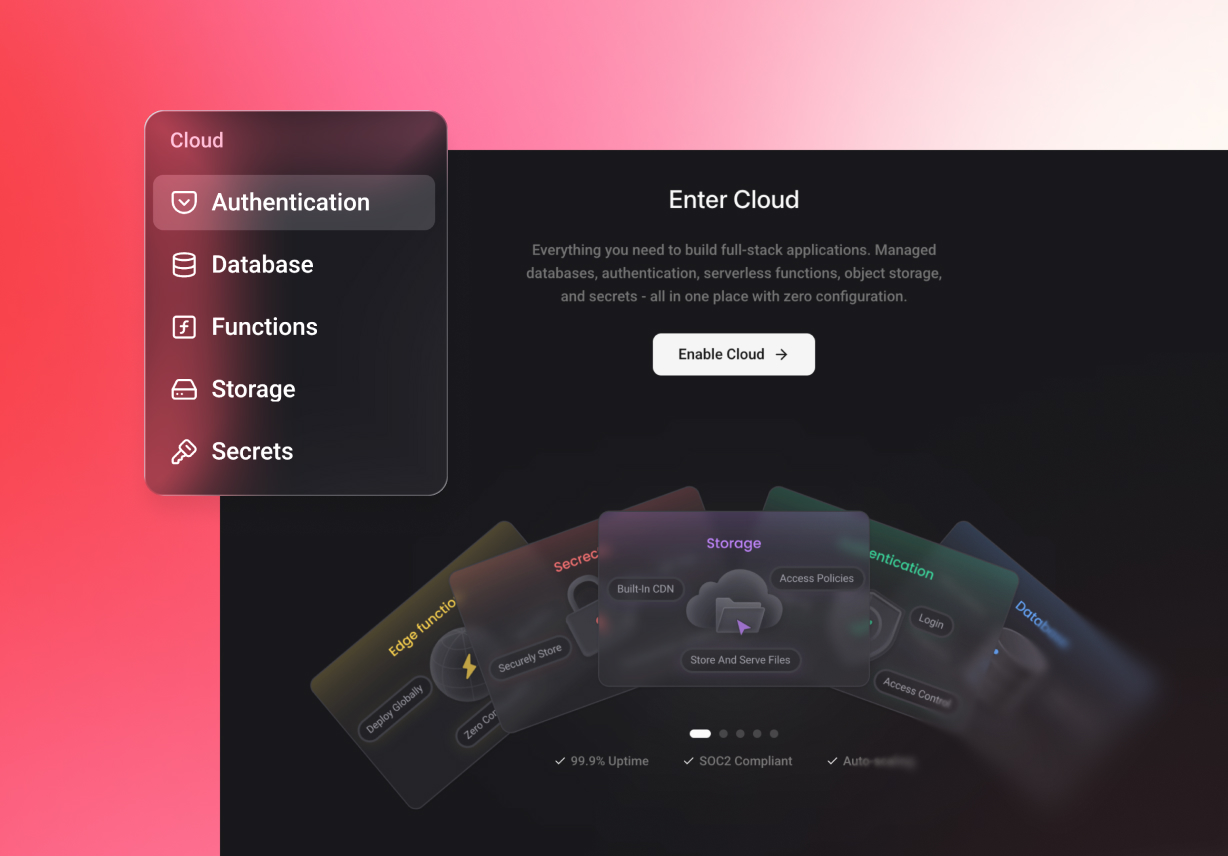
Connect your custom application directly to Supabase for robust data management for robust data management and effortlessly integrate Google Analytics for detailed user tracking, ensuring your platform is enterprise-ready.
Scale With Our Drag and Drop Website Builder

Mobile Responsive Architecture
Fine-tune flexbox settings for tablets and mobile devices while preserving your primary desktop layout. We designed distinct DOM viewports—Desktop, Tablet, and Mobile. Each canvas maps to its own CSS breakpoints.

Cut Costs with Built-in Logic and Tools
Beyond core functionalities like autonomous generation and access to premium architectural templates, this environment includes native database capabilities that typically incur significant monthly costs when licensed separately from external providers.

Build in a Shared Workspace
Go fast alone, go far together. Invite your team into your shared Workspace to review code snippets, adjust flexbox properties, and co-create logic nodes. Collaborative coding empowers product teams to streamline revisions, drastically reducing the time spent tracking down UI bugs.
How to Use Our Easy Drag and Drop Website Builder
Start Your Project
Head over to your main dashboard and open a fresh project. Tell the agent chat queue exactly how you want the frontend layout to look, or begin with Plan Mode.
Refine Your Website
Click any generated element right there on the canvas. You can manually override CSS attributes and adjust your responsive breakpoints without jumping into the code.
Go Live
You have total control here. Either deploy straight to our built-in servers with a single click, or export the complete source code repository to host the app on your own infrastructure.
Read Honest Reviews from Active Developers
"This platform utilizes an intuitive visual interface, yet exposes the raw flexbox properties you need as your application scales in complexity. A brilliant bridge between no-code and full-stack."

Sarah K. (@sarahcodes)
"The smartest visual canvas available today. I simply love the transparency of the chat queue. Now, anyone on my team can test logic instantly. Exactly what my agency needed!"

Jason M. (@jasonbuilds)
"This environment looks incredibly promising, the model switching is flawless, and the interface remains uncluttered. It is an excellent choice for rapid deployment and database scaffolding."

Alex R. (@alexdev99)
FAQs
Drag & Drop Your Vision to Life
Turn your text prompts into fully deployed, production-ready applications.