AI Ecommerce Website Builder
Type your prompt and launch a fully functional online store in minutes. From layout to checkout, AI handles the build:
Start with a Premium Template


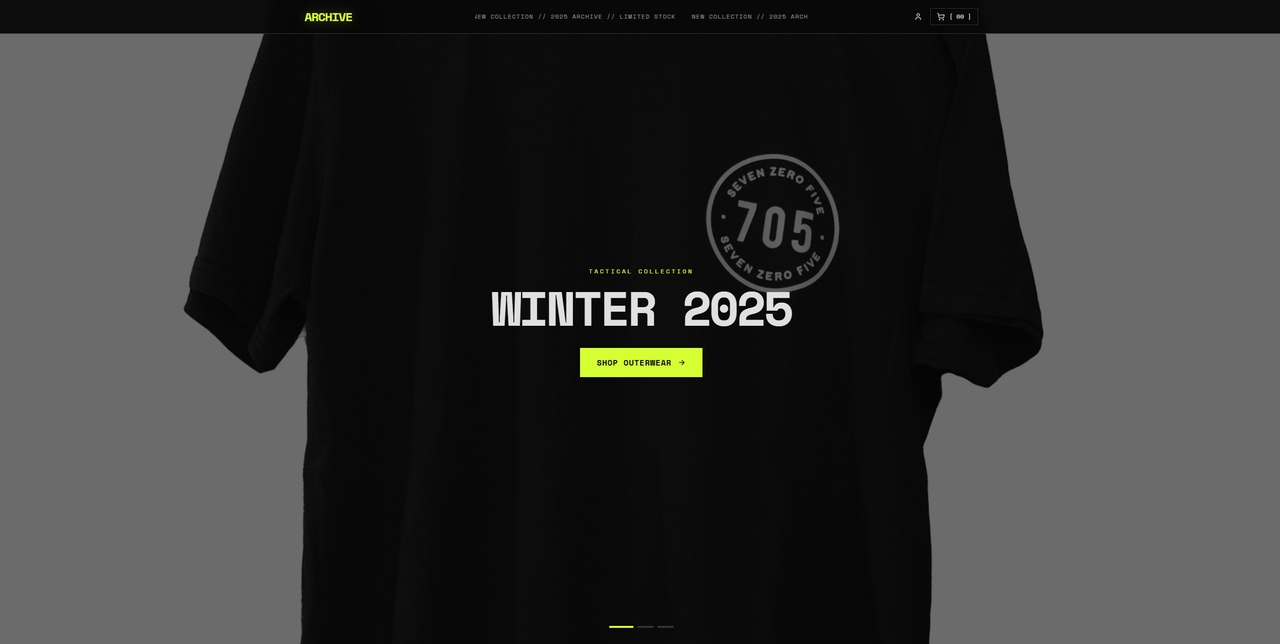






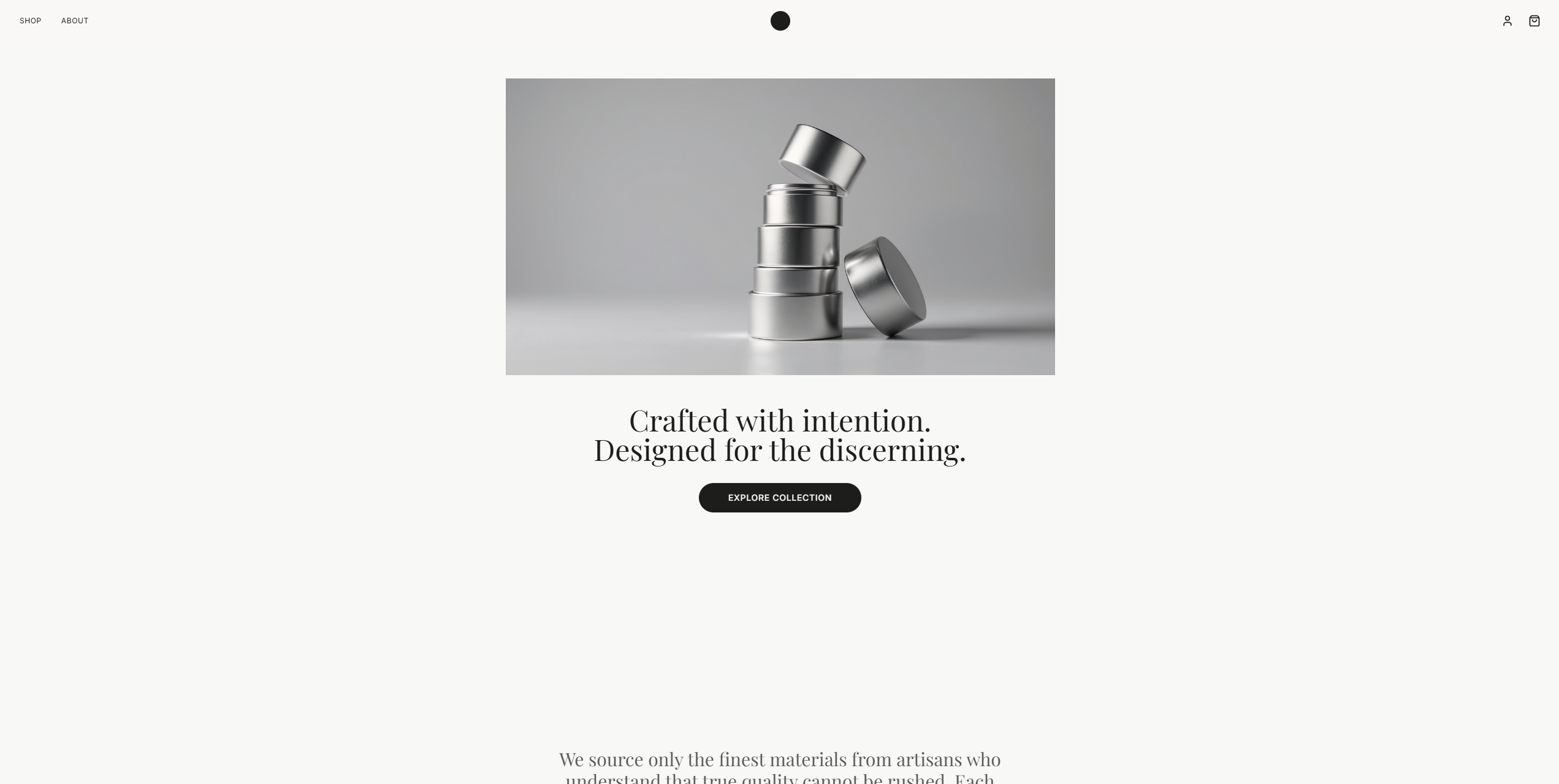


Core Power Behind the Next-Gen Ecommerce Website Maker
AI-Powered Store Design
Building a store from scratch can take time, especially when product pages, category sections, and homepage structure all need to work together. Enter Pro helps by generating store layouts from simple prompts.

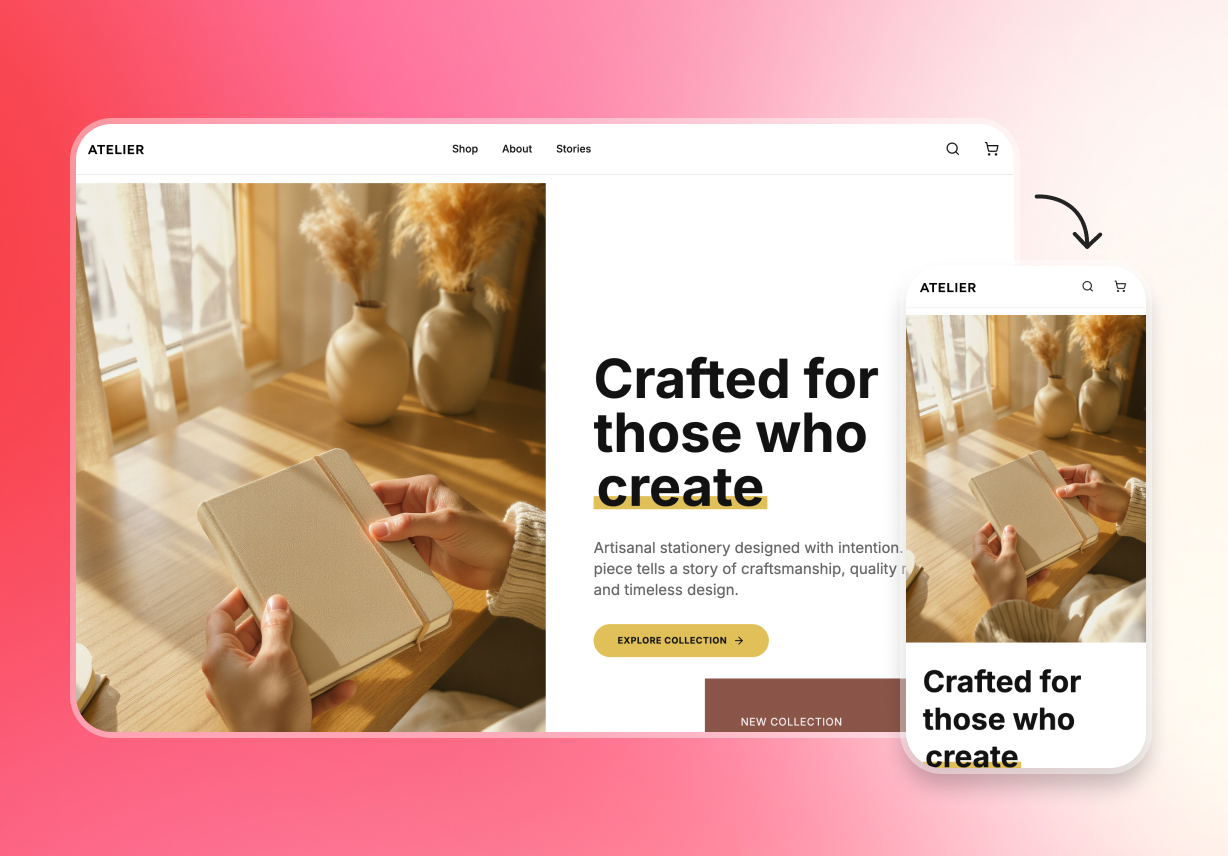
Responsive Design
Store pages need to look right on every screen size. Images, links, buttons, and banners should be clear on every device. Responsive support helps users build storefronts that feel ready for real shopping behavior.
Cloud Hosting & Backup
A live store needs a stable place to stay online. Hosting and backups help users publish with more confidence and protect the store's progress over time. Version tracking also supports safer updates when changes happen often.
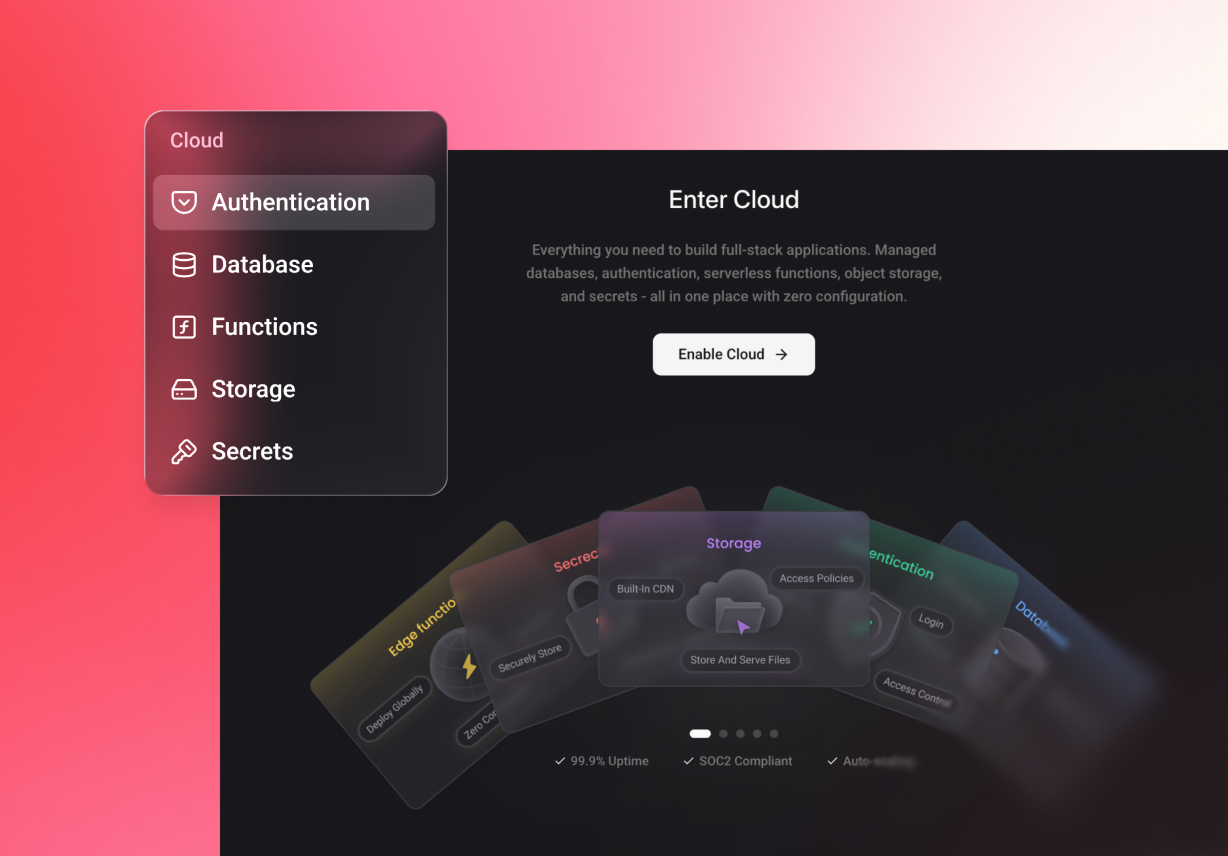

Real-Time Collaboration
Teams can send preview links, work through GitHub, invite specific members, and check past changes. Collaborative coding helps with reviewing, providing feedback, and sharing progress among team members.
More Smart Tools to Help Grow Your Online Business

Customizable Design
Every store should reflect the brand behind it. Users can adjust colors, fonts, banners, sections, and product layouts to create a storefront that feels more aligned with their style. This gives the ecommerce store builder more freedom for brands that want a distinct look.

Mobile-Friendly Pages
Many shoppers now browse and buy from their phones. Store pages need to stay clear, fast, and easy to use on smaller screens. Enter Pro helps users build shop pages that work smoothly across desktop and mobile, which makes the ecommerce shop builder more practical for modern selling.

Multiple Payment Options
A better checkout experience starts with familiar payment choices. Sellers can support common payment methods, including cards and digital wallets, so customers can pay in a way that feels easier to them. This helps the ecommerce website builder support a more flexible buying experience.

Simple Checkout
Checkout should be simple and easy to follow. Fewer steps can help shoppers finish the order more easily. That gives the store a stronger path from browsing to purchase.

Order Dashboard
A useful dashboard should do more than list orders. Store owners can manage orders from one dashboard. They can sort by status, search by customer or order number, open full details, update progress, print records, and export data in CSV or Excel. This makes daily store operations much easier to manage.

Customer Records
Customer records should support more than basic storage. Users can manage customer details, review order history, check purchase statistics, organize grouped tags, support marketing email activity, and import or export customer data when needed. This helps the store run more smoothly over time.
Steps to Launch with Online Shop Creator
Enter Your Store Prompt
Start by describing your requirements regarding your ecommerce website in the "Prompt" box to continue.
Let AI Generate the Website
After entering the prompt, wait for a while until the AI generates your ecommerce site.
Customize & Publish
Finally, customize your website, if you want any changes, and when satisfied, press "Publish" to make it live.