DeepSeek V4 Pro + 4 New Models Now Live in Enter Code + AI All

DeepSeek V4 Pro + 4 New Models Now Live in Enter Code + AI All

Enter Code and AI All just expanded their model roster with 5 new additions — from a 1M-context cost killer to a frontier Computer-Use model and a 12-hour autonomous Agent Swarm. Now available in both Enter Code and Enter Pro — no API key required.
AnnouncementChichi·

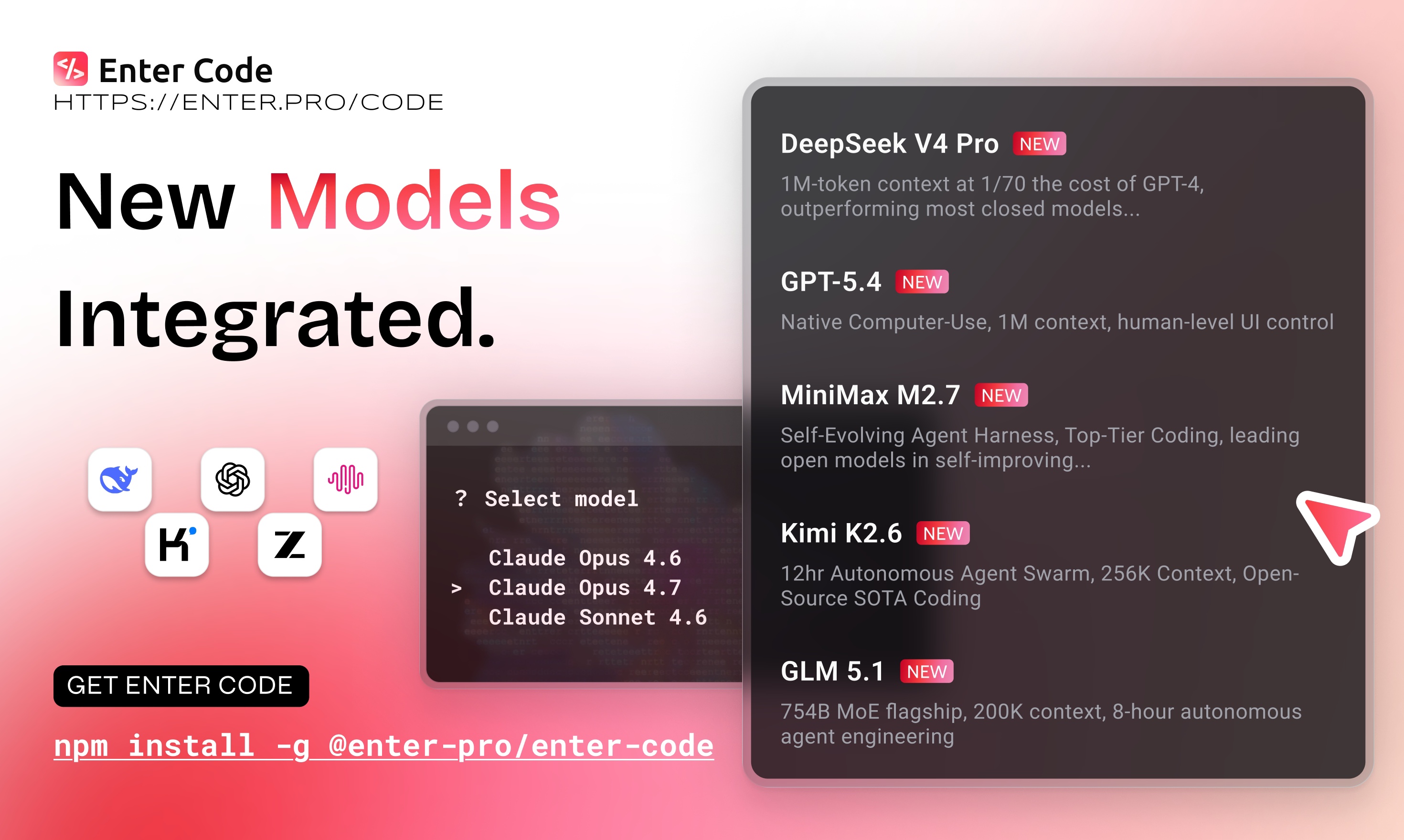
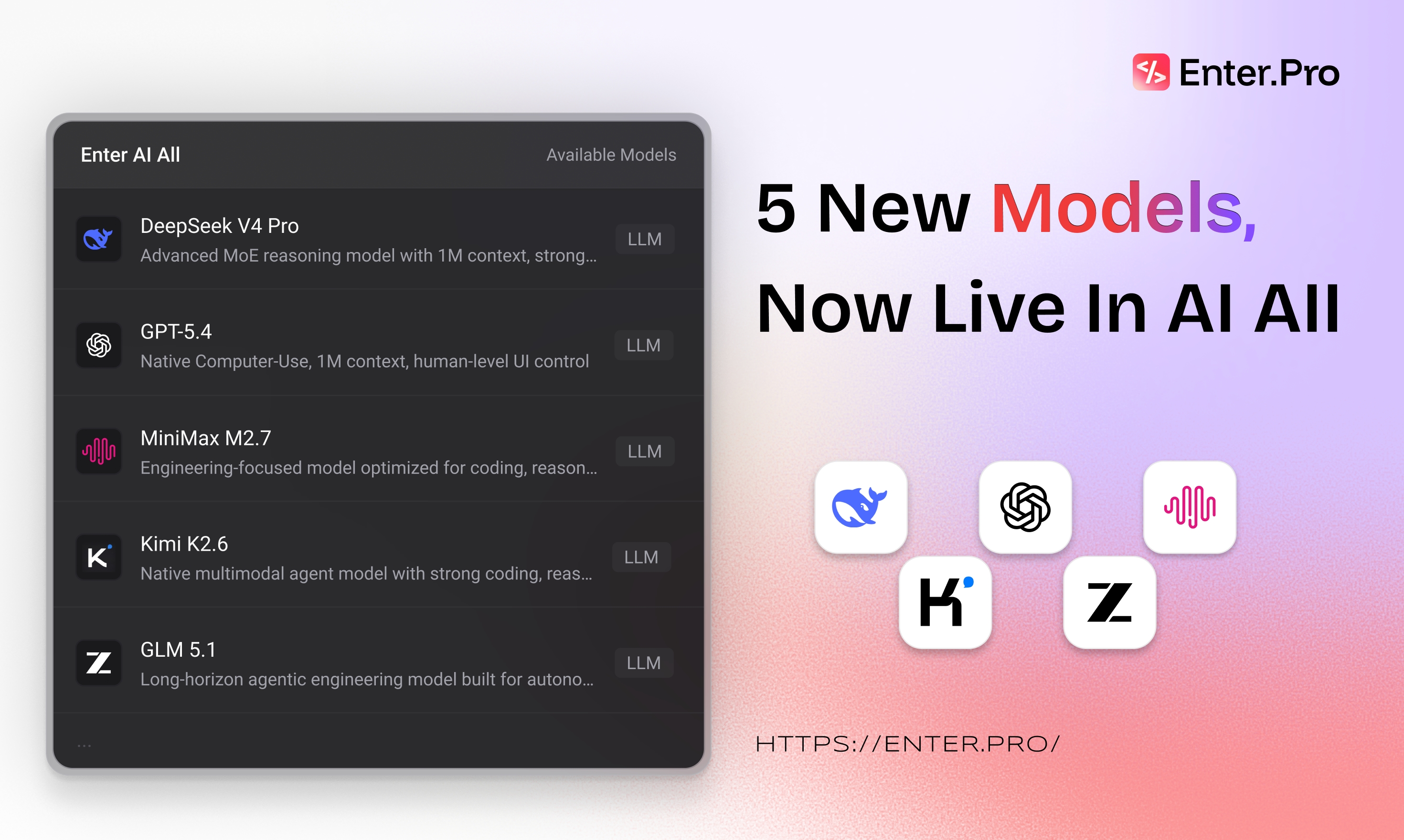
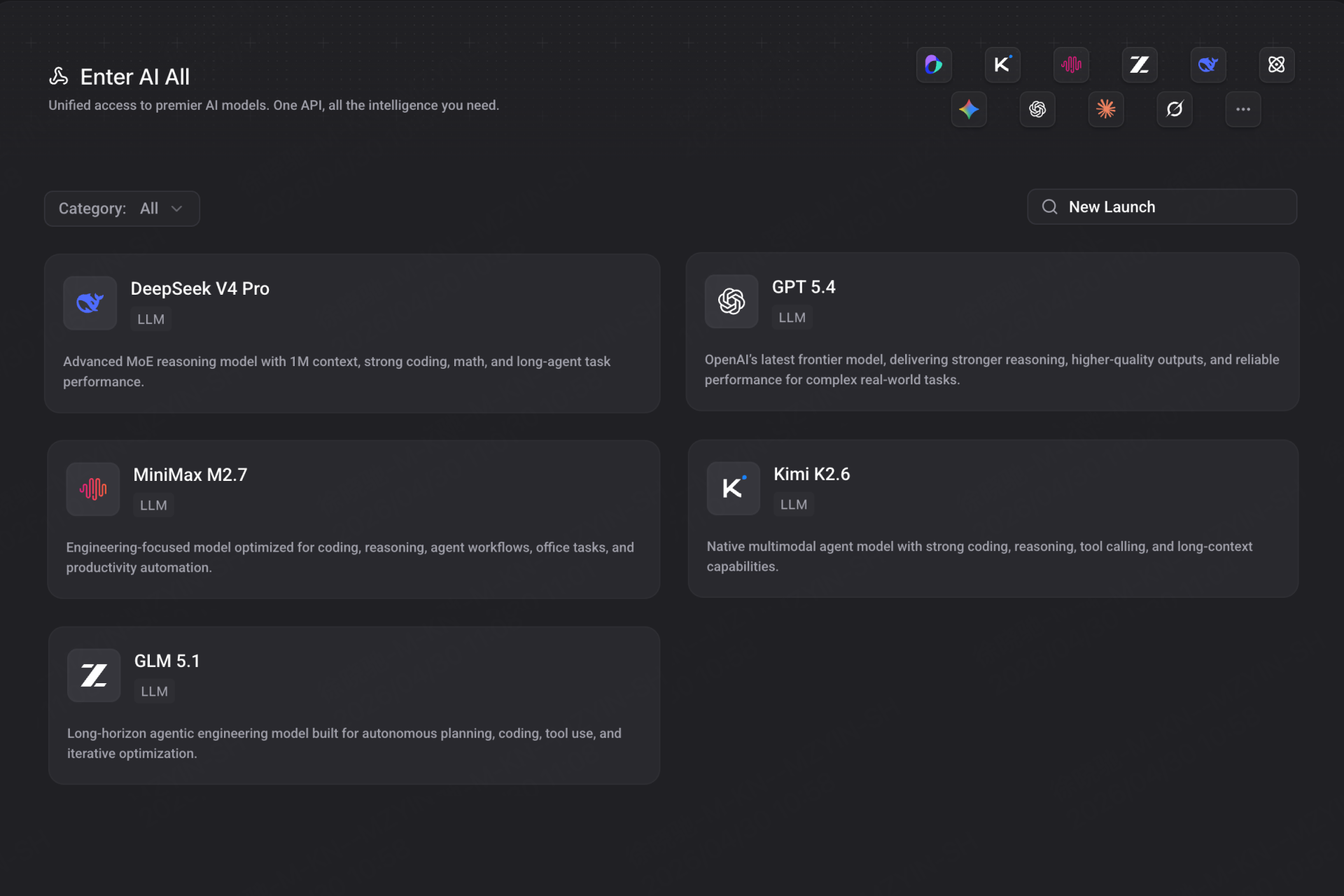
Five new models are now live in Enter Code and AI All

— each built for a different developer need

  • DeepSeek V4 Pro brings a 1M context window at 1/70 the cost of GPT-4, designed for cost-conscious, high-volume builds.
  • GPT-5.4 introduces native Computer-Use with human-level UI control for frontier capability.
  • MiniMax M2.7 offers a self-evolving agent framework with top-tier code generation.
  • Kimi K2.6 runs 12-hour autonomous Agent Swarms with a 256K context window.
  • GLM 5.1, a 754B MoE flagship, handles up to 8-hour autonomous agent engineering sessions.
What This Means for Enter Users

  • Switch models per task — cost-sensitive builds on DeepSeek V4 Pro, frontier work on GPT-5.4
  • Full Chinese model coverage: GLM 5.1, Kimi K2.6, MiniMax M2.7 — all in one terminal
  • No API key management — one Enter subscription, Credits unified
  • Works in Enter Code (terminal) and AI All (Enter Pro)

How to Get Started
Enter Code (Terminal):

  1. npm install -g @enter-pro/enter-code
  2. Type enter code and select your model
  3. Build — no config, no API key needed

AI All (Enter Pro):

  1. Open enter.converge.ai → AI All
  2. Select any of the 5 new models
  3. Start building

We'd love to hear how it performs in your stack!

Start building on Enter


You might also like

Curated automatically from similar topics to keep you in the same flow.

Enter Pro is Now Part of Converge AI
Announcement

Enter Pro is Now Part of Converge AI

Enter Pro joins Converge AI. One account, one platform — access Enter Pro, Framia Pro, and more AI products all in one place.

Libby at Enter
Enter i18n: How to Build a Multilingual Website Without Touching a Config File
Announcement

Enter i18n: How to Build a Multilingual Website Without Touching a Config File

Enter i18n is a new extension panel in Enter Infra Stack that automates your entire internationalization workflow. Detect your framework, install i18n, manage translations visually, and rebuild — without touching a single config file.

Chichi
Enter Analytics Is Live — Build with AI. Track with AI. Grow with AI.
Announcement

Enter Analytics Is Live — Build with AI. Track with AI. Grow with AI.

Enter Analytics is the first native AI analytics platform for vibe coding. Auto-track users, custom events & get AI insights—zero setup required. Start now.

Pauline at Enter
GPT-Image-2 Is Live on AI ALL
Announcement

GPT-Image-2 Is Live on AI ALL

GPT-Image-2 by OpenAI is now live on AI ALL. Generate perfect text in images, multilingual designs & more. Try the most capable AI image model today.

Pauline at Enter
Claude Opus 4.7 Is Now Live in Enter AI All
Announcement

Claude Opus 4.7 Is Now Live in Enter AI All

Anthropic's most powerful model is now available to all Enter Pro users through Enter AI All. Claude Opus 4.7 brings adaptive reasoning, frontier coding with self-verification, 3.75MP vision processing, and a 1 million token context window.

Introducing Enter Code: Your AI Super Agent, in the Terminal
Announcement

Introducing Enter Code: Your AI Super Agent, in the Terminal

Enter Code is a local AI super agent that runs in your terminal. It reads your codebase, edits files, runs commands, and connects to external tools — all through natural language. It's live now.

Terra