Why You Need Enter Plan Mode for Vibe Coding
Enter introduces Plan Mode: a reliable, high-quality assistant for AI coding. Complete and better your requirements and map execution chains before writing code.
Why You Need Enter Plan Mode for Vibe Coding
Today we are introducing Enter's Plan Mode.
If you're always stuck at the start or tired of wasting credits on unpredictable results, you're not alone.
For serious engineers, 'doing' is only half the battle. Our Plan Mode delivers the reliable execution and guaranteed quality you need to build with confidence
What Plan Mode can do
Enter's Plan Mode acts as your Product Manager and Architect before the code is written.
- <Read-Only>: The agent is strictly prohibited from modifying files. It focuses entirely on logic, without any risk to your codebase.
- <Ask>: If requirements are vague, the agent uses the
<ASK>tag to align with details, ensuring your idea is fully understood. - <Plan>: You receive a structured execution chain covering Scope, Assumptions, Steps, and Technical Notes. It only moves to Build Mode once you confirm.
When to switch
Plan Mode is most effective in scenarios:
- Building SMB-Scale Apps: When scaffolding a full application, use Plan Mode to design the architecture (database schemas, API structure) before generating code.
- Refining Incomplete Ideas: If you have a high-level requirement but haven't mapped out the technical details, the agent can help identify necessary components through the
<ASK>process. - Complex Third-Party Integrations: For tasks involving services like Stripe or AWS, Plan Mode allows you to verify the integration logic and webhook handling without risking live environment configurations.
How to use Plan Mode
Click "Plan Mode" in Enter
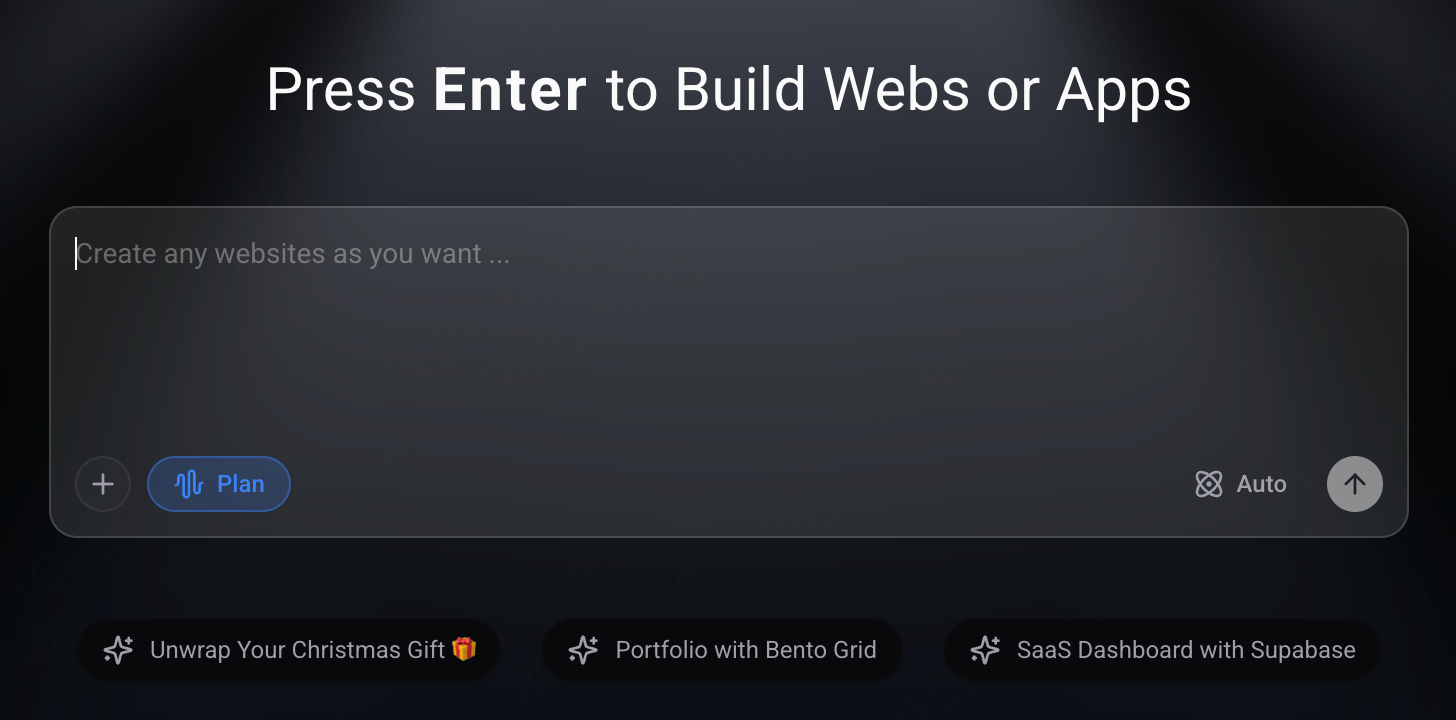
Send requirements and review the plan.
- If the plan does not meet your requirements, you can provide feedback or additional constraints, and the agent will iterate the blueprint until it perfectly aligns with your vision.
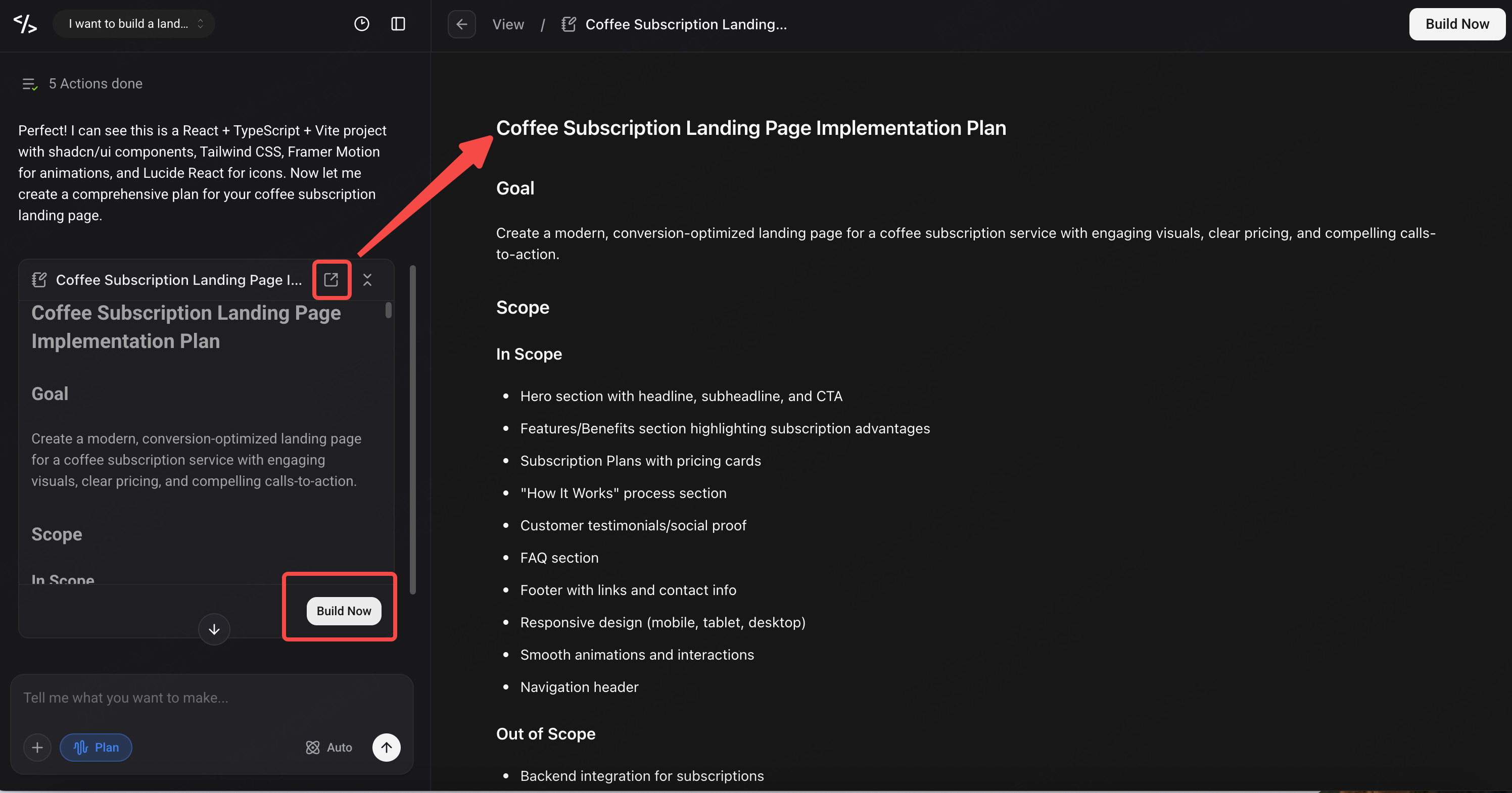
Click “Build now” to start building, or click "Plan Mode" again to exit.
- Technical Note:
Plan Mode is a “Read-Only" environment and is prohibited from calling file-modification tools. If you encounter an error involving a tool call, cancel the current execution or exit Plan Mode, then re-issue your prompt to reset the session.
Prompting in Plan Mode: Examples
While Plan Mode handles various input styles, providing specific context yields more reliable plans.
Here are some prompt examples to help you build better:
- Concise
Prompt: "I want to build a landing page for a new coffee subscription service."
Prompt: "Create a simple internal dashboard for a team to track their weekly tasks."
- Moderate
Prompt: "Add a secure contact form to my Next.js site that stores submissions in Supabase."
Prompt: "Add a search bar and filter system to my product gallery that sorts by category and price."
- Complex
Prompt: "I need to build a full SaaS billing system using Supabase and Stripe Integration. It must handle monthly subscriptions, tiered access control, and automated invoices. Plan the database schema, API routes, and webhook handlers.
Prompt: "Build a CRM for a real estate agency. It needs to manage property listings, record client preferences, and automatically email clients when a matching property is found. Plan the database relationships, the matching logic, and the email trigger workflow."