10 Best AI Code Generators You Should Know in 2026
Discover the best AI code generators of 2026 to write cleaner code, automate repetitive programming tasks, accelerate software development, and boost productivity. Compare 10 leading AI coding assistants to find the right fit for your workflow.
AI-powered coding assistants have evolved from simple autocomplete tools into intelligent development partners capable of generating functions, debugging applications, explaining complex code, writing tests, and accelerating software delivery. Whether you're a beginner learning to code or an experienced engineer building production applications, choosing the right AI coding assistant can significantly improve productivity. Here is a definitive list of the top 10 AI code generation platforms leading the industry this year.
What is an AI code generator?
An AI code generator is a tool that uses machine learning and Large Language Models (LLMs) to automatically generate software code. Developers can provide natural language prompts, existing code snippets, or project context, and the AI produces functional code, suggests intelligent completions, refactors existing code, or even helps modernize legacy applications. By automating repetitive coding tasks and assisting with debugging, these tools significantly speed up development. However, human review is still essential to ensure the code is accurate, secure, and aligned with project requirements.
Why use an AI code generator?
AI code generators help developers work more efficiently by automating routine tasks, improving code quality, and accelerating software development across projects of all sizes.
Benefits include:
- Faster development
- Less repetitive coding
- Better code quality
- Easier debugging
- Learning assistance
- Multi-language support
- Increased developer productivity
10 best AI code generators for 2026
AI code generators come in many forms, from lightweight coding assistants to enterprise-grade development platforms. Below are 10 of the best AI code generators for 2026, each offering unique features for different programming needs, team sizes, and development workflows.
Enter Pro
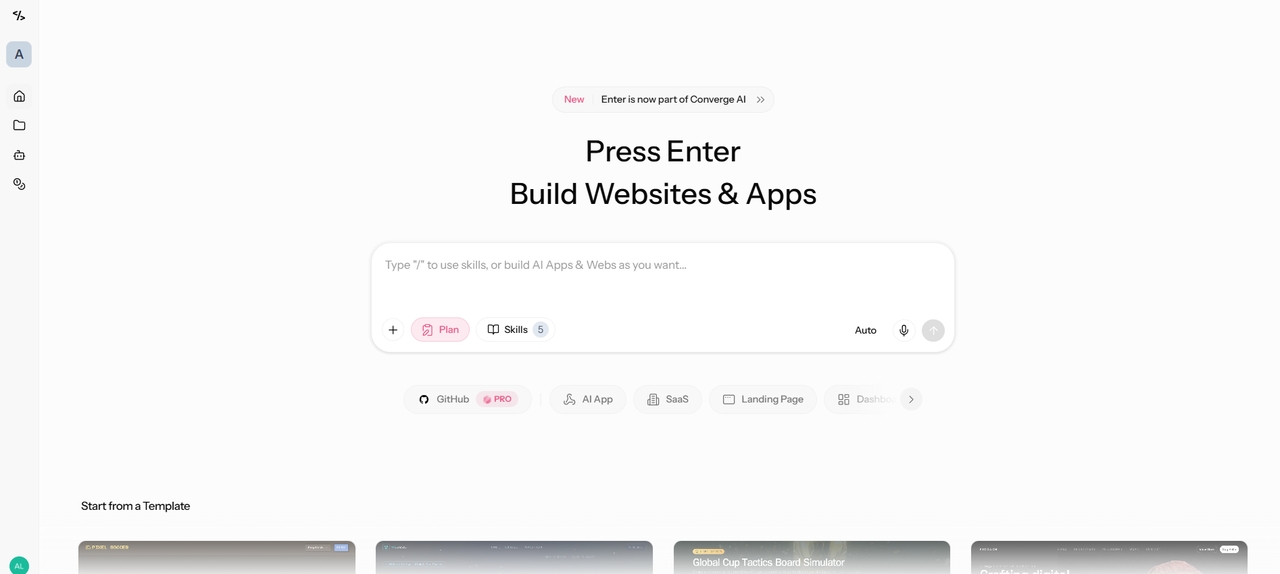
Enter Pro is an AI-powered full-stack application builder that turns natural language prompts into production-ready apps. Its browser-based workspace generates the frontend, backend, database, authentication, and deployment infrastructure, supporting modern frameworks like React and Tailwind. Plan Mode acts like an AI project manager, helping teams organize features before generation. Enter Code, its companion terminal-based agent, reads your codebase, plans changes, writes and refines code, runs tests, and verifies implementations through natural language — bringing autonomous AI assistance directly into your local workflow.
Features:
- Dedicated Code Agent for writing clean and efficient code
- Native access to multiple leading LLMs including GPT, Claude, Gemini, and Grok
- Visual editor with real-time preview for instant code adjustments
- Built-in cloud backend, databases, and integrations such as Supabase and Stripe
GitHub Copilot
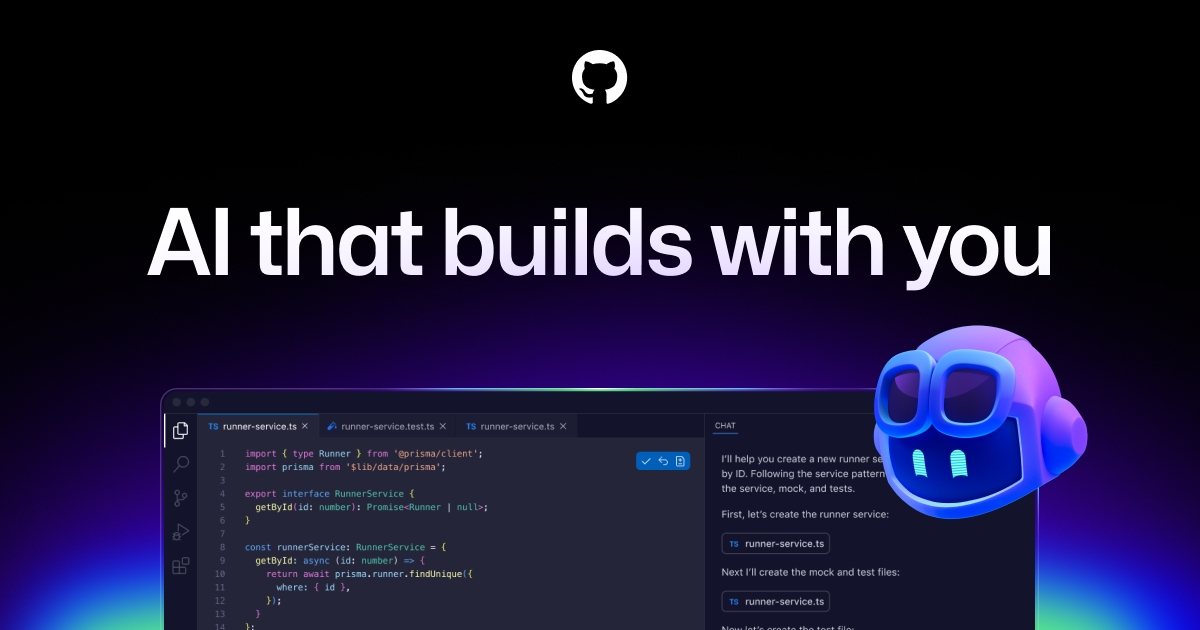
GitHub Copilot is one of the most widely used AI coding assistants, offering intelligent code suggestions directly within popular IDEs. Powered by advanced language models, it helps developers generate functions, complete code, write tests, and explain complex logic. Its seamless integration with GitHub workflows makes it a valuable productivity tool for both individual developers and software teams.
Features:
- Deep integration with VS Code and the GitHub ecosystem
- Agent Mode for repo-level, multi-step task handling
- Enterprise-ready with code referencing policies and admin controls
- Already pre-approved in most enterprise environments
Cursor
Cursor is an AI-native code editor built specifically for developers who want AI integrated into every stage of programming. It supports multiple models like GPT-4, Claude, and DeepSeek. It understands entire codebases, performs multi-file edits, generates new features, and answers technical questions using natural language. Its conversational interface enables faster development while reducing the need to switch between tools.
Features:
- Built-in chat assistant with strong context awareness
- Support for multiple LLMs including custom models
- Rules and memory for consistent coding standards
- Privacy mode and powerful agent tools for file operations
Claude Code
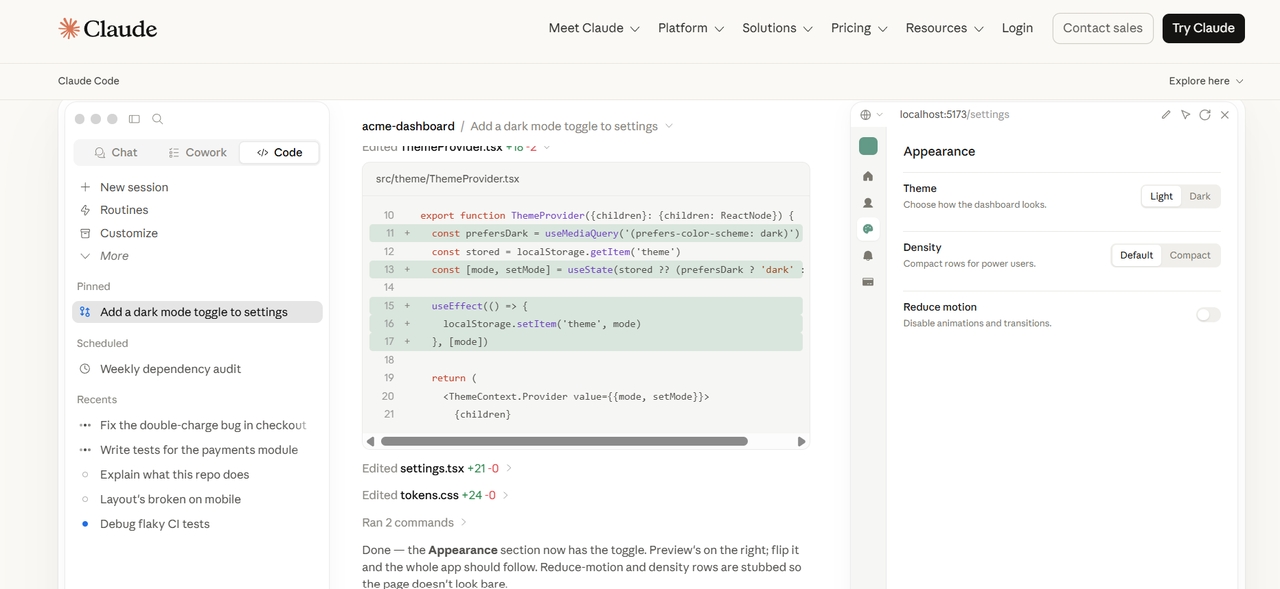
Claude Code is widely regarded as one of the strongest AI coding agents in 2026 for its exceptional reasoning capabilities. It excels at understanding complex codebases, planning large-scale changes, and executing tasks with high accuracy. Developers rely on it for architectural decisions, deep debugging, and sophisticated refactors that other tools struggle with. Its sandboxing features allow safe autonomous operations while maintaining strong context awareness across files and projects.
Features:
- Superior reasoning for complex problem solving and architecture
- Sandboxing for secure autonomous code execution
- Excellent long context handling for large repositories
- CLI-first design with powerful planning and iteration tools
Tabnine
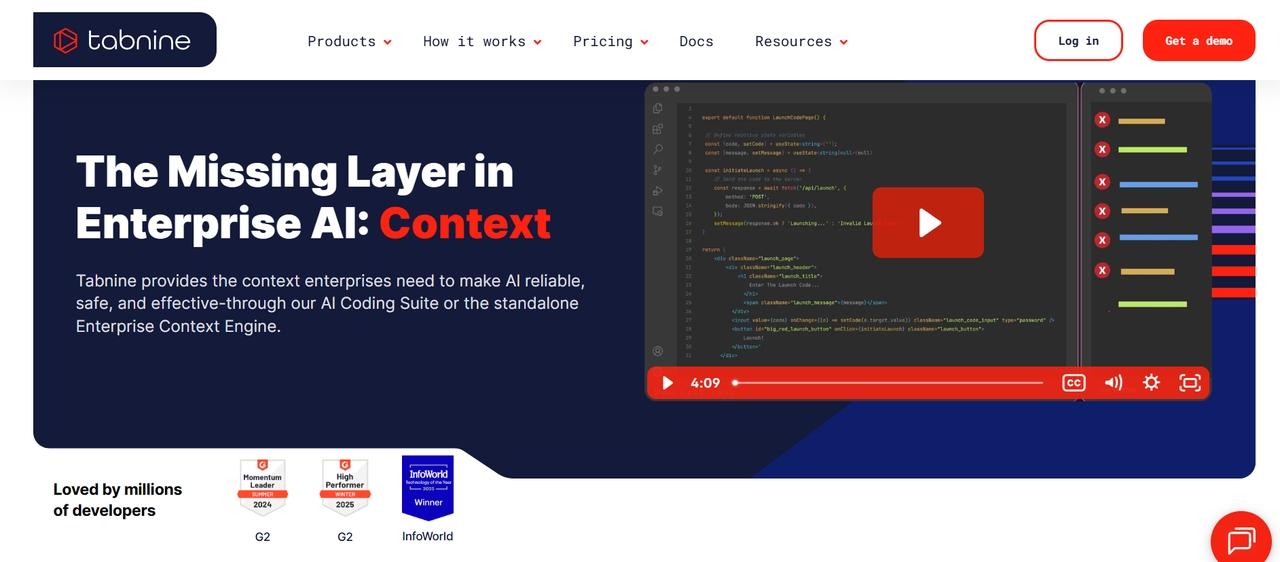
Tabnine is the best free AI code generator that emphasizes developer privacy and enterprise deployment. It delivers intelligent code completions while allowing organizations to maintain control over sensitive codebases. Supporting numerous IDEs and programming languages, Tabnine is a popular choice for teams with strict security and compliance requirements.
Features:
- Personalized suggestions that learn your coding patterns
- Strong privacy with local and on-premise deployment options
- Broad support for multiple programming languages and IDEs
- Code completion, refactoring, and transformation tools
Replit AI
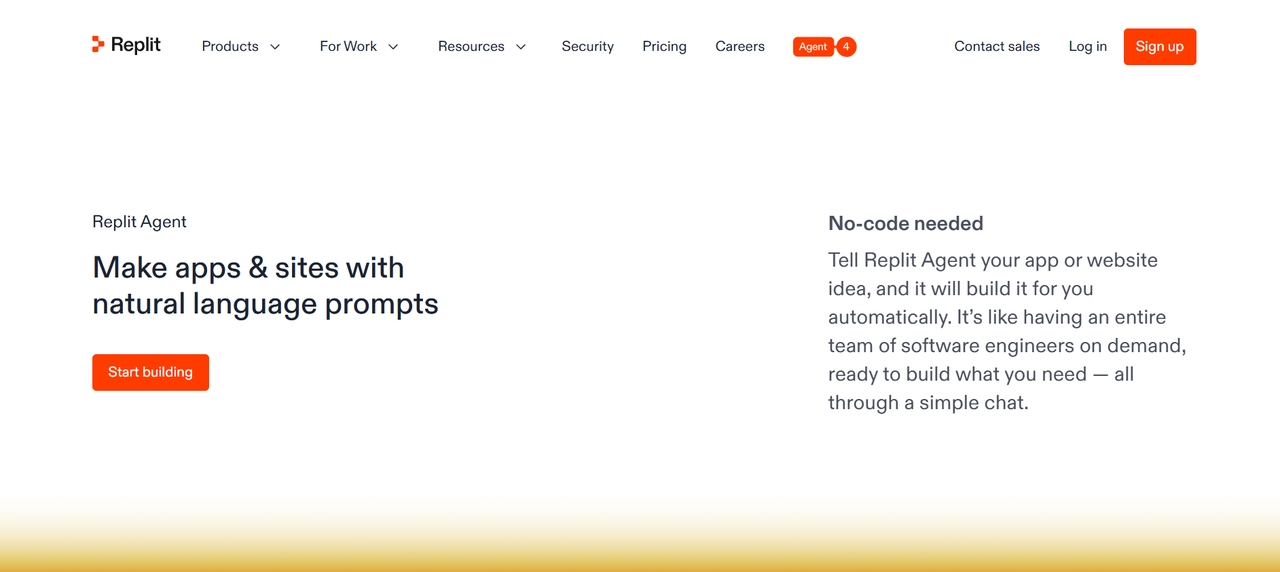
Replit AI, powered by Replit Agent, is a browser-based AI code generator that builds complete full-stack applications from natural language descriptions. It handles frontend, backend, databases, authentication, and deployment autonomously. The agent includes self-testing and reflection loops to improve output quality. Developers appreciate its effort-based pricing and ability to create production-ready apps without local setup.
Features:
- Autonomous full-stack app generation and deployment
- Built-in testing and reflection for better code quality
- Support for multiple languages and frameworks
- Real-time collaboration in browser-based workspaces
Codeium
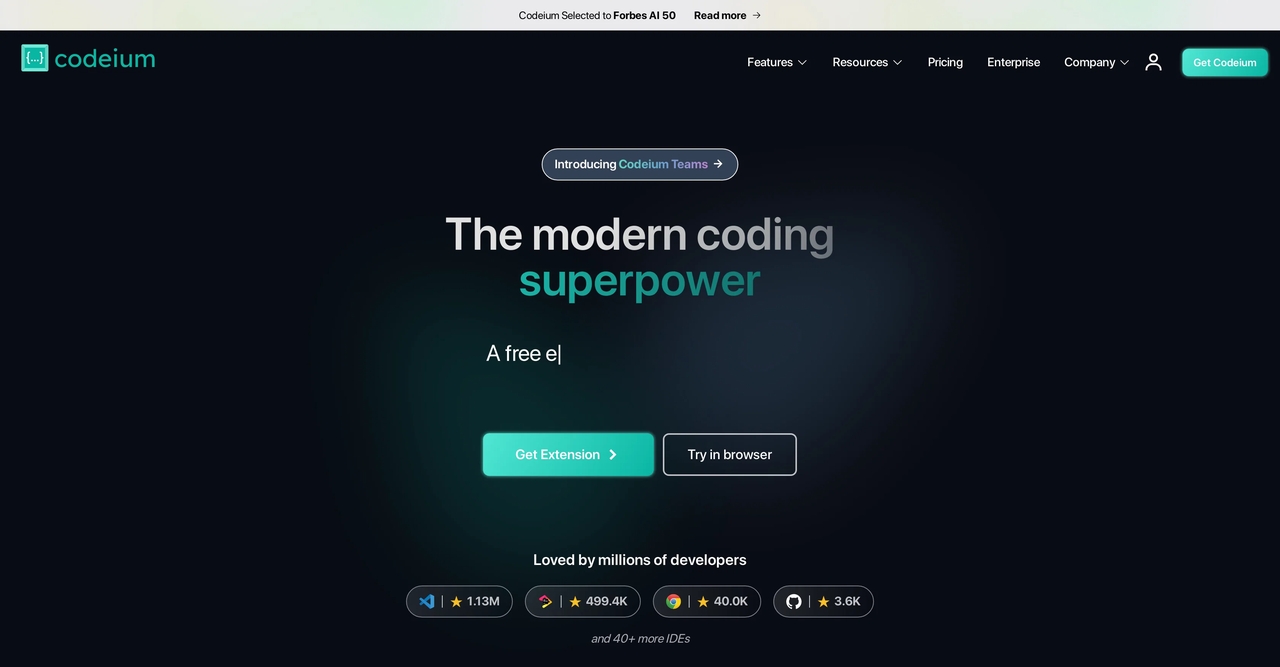
Codeium offers a powerful free AI coding assistant that supports 70 programming languages and popular development environments. Developers can generate code, receive intelligent autocomplete suggestions, and interact with an AI chat interface without significant cost. Its generous free plan makes it a strong choice for students and independent developers.
Features:
- Lightning-fast AI autocomplete and inline suggestions
- Intelligent chat for code explanation and generation
- Strong multi-file editing and refactoring support
- Enterprise-grade security with self-hosted options
Amazon Q Developer
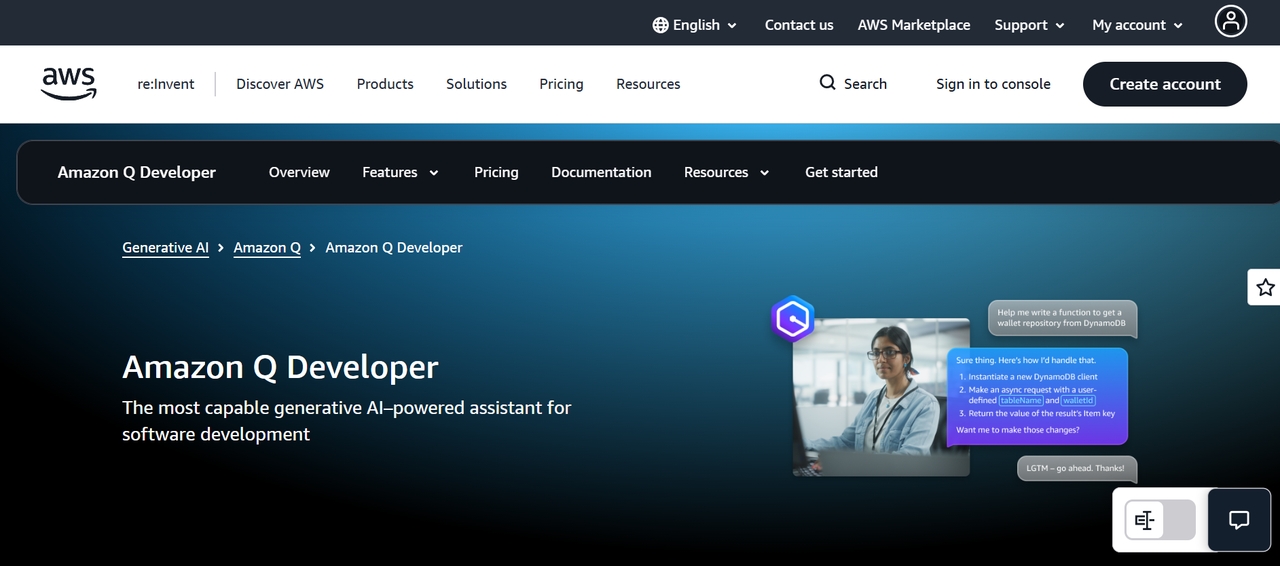
Amazon Q Developer is Amazon's AI coding assistant built for cloud-native development. It helps developers generate code, troubleshoot issues, optimize cloud resources, and build applications faster within AWS environments. The tool integrates closely with AWS services while also supporting common programming languages and development environments.
Features:
- Deep integration with AWS services and best practices
- Automated security vulnerability scanning and recommendations
- Code generation, explanation, and transformation capabilities
- Support for multiple IDEs including VS Code and JetBrains
Windsurf
Windsurf is a modern AI code generator that offers both a dedicated IDE and flexible plugins for existing editors. Its Cascade agent excels at planning and executing multi-step coding tasks with strong context awareness. The tool supports multiple platforms and includes useful features like an embedded browser for gathering real-world data during development.
Features:
- Cascade AI agent for advanced planning and execution
- Turbo mode for faster autonomous operations
- Multi-platform support including VS Code plugin
- Embedded browser for enhanced context and testing
Qodo
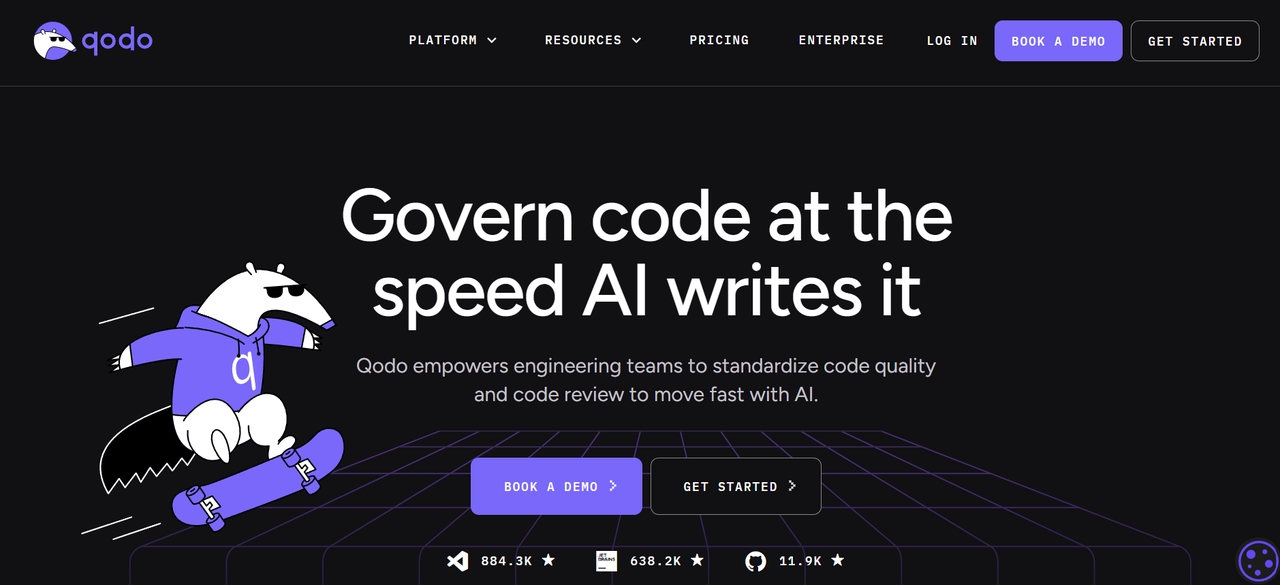
Qodo is a specialized AI coding tool focused on code quality, testing, and reliability. It uses AI to generate comprehensive tests, detect bugs, and suggest improvements while maintaining high code standards. The platform helps teams shift left on quality assurance with automated test generation and review capabilities.
Features:
- AI-powered unit and integration test generation
- Bug detection and code quality analysis
- Intelligent code review and improvement suggestions
- Seamless IDE integration with real-time feedback
AI code generator comparison: Top tools at a glance
Compare the leading AI code generators at a glance to evaluate their best use cases, free plans, IDE compatibility, and standout features. Use this quick comparison to choose the right AI coding assistant for your development needs.
| Tool | Best For | Free Plan | IDE Support | Standout Feature |
| Enter Pro | Enterprise AI development | Free credits | Web platform and terminal agent | AI planning, full-stack app generation, and enterprise security |
| GitHub Copilot | Everyday IDE productivity & teams | Trial available | VS Code, Visual Studio, JetBrains, Neovim | Context-aware code completion and GitHub integration |
| Cursor | AI-first coding workflows | Limited | Built-in Cursor editor | Full codebase understanding and multi-file editing |
| Claude Code | Large codebases and complex projects | No (API access) | CLI and editor integrations | Long context window and advanced code reasoning |
| Tabnine | Privacy-focused teams | Yes | VS Code, JetBrains, Visual Studio, Eclipse, and more | Private AI deployment and secure code completion |
| Replit AI | Beginners and rapid prototyping | Limited | Browser-based IDE | AI-assisted coding, deployment, and collaboration |
| Codeium | Free AI coding assistance | Yes | VS Code, JetBrains, Vim, Neovim, and more | Generous free plan with fast AI autocomplete |
| Amazon Q Developer | AWS development | Yes | VS Code, JetBrains, Visual Studio, and AWS Console | Deep integration with IAM, CloudFormation, Lambda, and AWS services |
| Windsurf | Autonomous AI coding | Limited | Windsurf Editor | AI agents for multi-file coding and debugging |
| Qodo | AI-powered testing and code quality | Limited | VS Code and JetBrains | Automated test generation and intelligent code reviews |
How to choose the best AI code generator
Choose an AI code generator based on your development needs, preferred workflow, and budget. Consider these key factors before making your decision.
- Programming language support: Ensure the tool supports the programming languages and frameworks you use most, such as Python, JavaScript, Java, C++, Go, and more.
- IDE compatibility: Look for seamless integration with your preferred development environment, including VS Code, JetBrains IDEs, Visual Studio, or browser-based editors.
- AI capabilities: Evaluate whether the tool offers features beyond code completion, such as code generation, debugging, refactoring, documentation, and test creation.
- Context awareness: Choose a tool that understands your entire codebase to provide more accurate suggestions and perform intelligent multi-file edits.
- Security and privacy: If you work with sensitive code, prioritize platforms with enterprise-grade security, privacy controls, or self-hosted deployment options.
- Collaboration features: For team environments, look for shared workspaces, repository awareness, permission management, and collaborative AI assistance.
- Pricing and free plan: Compare subscription costs, feature availability, and free-tier limitations to find the best value for your budget.
- Integrations: Consider tools that integrate with Git repositories, CI/CD pipelines, cloud platforms, and third-party services to streamline your development workflow.
Conclusion
The year 2026 marks a golden era for AI-assisted development. With powerful tools like Enter Pro, Cursor, Claude Code, and others, developers can now ship faster, build smarter, and focus on creativity rather than repetitive tasks. Whether you prefer browser-based vibe coding, deep IDE integration, or specialized quality tools, there is a solution that fits your workflow.
Start by identifying your main pain points and testing a few options with their free tiers. The best AI code generator is the one that seamlessly integrates into your process and consistently delivers reliable results. Embrace these technologies today to stay competitive and unlock new levels of productivity in software development.
FAQs
What is the best AI code generator in 2026?
There is no single best tool for everyone. Cursor and Enter Pro lead for most developers due to strong context and end-to-end capabilities. Claude Code excels in complex reasoning while GitHub Copilot remains popular for seamless integration. Test a few based on your workflow.
Can AI code generators replace human developers?
No. AI tools accelerate coding and handle repetitive tasks but still require human oversight for architecture, edge cases, security, and final review. They augment developers rather than replace them.
Is it safe to use AI code generators for commercial projects?
Generally yes, with proper review. Choose tools with strong privacy policies like Tabnine or self-hosted options. Always review generated code for security and intellectual property concerns.
Can AI code generators help with debugging?
Yes. Many AI coding assistants can identify errors, explain why issues occur, suggest fixes, refactor problematic code, and generate tests, helping developers troubleshoot applications more efficiently.
Which AI code generator is best for beginners?
Replit AI and Enter Pro are excellent for beginners. They allow building full apps through natural language prompts with visual feedback and easy deployment without deep coding knowledge.