10 Best AI for Programming in 2026: Top AI Tools Developers Are Using
Looking for the best AI for programming in 2026? Explore the top AI programming tools developers use to write code faster, automate workflows, and build complete applications with less effort.
AI is now a core part of modern software development, helping developers write, debug, and optimize code faster than ever. From startups to enterprise teams, AI coding tools are reshaping how applications are built. This guide explores the best AI for programming in 2026, comparing top tools, features, and pricing to help you choose the right solution for your workflow.
What Is AI for Programming?
AI for programming refers to tools powered by machine learning models that assist developers in writing, debugging, testing, and optimizing code. These tools go far beyond traditional autocomplete systems by understanding context, project structure, and developer intent.
The best AI for programming can generate functions, fix errors, explain code, and even build full applications from natural language prompts. As software complexity increases, AI coding assistants are becoming essential for modern development workflows.

How to Choose the Best AI for Programming
Choosing the right tool depends on your workflow, team size, and technical needs.
- Language support: The best AI tools for programming should support multiple languages like Python, JavaScript, Java, and Go.
- Context understanding: Strong AI tools analyze entire repositories, not just single files.
- IDE integration: Tools should work smoothly with VS Code, JetBrains, or browser-based IDEs.
- Security: Code privacy and secure handling are critical for professional projects.
- Automation features: Advanced tools help with testing, debugging, and deployment workflows.
10 Best AI Programming Tools in 2026
AI is changing how developers build software by making coding faster, smarter, and more efficient. From writing and debugging code to testing and deployment, modern AI programming tools now support the entire development lifecycle. In 2026, developers rely on these tools to reduce repetitive work, improve code quality, and accelerate delivery. This guide explores the best AI programming tools that are shaping modern software development.
GitHub Copilot
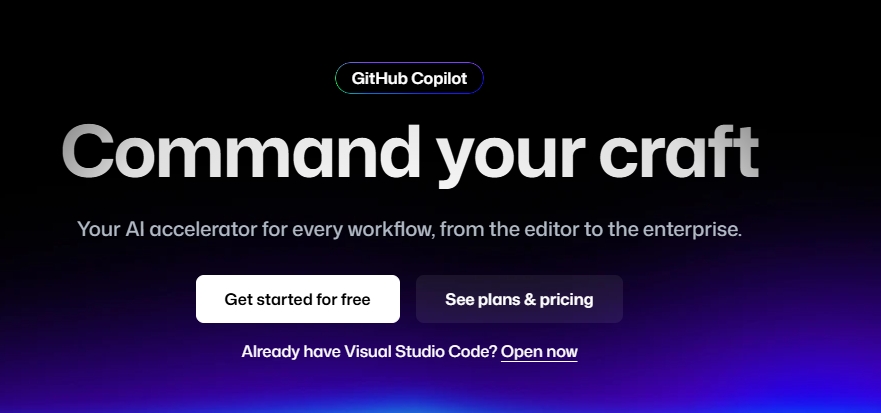
GitHub Copilot is one of the most popular AI programming tools that helps developers write code faster using real-time suggestions inside IDEs. It acts like an AI pair programmer that understands context and generates relevant code instantly. It reduces repetitive coding tasks and speeds up everyday development workflows. It supports multiple programming languages and frameworks, making it highly versatile. It also offers chat-based assistance for debugging and explanations. Copilot is deeply integrated into modern IDEs like VS Code and JetBrains. It is widely used by both beginners and professional developers.
Specifications:
- Best For: AI pair programming and code completion
- IDE/Integration Support: VS Code, JetBrains, Neovim
- Languages Supported: Python, JavaScript, TypeScript, Java, C++, Go
- Core Capabilities: Real-time autocomplete, code generation, chat-based assistance, test suggestions
- Pricing: Free tier; Pro $10/month; Pro+ $19/user/month; Max $100/user/month
Cursor
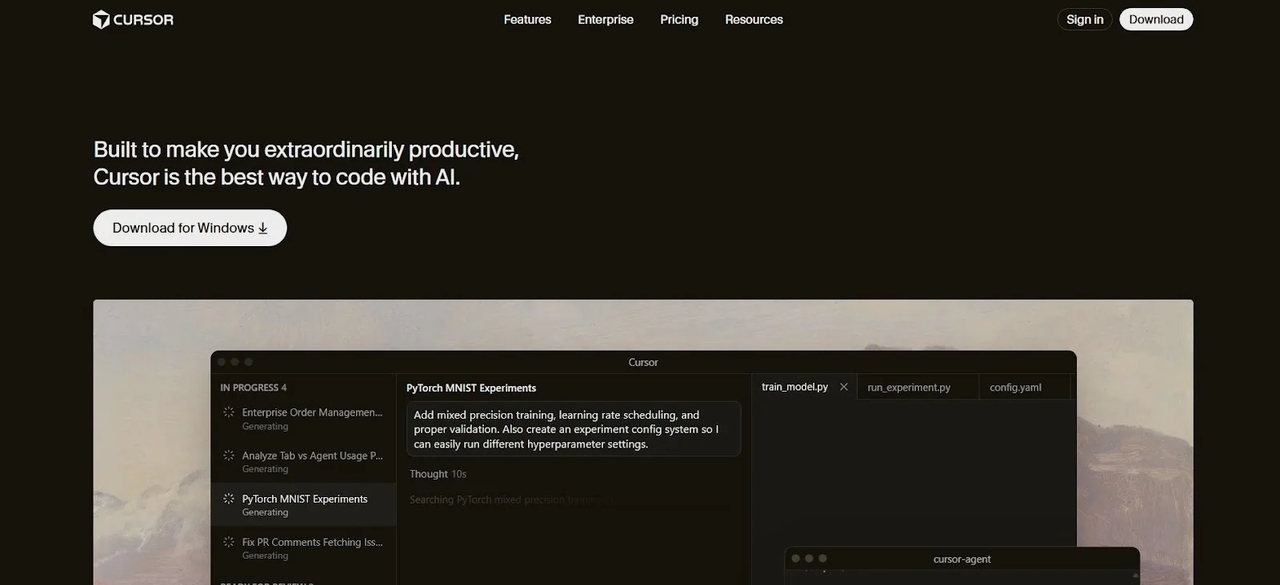
Cursor is an AI-first code editor designed to understand entire codebases rather than individual files. It enables developers to work on large projects more efficiently using context-aware AI assistance. It supports multi-file editing, refactoring, and debugging with strong contextual awareness. Developers can interact with their code using natural language commands. It also includes built-in AI chat for faster problem-solving. Cursor improves productivity by reducing time spent navigating large repositories. It is widely used for modern full-stack development workflows.
Specifications:
- Best For: Repository-level coding and multi-file editing
- IDE/Integration Support: Standalone editor, extensions
- Languages Supported: Python, JavaScript, TypeScript, Go, Java
- Core Capabilities: Codebase understanding, AI chat, refactoring, and debugging assistance
- Pricing: Free tier; Pro $20/month; Teams $40/user/month
Enter Pro
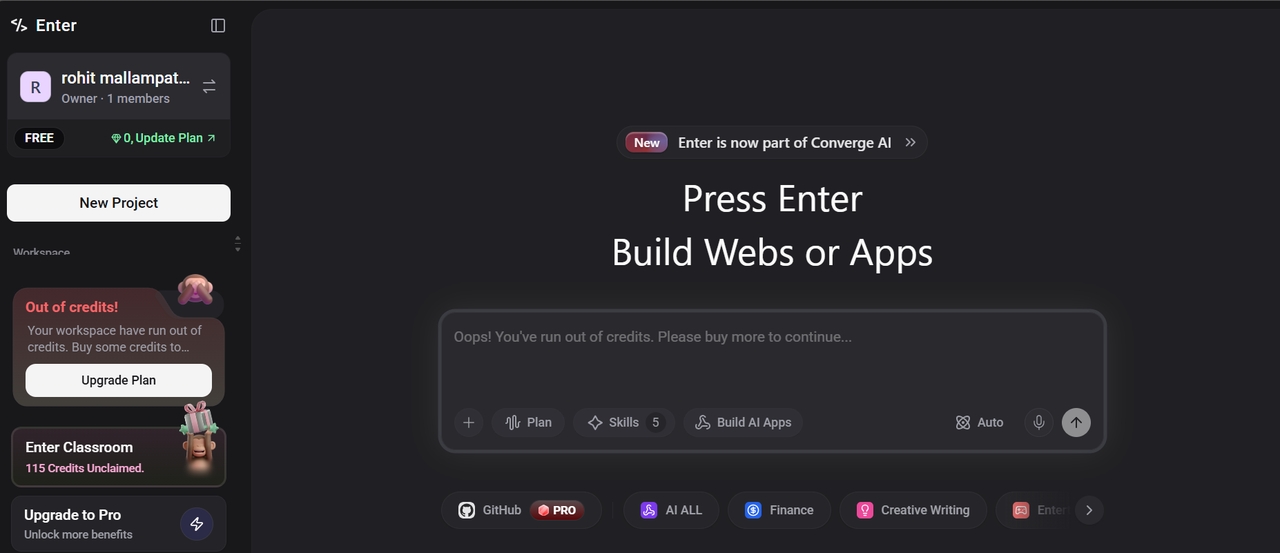
Enter Pro is an advanced AI development agent for full-stack application creation using natural language prompts. It helps developers move from idea to production by generating code, structuring applications, and automating workflows. Instead of suggesting snippets, it builds complete systems ready for deployment. It reduces repetitive coding, improves collaboration between developers and AI, and supports multi-LLM orchestration for higher-quality output. Overall, it serves as a complete AI-first development environment for modern software engineering.
Specifications:
- Best For: Full-stack app development and AI-driven workflows
- IDE/Integration Support: GitHub, cloud services, browser interface
- Languages Supported: HTML, CSS, JavaScript, Python, Node.js, REST APIs, automation scripts
- Core Capabilities: Natural language → full apps, workflow automation, multi-LLM orchestration
- Pricing: Free core features; Paid plans for advanced usage
Claude Code
Claude Code is an advanced AI programming assistant focused on deep reasoning and large-scale code analysis. It is designed to handle complex debugging, architecture design, and system-level problem solving. It can understand large codebases and provide structured solutions across multiple files. Developers use it for refactoring, planning system architecture, and solving difficult programming challenges. It behaves more like an AI software engineer than a simple coding assistant. It is particularly useful for enterprise-grade applications. It helps break down complex problems into clear implementation steps.
Specifications:
- Best For: Complex reasoning and large codebase analysis
- IDE/Integration Support: CLI tools, VS Code, custom integrations
- Languages Supported: Python, JavaScript, Java, C#
- Core Capabilities: Code reasoning, debugging, architecture design, refactoring
- Pricing: Free tier; Claude Pro $17/month; Max $100/month; Max 20x $200/month
Amazon CodeWhisperer
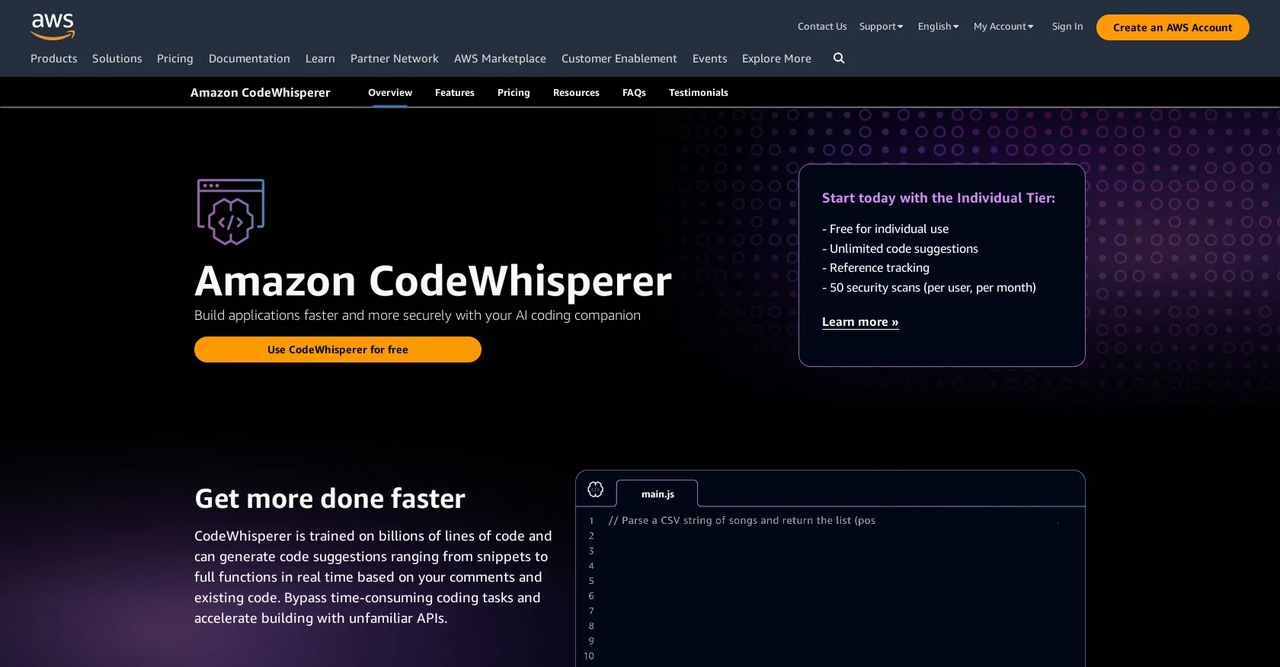
Amazon CodeWhisperer is an AI programming tool designed for AWS and cloud-native development. It provides real-time code suggestions optimized for backend and cloud workflows. It also includes built-in security scanning to detect vulnerabilities early in development. Developers use it to build scalable and secure cloud applications faster. It integrates seamlessly with AWS services and developer tools. It is widely used in enterprise cloud environments. It improves both development speed and application security.
Specifications:
- Best For: AWS and cloud-based development
- IDE/Integration Support: VS Code, JetBrains IDEs, AWS Toolkit
- Languages Supported: Python, Java, JavaScript, C#
- Core Capabilities: Code suggestions, security scanning, cloud integration, vulnerability detection
- Pricing: Individual free; Professional $19/user/month
Tabnine
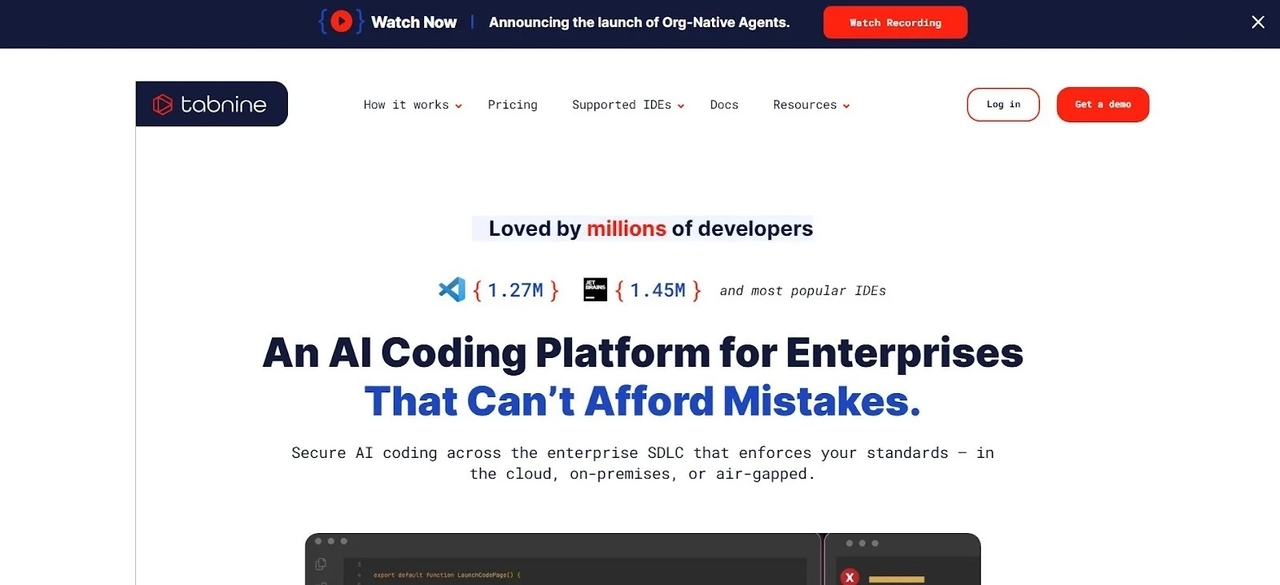
Tabnine is a privacy-focused AI programming assistant built for secure and controlled code generation. It supports both local and cloud deployment depending on security requirements. It is widely used by enterprise teams handling sensitive or proprietary codebases. It provides context-aware code completions across multiple programming languages. It also allows private model training on internal repositories. It integrates with major IDEs used in professional development environments. It is a strong choice for organizations with strict privacy requirements.
Specifications:
- Best For: Secure and privacy-focused development
- IDE/Integration Support: VS Code, IntelliJ, PyCharm, Sublime Text
- Languages Supported: Python, JavaScript, Java, C++, Ruby
- Core Capabilities: Code completion, private AI models, local deployment support
- Pricing: Free tier; Code Assistant Platform at $39/user/month; Agentic Platform at $59/user/month
Replit AI
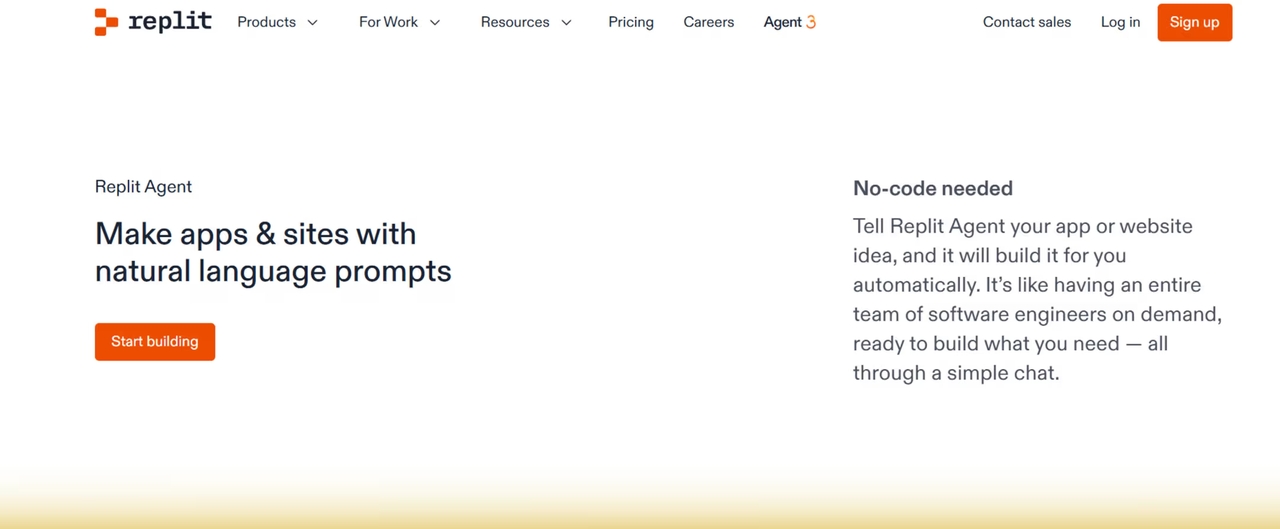
Replit AI is a cloud-based programming platform that combines coding, collaboration, and AI assistance in a browser environment. It allows developers to build and deploy applications without any local setup. It supports real-time collaboration, making it ideal for teams and learners. It provides instant AI suggestions while coding directly in the browser. Developers can quickly prototype and test applications across multiple languages. It also supports instant deployment for fast publishing. It is widely used for learning and rapid development workflows.
Specifications:
- Best For: Cloud development and collaborative coding
- IDE/Integration Support: Browser-based IDE
- Languages Supported: Python, JavaScript, TypeScript, HTML, CSS, C++
- Core Capabilities: AI coding assistant, instant deployment, real-time collaboration
- Pricing: Free tier; Core $18/month; Pro $90/month
ChatGPT
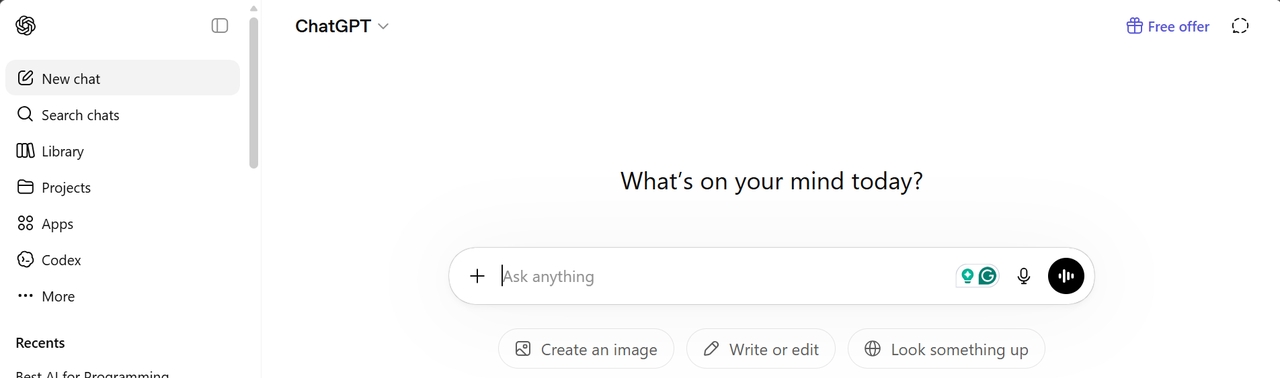
ChatGPT is a versatile AI programming assistant used for debugging, code explanation, learning, and script generation. It helps developers understand complex programming concepts in simple language. It can generate code across multiple languages and frameworks. It is widely used for brainstorming solutions and fixing errors quickly. Developers also use it for documentation and architecture planning. It supports both beginners and experienced engineers. It is one of the most flexible AI tools for programming support.
Specifications:
- Best For: Learning, debugging, and code explanation
- IDE/Integration Support: Browser, API integration
- Languages Supported: Multi-language support
- Core Capabilities: Code generation, debugging help, explanations, brainstorming
- Pricing: Free tier; Go $8/month; Plus $20/month; Pro $200/month; Business $20–$25/user/month
CodeRabbit
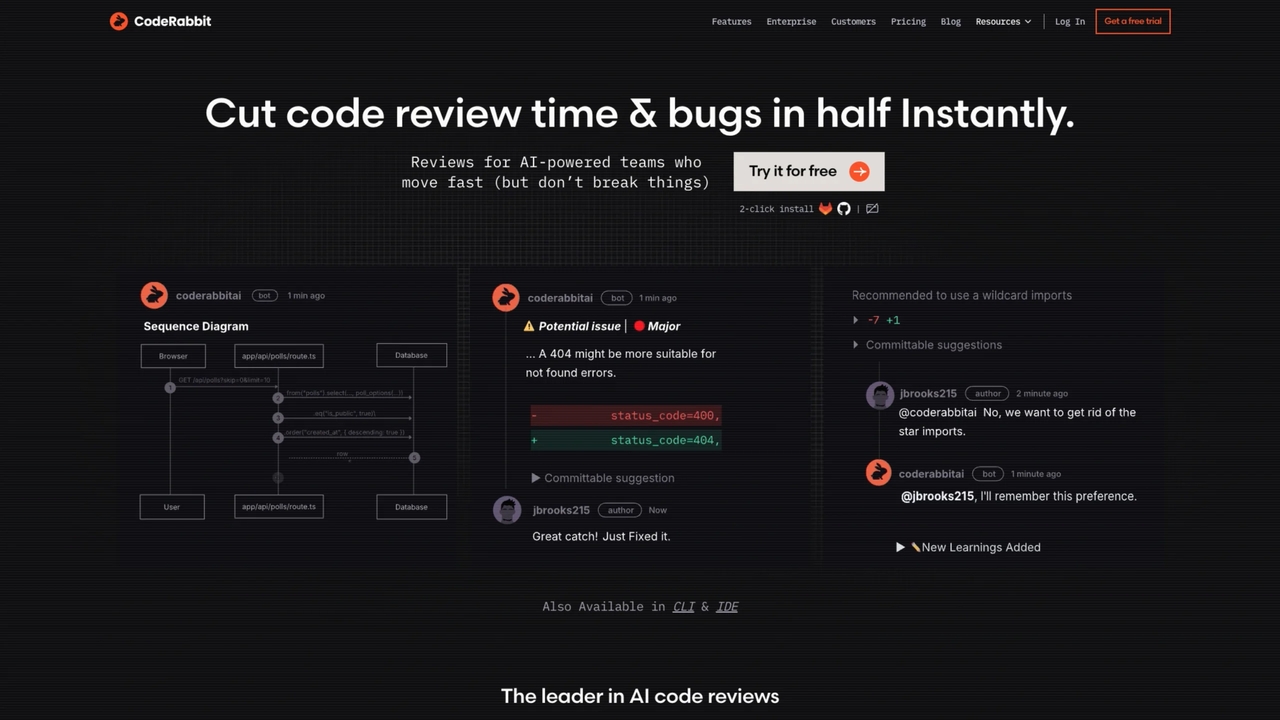
CodeRabbit is an AI-powered code review tool that automates pull request analysis and improves code quality. It detects bugs, suggests improvements, and enforces coding standards during reviews. It reduces manual effort in QA and review cycles. It is widely used in collaborative development teams. It integrates with GitHub, GitLab, and Bitbucket workflows. It provides contextual feedback directly on pull requests. It helps maintain consistent and high-quality codebases.
Specifications:
- Best For: Automated code review and QA support
- IDE/Integration Support: GitHub, GitLab, Bitbucket
- Languages Supported: Python, JavaScript, Java, Go
- Core Capabilities: Pull request review, bug detection, code quality checks, suggestions
- Pricing: Free tier; Pro $24/month; Pro plus $48/month
Qodo
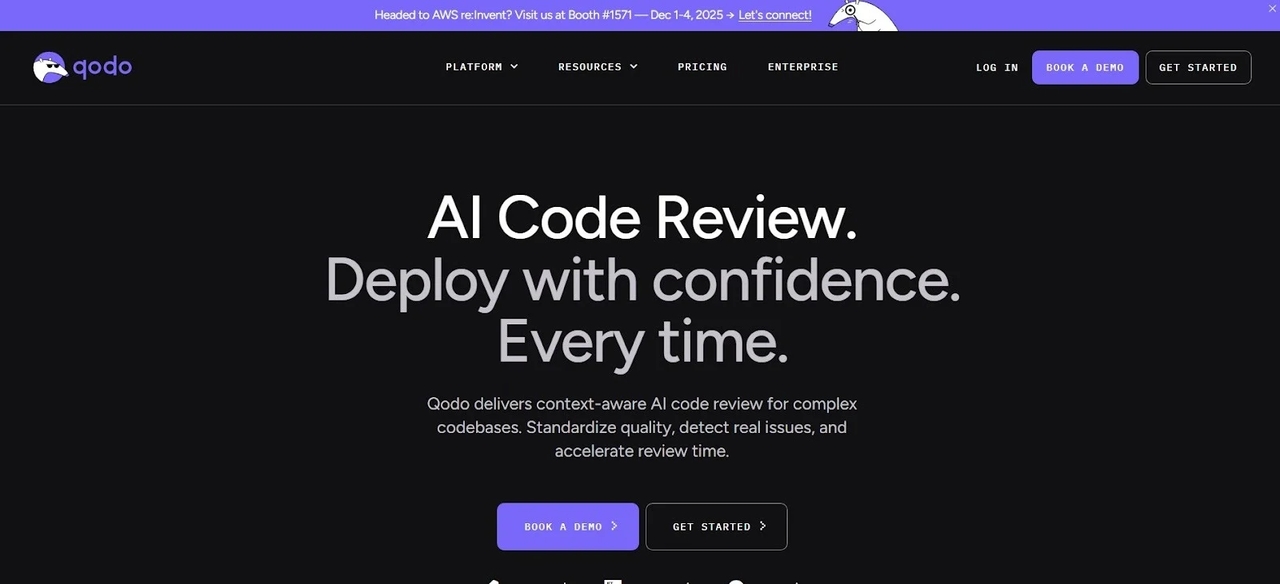
Qodo is an AI programming tool focused on automated test generation and software quality assurance. It helps developers create unit and integration tests with minimal effort. It improves test coverage and reduces manual QA workload. It integrates into CI/CD pipelines for continuous testing. It is suitable for both small teams and enterprise environments. It improves software reliability and release confidence. It supports modern development workflows with automated testing.
Specifications:
- Best For: Automated testing and QA workflows
- IDE/Integration Support: VS Code, JetBrains, CLI
- Languages Supported: Python, Java, JavaScript, C#
- Core Capabilities: Test generation, CI/CD integration, quality assurance automation
- Pricing: Free tier; Teams $30/user/month
Key Features of the Best AI Tools for Programming
Key features of the best AI for programming focus on improving coding speed, accuracy, debugging, and overall development workflow efficiency.
- Intelligent code generation from natural language prompts: Modern AI programming tools can convert simple human language into working code. Developers can describe what they want, and the AI generates functions, components, or even full applications. This significantly reduces development time and effort.
- Context-aware suggestions across entire projects: The best AI tools understand not just a single file but the entire codebase. They provide suggestions based on project structure, dependencies, and existing logic. This leads to more accurate and relevant code recommendations.
- Automated debugging and error fixing: AI programming tools can detect bugs, runtime errors, and logical issues in code. They also suggest fixes or improvements instantly, reducing time spent on manual debugging. This helps developers maintain cleaner and more stable code.
- Test case generation for improved code quality: These tools can automatically generate unit tests and integration tests based on existing code. This ensures better test coverage and reduces manual testing effort. It also improves overall software reliability.
- Documentation and explanation support: AI tools can generate clear explanations of complex code in simple language. They also help create documentation automatically for functions, APIs, and modules. This improves team collaboration and code maintainability.
- Workflow automation for development and deployment: Advanced AI programming tools help automate repetitive development tasks like builds, testing, and deployment. They streamline CI/CD workflows and reduce manual intervention. This allows teams to ship software faster and more efficiently.
Limitations of AI Programming Tools
AI programming tools are powerful, but they still come with certain limitations that developers need to understand. While they improve speed and productivity, they are not a complete replacement for human expertise.
- Inaccurate or unreliable code suggestions: AI tools can sometimes generate code that looks correct but contains logical or performance issues. Developers still need to carefully review and test outputs before using them in production.
- Security and privacy concerns: Some AI tools process code in cloud environments, which can raise concerns for sensitive or proprietary projects. This makes security and data handling an important consideration when choosing tools.
- Lack of deep contextual understanding: Although AI can analyze code context, it may still struggle with complex business logic or unique system architecture. This can lead to incomplete or less optimal solutions.
- Overdependence on AI assistance: Relying too heavily on AI tools may reduce a developer’s problem-solving and coding skills over time. Human oversight remains essential for building robust applications.
The Future of AI in Software Development

AI is rapidly evolving from simple coding assistants into fully autonomous development partners. In the future, AI will play a much larger role in building, testing, and deploying software systems.
- Autonomous coding agents: Future AI systems will be capable of building entire applications with minimal human input. They will handle everything from planning to deployment in a more automated way.
- Deeper DevOps integration: AI tools will become tightly integrated with CI/CD pipelines, automating testing, deployment, and monitoring. This will significantly speed up software delivery cycles.
- Smarter debugging and optimization: AI will not only detect bugs but also predict performance issues and optimize code in real time. This will lead to more stable and efficient applications.
- AI-driven development environments: Future IDEs will come with built-in AI that understands projects end-to-end. Developers will interact with intelligent environments that assist across the entire lifecycle.
Conclusion
The best AI for programming in 2026 depends on your workflow. Tools like GitHub Copilot and Cursor are great for everyday coding, while Claude Code and Amazon CodeWhisperer support advanced reasoning and cloud development. Replit AI and ChatGPT are strong for learning and quick development tasks. For developers seeking full-stack AI-native development, Enter Pro offers an end-to-end solution that goes beyond traditional coding assistants.
FAQs
What is the best AI for programming in 2026?
The best AI for programming in 2026 depends on your workflow and project needs. Tools like Enter Pro, GitHub Copilot, Cursor, Claude Code, and ChatGPT are among the most popular choices. Enter Pro is especially useful for full-stack development and end-to-end application building using natural language.
Can AI replace programmers?
AI cannot replace programmers, but it can significantly enhance productivity. Developers are still required for system design, logic building, and decision-making. Enter Pro and similar tools act as assistants that speed up development rather than replacing human expertise.
Which AI tool is best for beginners?
For beginners, ChatGPT and Replit AI are the easiest to start with due to their simple interfaces and strong explanations. Enter Pro is also helpful for learners who want to understand full application workflows while building real projects.
Are AI coding tools secure?
Most AI coding tools include security features, but safety depends on how they are used. Developers should always check privacy policies and avoid sharing sensitive data. Enter Pro and enterprise tools like Tabnine also offer stronger security controls for professional use.
What is the best AI tool for teams?
For teams, tools like Enter Pro, GitHub Copilot Business, Cursor Teams, and Tabnine Enterprise are widely used. Enter Pro is particularly effective for team-based full-stack development because it supports collaboration, automation, and scalable workflows.