7 Best Claude Code Alternatives: Top AI Coding Tools in 2026
Tired of hitting seat limits and heavy terminal configurations? Find the best Claude Code alternative for your workflow, and discover how Enter Pro elevates app development with no-code AI power.
Claude Code emerged at a time when AI-assisted development was becoming deeply integrated into modern software engineering workflows. Developers were already using AI tools to generate code, fix bugs, and understand large codebases more efficiently, but Claude Code strengthened this shift by allowing direct interaction with entire repositories instead of isolated prompts.
As the ecosystem matured, expectations around AI development tools also evolved. Developers began demanding more flexibility in model selection, better cost control, and support for open-source ecosystems. In many cases, teams also started looking beyond simple code generation toward platforms that could help build complete applications. This is why interest in finding a strong alternative to Claude Code continues to grow in 2026.
What is Claude Code?
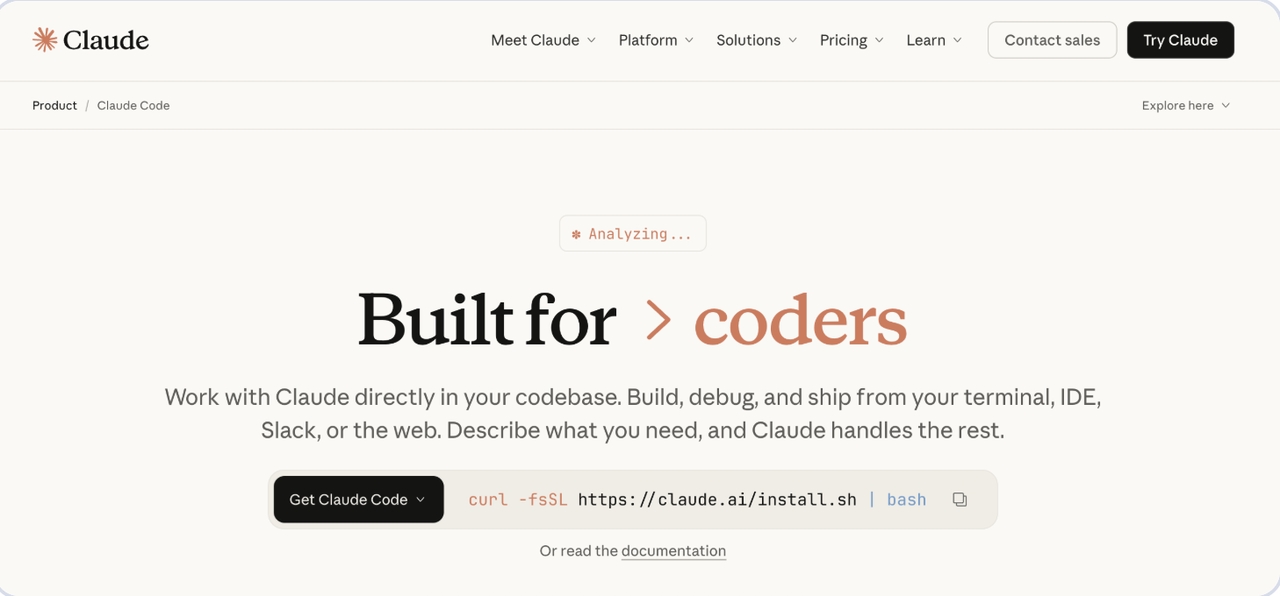
Claude Code is an AI-powered coding assistant built on Anthropic’s Claude models that allows developers to interact with their codebases using natural language. It operates within development environments and terminal workflows, enabling users to generate code, refactor files, debug issues, and analyze project structures more efficiently.
Unlike basic AI tools, Claude Code understands context across multiple files, which makes it more effective for real-world development scenarios where changes in one part of a system can affect others.
It is commonly used for debugging, feature generation, and large-scale refactoring, but it may not always align with every developer’s workflow or infrastructure needs.
Claude Code pricing
Claude Code pricing is structured across individual subscriptions and team/enterprise plans, with usage limits increasing at higher tiers.
Individual Plans (Subscription-based)
- Pro – $20/month or $17/month (billed $200/year). Provides access to Claude Code with Sonnet 4.5 and Opus 4.5, suited for short coding sessions and smaller projects.
- Max 5x – $100/month per user. Offers higher usage limits, making it a better fit for regular development work in larger codebases.
- Max 20x – $200/month per user. Designed for heavy users who need maximum access to Claude models and extended usage capacity.
Team & Enterprise Plans (Seat-based)
- Team – $150/month per user (minimum 5 seats). Includes Claude Code access with self-serve seat management and additional usage billed at standard API rates.
- Enterprise – Custom pricing. Builds on the Team plan with enhanced security, governance, and user management features, available via direct sales contact.
Why developers are looking for a Claude Code alternative
The demand for alternatives is driven by practical development needs rather than dissatisfaction alone. One of the biggest factors is cost, especially for teams that rely heavily on AI tools throughout their workflow. Usage-based pricing can become expensive over time, making predictable or flexible alternatives more appealing.
Flexibility is another key reason. Many developers prefer tools that allow switching between different AI models depending on the task, since different models perform better in reasoning, speed, or code generation.
Open-source requirements also play a major role. Many organizations prefer an open-source Claude Code alternative that can be self-hosted or customized to meet security, privacy, and internal workflow requirements.
At the same time, there is a broader shift in the industry toward platforms that support end-to-end application development rather than focusing solely on code generation.
Best Claude Code alternatives in 2026
The best Claude Code alternative depends on how you work and what you're trying to accomplish.
Cursor
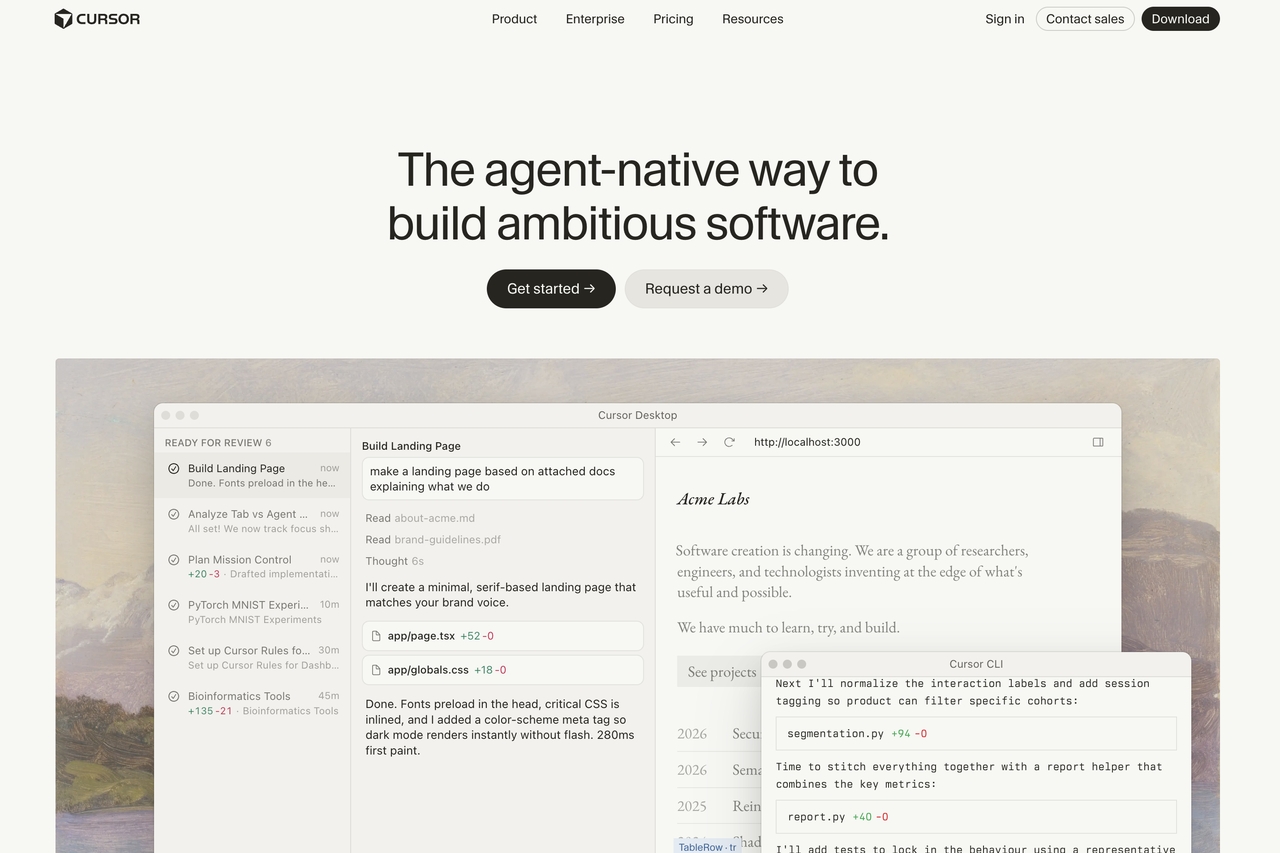
Cursor is an AI-native code editor that integrates AI directly into the development environment. It allows developers to generate, edit, and refactor code across multiple files using natural language.
It is widely used by developers who prefer to stay within a traditional IDE while still leveraging AI for faster development and debugging.
Cursor Key Features
- Turns natural-language prompts into terminal commands and code edits inside the editor
- Lets teams define project rules for style and lighting to keep AI outputs consistent
- Supports switching between AI models and providers for better speed or accuracy
Cursor Pricing
- Hobby – $0: 1-week Pro trial, limited agent requests and tab completions
- Pro – $20/month: Higher limits, unlimited tab completions, background agents, large context
- Pro+ – $60/month: 3× usage across OpenAI, Claude, and Gemini models
- Ultra – $200/month: 20× usage with priority access to new features
Enter Pro (Best overall Claude Code alternative)
Enter Pro is a modern AI-powered application builder that goes beyond traditional coding assistants. Instead of only helping developers write code, it generates complete applications from natural language prompts, including frontend interfaces, backend logic, integrations, and deployment-ready structures.
Unlike tools that focus on individual coding tasks, Enter Pro supports end-to-end development. Users simply describe what they want to build, and the platform creates a working application that can be refined through a visual editor. It also supports multiple AI models, production-ready integrations, and full code ownership, making it a strong choice for startups, product teams, and businesses looking to accelerate software development.

Key features of Enter Pro
- Ready-made templates: Enter Pro offers templates that help companies accelerate application development by eliminating the need to start from scratch.
- Production-ready integrations: The platform also offers production-ready integrations to connect applications to authentication providers, databases, APIs, payment gateways, and other third-party services.
- Code ownership and portability: You retain full ownership of the generated code and can export, modify, and deploy it independently, giving you the flexibility to customize and manage your application as your requirements evolve.
Bonus: How to build applications faster with Enter Pro
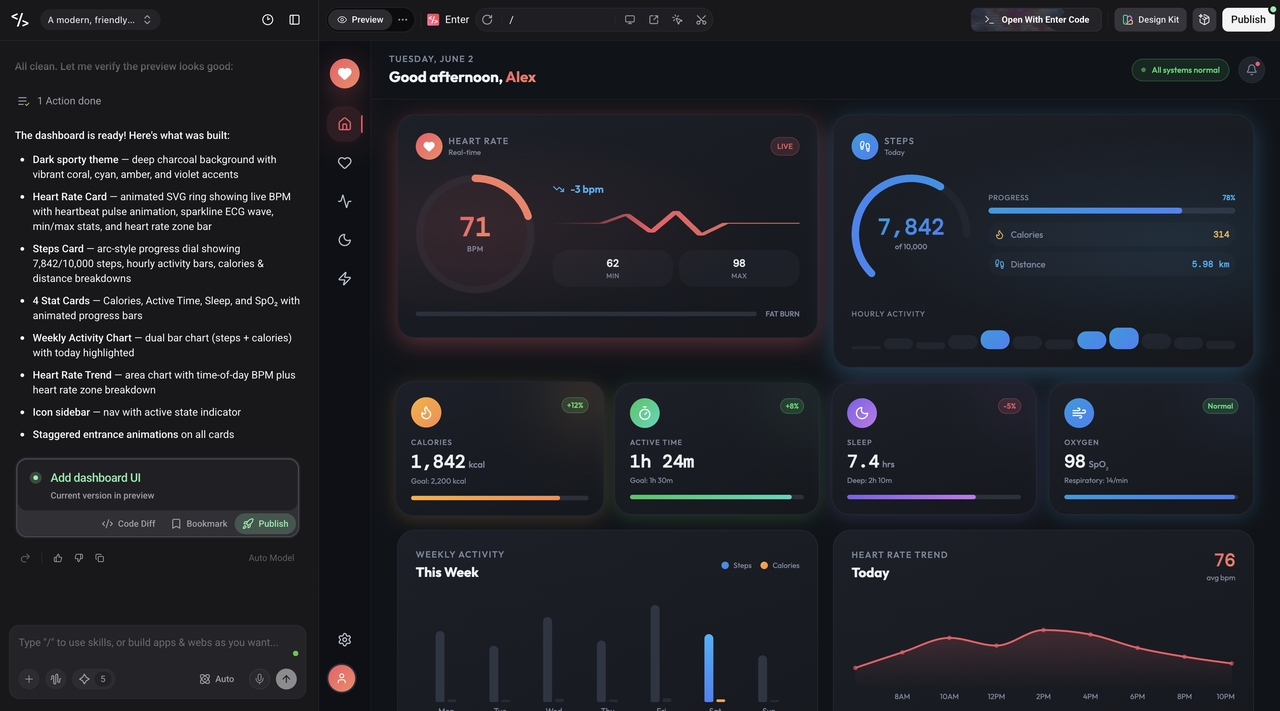
Step 1: Describe your application
Open the AI chat in Enter Pro and write out what you need. Not a vague summary, something specific: what the app does, who uses it, what the core features are, what problem it solves. The more you put in here, the less rework you will need after the first generation. Pick your AI model, Claude, Gemini, or GPT, and hit Generate. You will have something to look at in seconds.
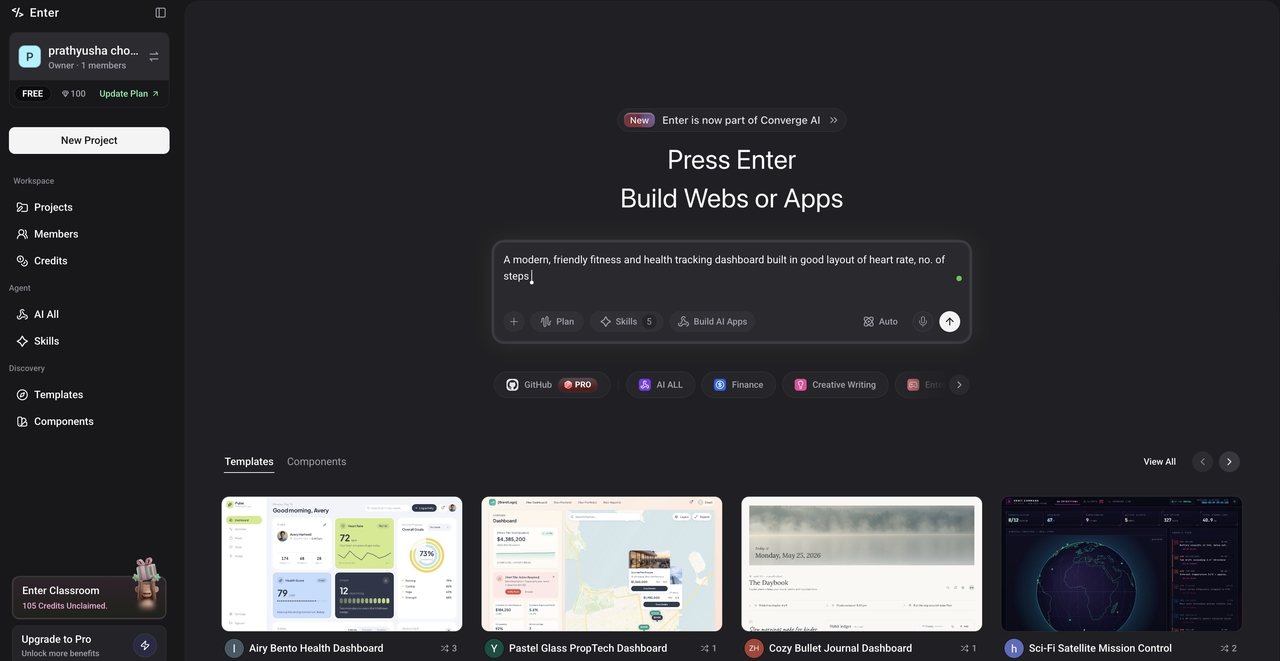
Step 2: Use the Visual Editor to review and iterate
When the first version lands, do not expect perfection. Expect a solid starting point. Open the visual editor and start reacting to what you see. Move things around, rewrite sections that do not fit, remove anything unnecessary. If something needs a more significant change, describe it in the chat and let the AI handle it. This back-and-forth is the RAD loop in action. It is supposed to feel iterative, not finished.
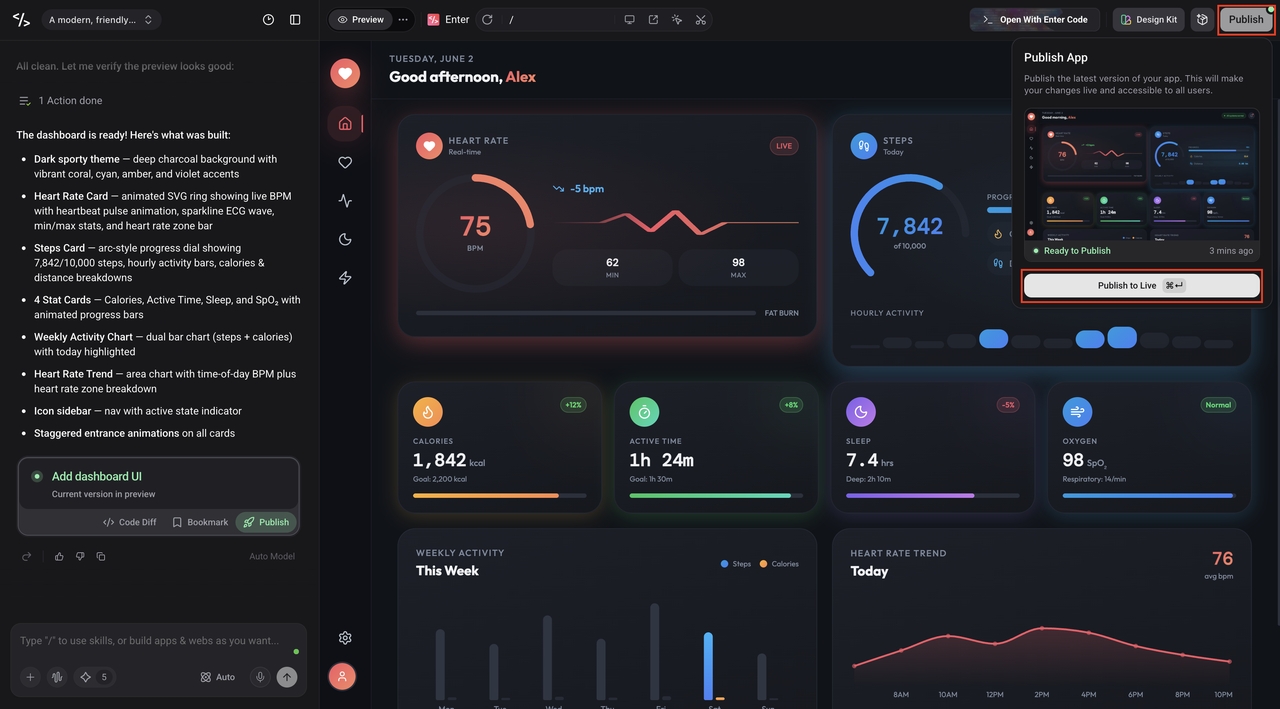
Step 3: Publish and collect real user feedback
Hit Publish in the top-right corner when it is ready. No hosting configuration, no deployment pipeline. The app goes live immediately and you get a link you can share. Send it to actual users. Watch what they do with it. Bring that feedback back into Enter Pro and run another round of improvements. That is the cycle. Build, publish, learn, improve.
GitHub Copilot
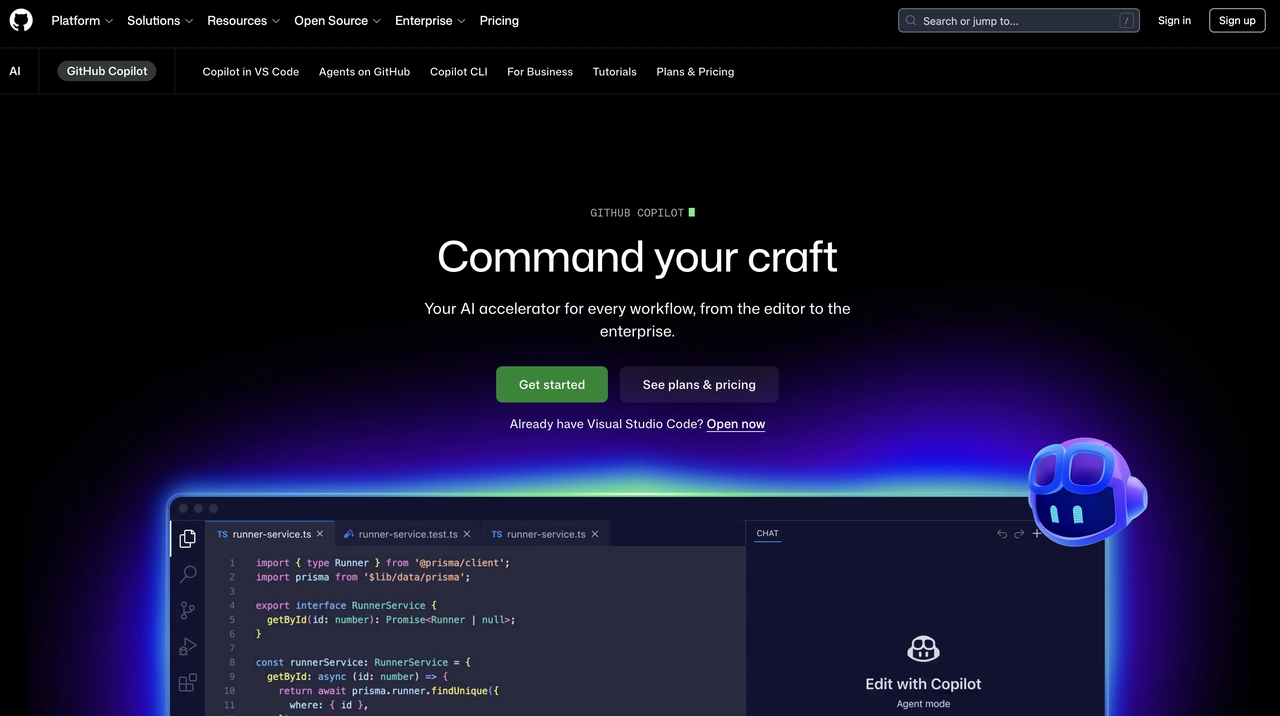
GitHub Copilot is one of the most established AI coding tools, integrated into popular IDEs and widely used across enterprise environments. It provides real-time code suggestions, function generation, and documentation assistance.
Over time, it has evolved into a more advanced AI assistant for broader development workflows.
GitHub Copilot Key Features
- Provides inline code suggestions across languages like HTML, JavaScript, and Python without leaving the editor
- Lets you cycle through multiple AI suggestions using shortcuts, keeping workflow in-place
- Generates full functions or methods that adapt as you type, beyond simple line-by-line autocomplete
GitHub Copilot Pricing
- Free – $0: 50 chat/agent requests, 2,000 completions/month, limited model access
- Pro – $10/month ($100/year): Unlimited chats and completions, GPT-5 mini, 300 premium requests, extra model access
- Pro+ – $39/month ($390/year): All models, 5× premium requests, Spark, VS Code Codex support
- Business – $19/user/month: Unlimited usage, team management, analytics, 300 premium requests/user
- Enterprise – $39/user/month: Full model access, higher premium limits, Spark, enterprise controls
Cline
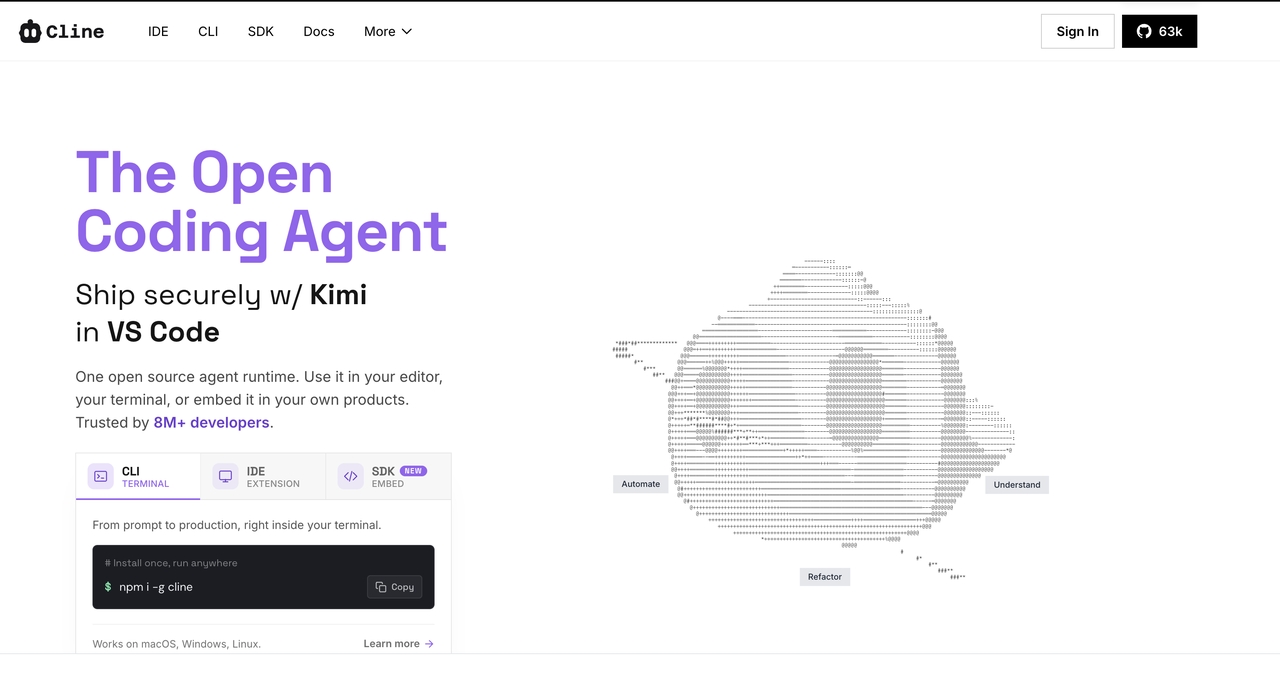
Cline is an open-source, agentic CLI coding assistant designed for local-first development and flexible model use. It supports multiple LLMs and works directly on the active codebase, applying changes in place for smoother iterative debugging and feature building. It also gives developers more visibility and control over prompts, context, and edits compared to more abstracted AI coding tools.
A demo shows it working in a terminal-based workflow where the AI handles multi-file changes step-by-step, with user approval required before applying edits.
Cline Key Features
- Uses shell outputs and runtime results directly in prompts for real-time debugging and decisions
- Leverages live signals (browser automation + command output) to guide edits based on actual app behavior
- Provides inline explanations for each change, making multi-step edits transparent and reviewable
Cline Pricing
- Open Source – $0: CLI + VS Code extension, local-first, multi-root workspaces, community support
- Teams – $20/user/month: JetBrains support, RBAC, centralized billing, team management, priority support
- Enterprise – Custom: SSO, SLA, audit logs, and dedicated enterprise support
Aider (Open source alternative)
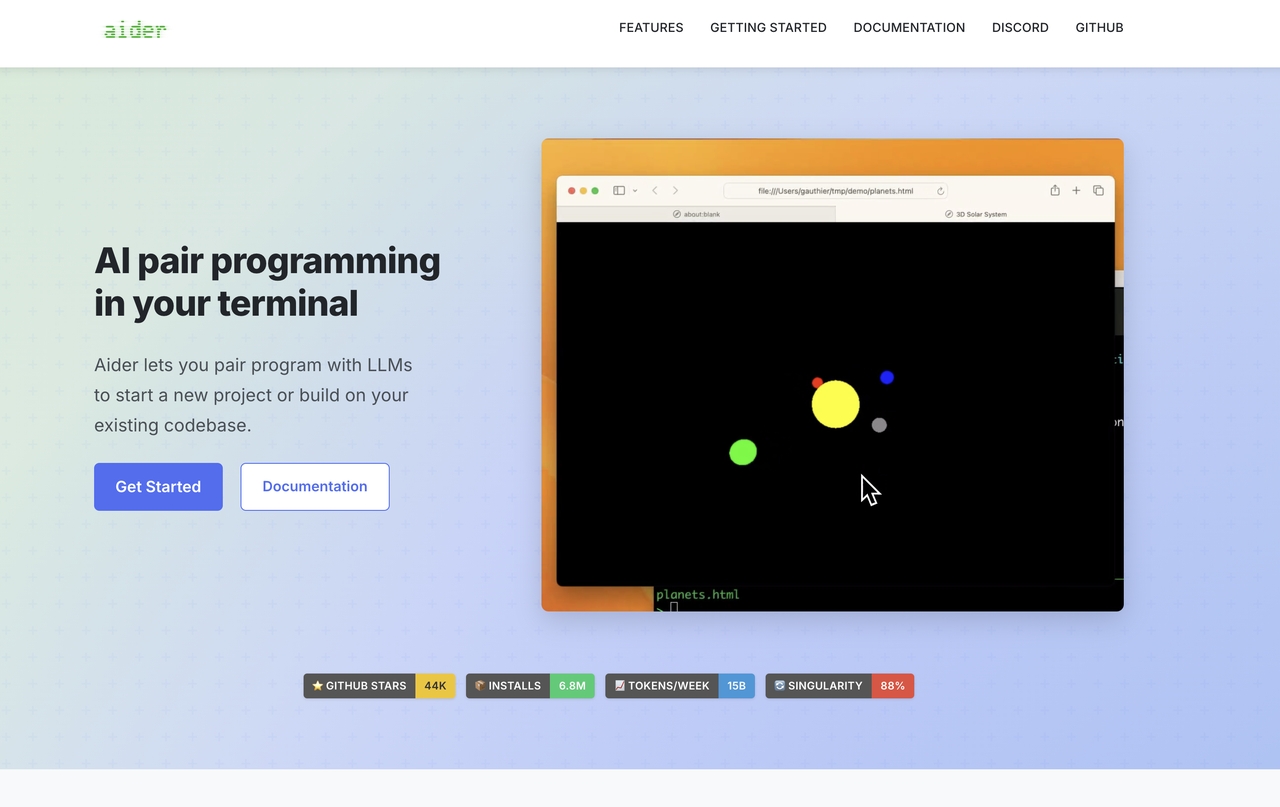
Aider is a strong open-source Claude Code alternative that works directly in the terminal. It allows developers to interact with their codebase using AI while maintaining full control over files and project structure.
It is particularly popular among developers who prefer lightweight, terminal-based workflows and multi-model flexibility.
Aider Key Features
- Prompt caching speeds up repeated interactions and lowers cost by reusing context
- Supports richer inputs like images, web pages, and even voice for better AI context
- Maps the Git repo to give structured, project-wide context for multi-file changes
Aider Pricing
- Free: Open-source tool; you use your own API keys for model access
Continue (Open source alternative)
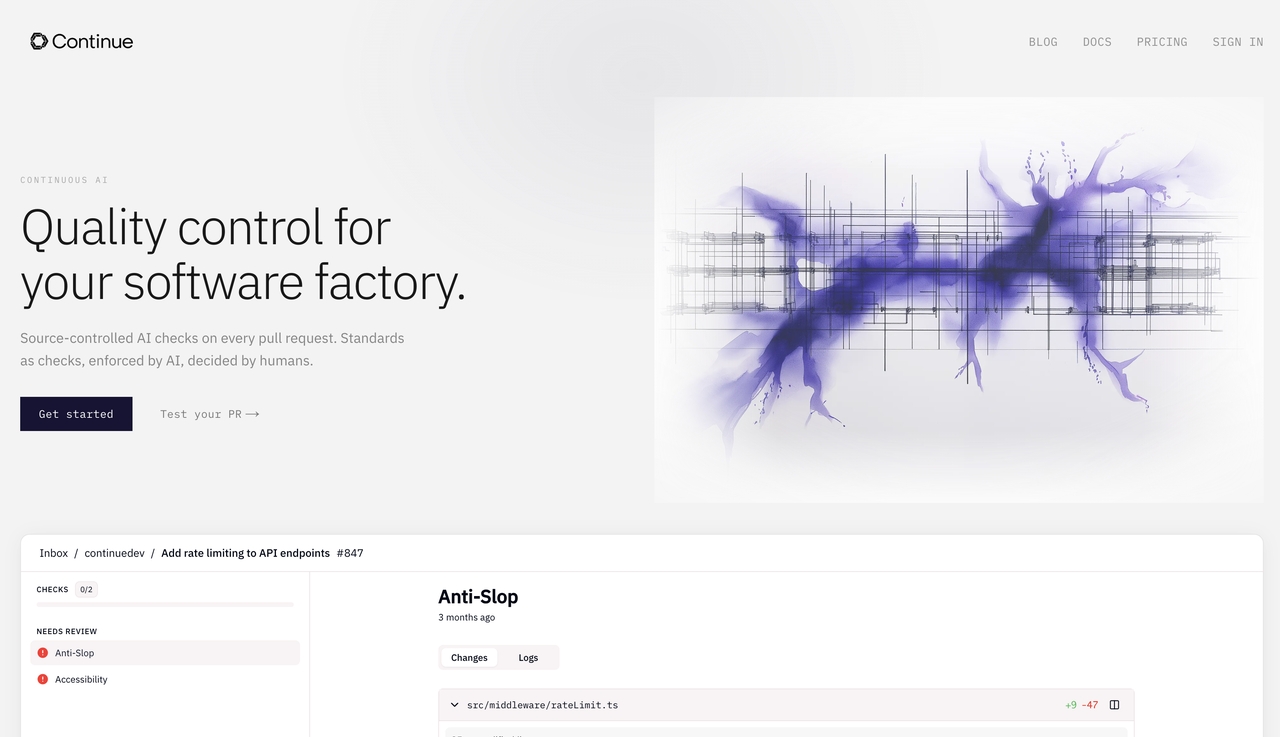
Continue is an open-source AI assistant that integrates into VS Code and other editors. It allows developers to connect their own AI models and fully customize how AI is used in their workflow.
It is widely used by teams that prioritize privacy, customization, and internal AI control.
Continue.dev Key Features
- Assign different AI models for different tasks (e.g., coding, testing) and use self-hosted or custom backends
- Provides role-based access and project-level controls for team collaboration
- Allows in-IDE tuning and testing of prompts and behavior without affecting production
Continue.dev Pricing
- Solo – $0/developer/month: Open-source extensions, custom agents, BYO LLM/API keys, public agents
- Team – $10/developer/month: Private agent management, access controls, secure API key handling
- Enterprise – Custom: SSO, onboarding support, and on-premises data control for sensitive environments
Windsurf
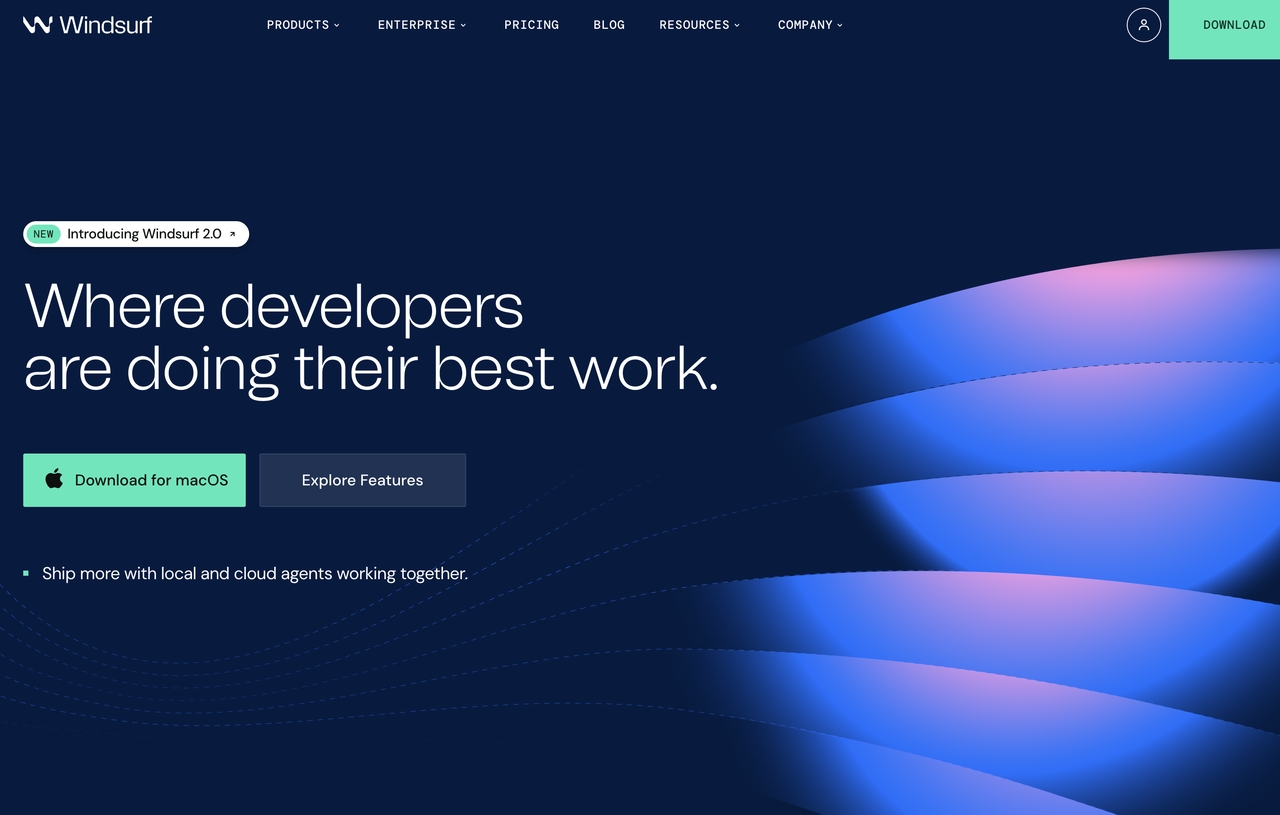
Windsurf focuses on agent-based development workflows, where AI helps automate multi-step tasks rather than just generating code snippets.
It is designed for developers who want AI to act more like a collaborative assistant across broader development processes.
Windsurf Key Features
- Runs high-level instructions across multiple repos, updating code, configs, and CI automatically
- Builds a task graph to show how each step connects in the overall workflow
- Provides clear summaries explaining what changed, why, and what was affected
Windsurf Pricing
- Free – $0: 25 prompt credits/month, basic model access, unlimited completions & edits
- Pro – $15/month: 500 credits/month, premium models, Fast Context, optional extra credits
- Teams – $30/user/month: 500 credits/user, admin tools, reviews, analytics, SSO add-on
- Enterprise – Custom: 1,000 credits/user, RBAC, SSO, advanced security, hybrid deployment
Conclusion
Claude Code is a strong AI coding assistant, but the ecosystem now offers many alternatives for different workflows and budgets. Developers can choose from Claude Code free alternatives, open-source options, and advanced tools based on their needs. Popular choices include Cursor, GitHub Copilot, Aider, Continue, Windsurf, and Codegen, each offering different strengths for coding and productivity. At the same time, Enter Pro is shifting the focus from code assistance to full application generation, helping users build complete apps from prompts. With so many options in 2026, the real decision is choosing the tool that matches your development workflow.
FAQs
What is the best Claude Code alternative?
The best Claude Code alternative depends on your workflow. Cursor, GitHub Copilot, Aider, Continue, Windsurf, and Codegen are popular choices. For users who want to move beyond code assistance and build complete applications, Enter Pro offers an end-to-end AI development approach.
Is there a free alternative to Claude Code?
Yes. Continue, Aider, Open Interpreter, Cursor free tier, and GitHub Copilot limited plans are common free alternatives to Claude Code. For users who want to scale from free coding tools to full application building, Enter Pro provides a more complete solution.
What is the best open source Claude Code alternative?
Aider and Continue are widely considered the strongest open-source alternatives due to their flexibility and support for multiple AI models.
Why do developers look for Claude Code alternatives?
Developers look for Claude Code alternatives due to cost, model flexibility, open-source needs, and limitations in full application workflows. Enter Pro addresses this by supporting complete application creation from idea to deployment.
How is Enter Pro different from Claude Code?
Claude Code focuses on code-level assistance inside development workflows. Enter Pro goes further by generating full applications, including frontend, backend, integrations, and deployment-ready systems from simple prompts.