6 Best AI UI Generator 2026: Top Tools to Create Better Interfaces Faster
Looking for the best AI UI generator in 2026? Compare top tools, explore free options, and see how Enter Pro helps businesses create professional interfaces faster with smart, AI-powered design automation for digital teams.
Designing user interfaces no longer requires starting from a blank canvas. AI-powered UI generators can transform text prompts into wireframes, complete layouts, and interactive prototypes within minutes. From startups and solo founders to enterprise product teams, these tools are changing how digital products are designed and launched.
The best AI UI generator solutions for 2026 combine speed, customization, collaboration, and intelligent design recommendations to reduce repetitive work while improving creativity. Whether you're searching for a free UI AI generator or a professional platform for large-scale products, understanding the strengths of different tools helps you choose the right solution.
What is an AI UI generator?
An AI UI generator is a tool that uses artificial intelligence to create user interface layouts, components, screens, or prototypes from natural language prompts, sketches, or existing requirements. Instead of manually designing every button, navigation element, and page structure, users can describe their ideas and allow AI to generate a functional starting point. Modern platforms can produce responsive layouts, design systems, color palettes, and even frontend code.
The growing popularity of AI-driven design tools comes from several advantages:
- Faster concept creation and iteration.
- Reduced dependency on manual wireframing.
- Better collaboration between designers and developers.
- Lower design costs for startups and small businesses.
- Easier experimentation with multiple design directions.
What makes the best AI UI generator in 2026?
Not every AI design platform delivers the same experience. The best tools balance automation with creative control, allowing users to refine outputs rather than accept generic templates. When evaluating the best AI UI design generator, consider the following factors:

- Natural language prompting: The most effective AI UI tools allow users to describe ideas in plain language instead of navigating complicated settings. Designers, founders, and developers can explain layouts, colors, or functionality through simple prompts and receive usable results within minutes.
- Responsive design capabilities: Modern interfaces must perform consistently across desktops, tablets, and smartphones. A strong AI UI generator automatically creates responsive layouts that adapt to different screen sizes without extensive manual adjustments.
- Component consistency: Maintaining visual consistency is essential for scalable products. The best platforms generate reusable components, shared styles, and organized design systems that keep buttons, typography, navigation, and spacing aligned throughout an application.
- Collaboration features: UI design is rarely a solo effort. Teams need tools that support comments, shared workspaces, version history, and real-time editing. Effective collaboration capabilities help designers, developers, and stakeholders communicate efficiently and reduce unnecessary revisions during the product lifecycle.
- Code generation support: Many businesses now expect AI tools to move beyond design and assist with development. Platforms that generate clean frontend code from interfaces help bridge the gap between designers and engineers.
- Integration with existing workflows: An AI UI generator should fit naturally into existing processes rather than forcing teams to adopt entirely new systems. Compatibility with design platforms, development environments, and deployment tools helps organizations maintain productivity while benefiting from AI-powered automation.
Best AI UI generators to try in 2026
The AI design landscape is evolving quickly, with new tools helping designers, developers, and businesses create interfaces faster than ever. The platforms below stand out for their capabilities, ease of use, and innovation in AI-assisted design.
Enter Pro
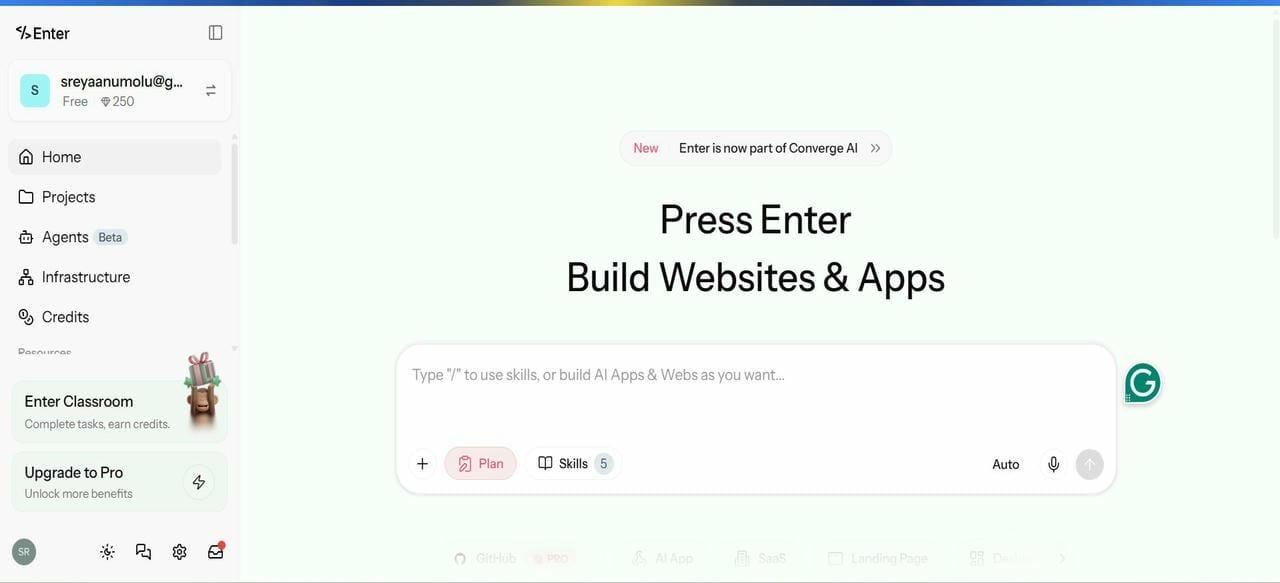
Enter Pro is an AI-powered full-stack application development platform that helps users plan, design, build, and deploy complete applications from a single workspace. Beyond AI UI generation, it supports frontend and backend development, database management, API creation, and deployment, allowing teams to move from an idea to a production-ready application without switching between multiple tools.
Best for:
- Startups building MVPs
- Founders turning ideas into production-ready applications
- Product teams that need frontend, backend, databases, APIs, and deployment in one platform
- Businesses looking for an end-to-end AI development workflow
Pros:
- End-to-end product creation platform.
- Reduces development time significantly.
- Beginner-friendly interface.
- Supports both design and implementation.
Cons:
- Advanced enterprise customizations may require additional setup.
- Some features depend on selected AI models.
Pricing:
- Basic: $16/month
- Pro: $48/month (6000 credits/month)
- Ultimate: $300/month (50,000 credits/month)
- Enterprise: Custom
Build your interface with Enter Pro in 3 steps
Step 1: Create a new project
Start by setting up a new workspace in Enter Pro and choosing the AI model that best aligns with your product vision. Define your project goals early to guide the interface generation process.
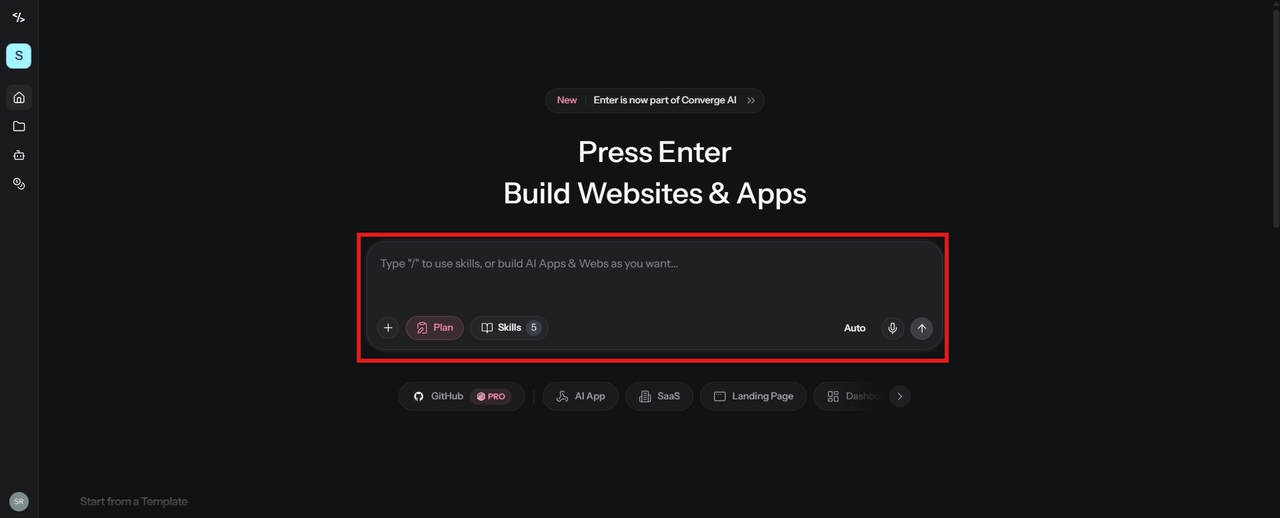
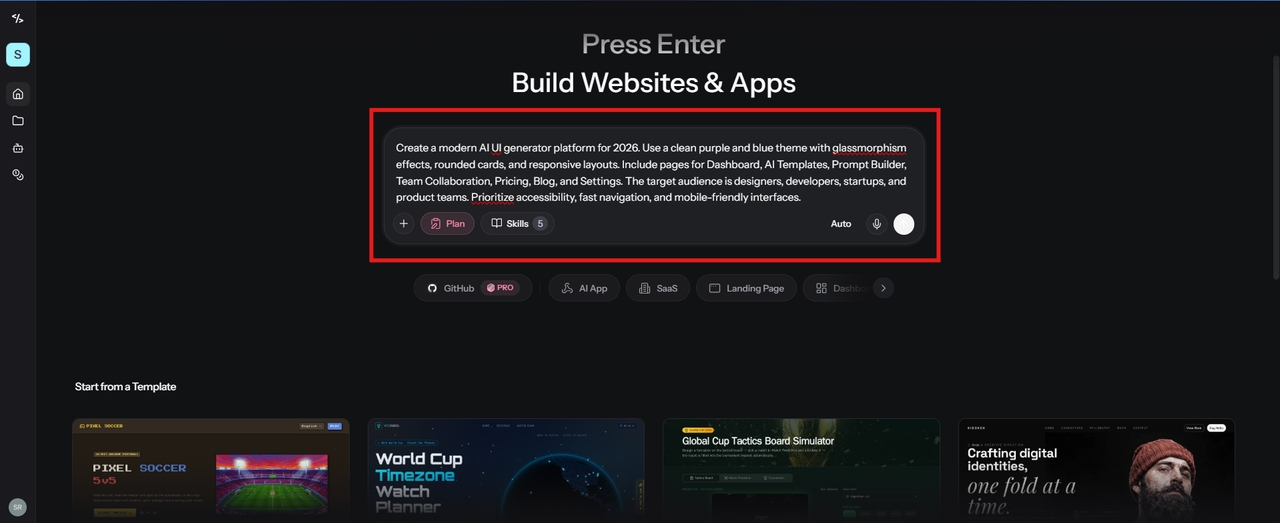
Step 2: Describe your interface
Use simple natural language prompts to explain your pages, target audience, brand style, and required features. The more context you provide, the more accurate and relevant the generated UI will be.
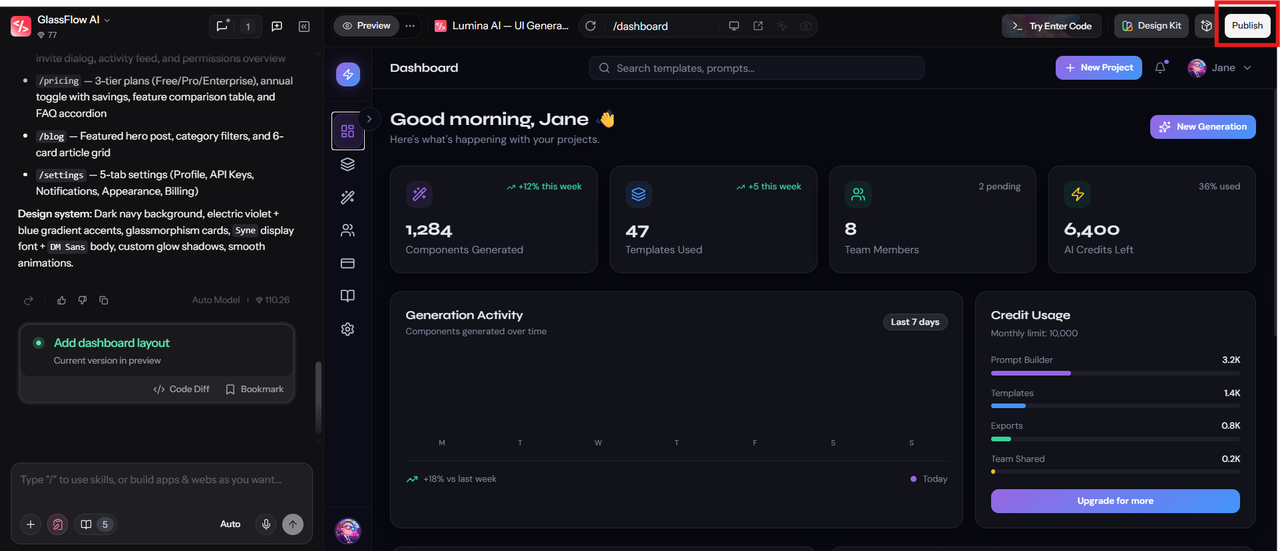
Step 3: Preview and publish your design
Review the generated screens in Preview mode, switch between desktop and mobile views, and make any final adjustments. Once you're satisfied with the interface, click Publish to deploy your project.
Figma AI
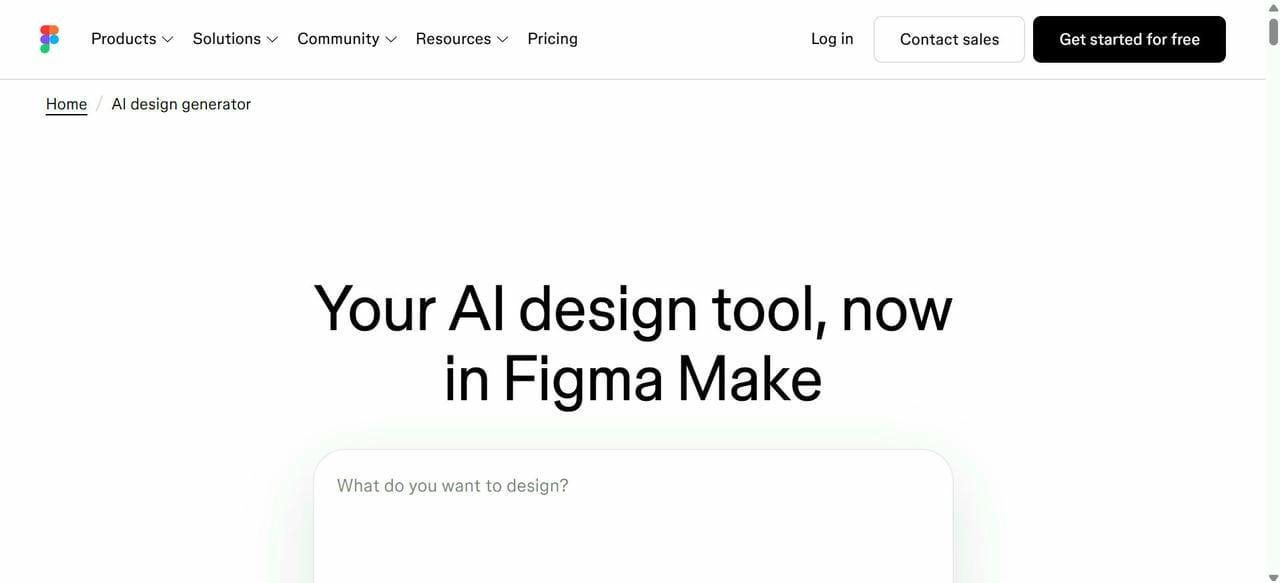
Figma AI extends one of the world's most popular design platforms with intelligent features that accelerate brainstorming, wireframing, and interface creation while maintaining collaborative workflows. It helps designers move from a blank canvas to interactive prototypes faster, cutting down repetitive tasks so ideas can take shape sooner.
Best for:
- Design teams working inside Figma daily
- Rapid prototyping with AI-powered layout suggestions
- Product and marketing teams building apps and pages
- Teams needing collaborative design systems and shared libraries
Pros:
- Excellent for team collaboration.
- Familiar workflow for existing Figma users.
- Strong ecosystem and integrations.
- Powerful design system support.
Cons:
- Some AI features are still evolving.
- Requires a learning curve for beginners.
Pricing:
- Starter: Free
- Professional: $16 per editor/month
- Organization: $55 per editor/month
- Enterprise: $90 per editor/month
Uizard
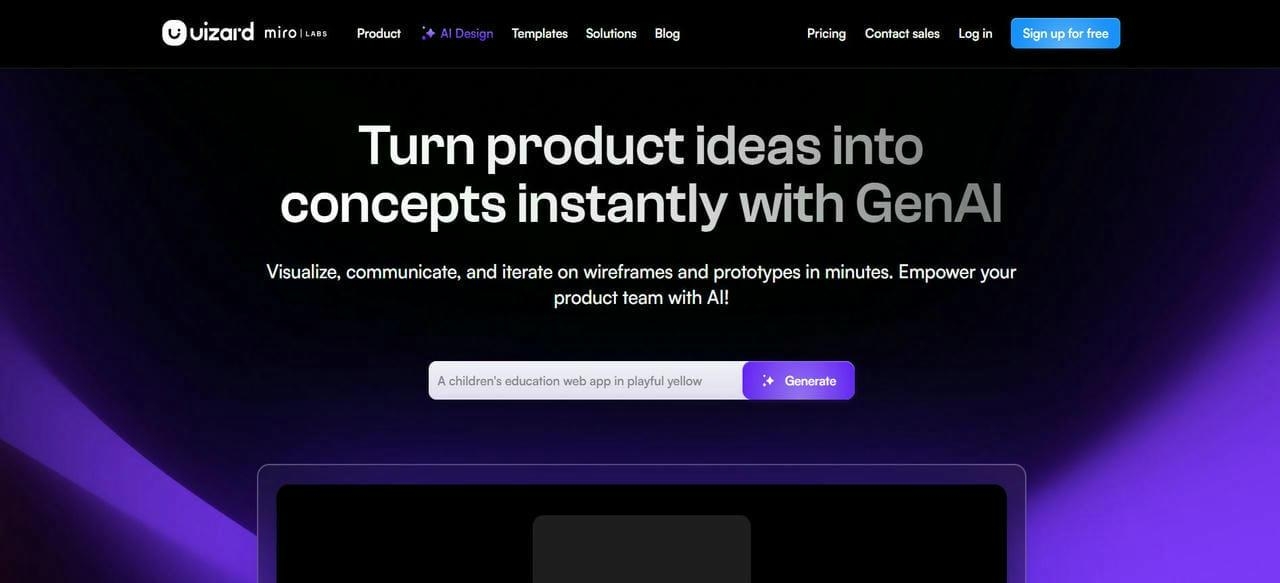
Uizard is a popular free UI AI generator that enables users to create wireframes and prototypes from text prompts, screenshots, and sketches. It focuses heavily on accessibility and speed. With its drag-and-drop editor and AI-powered conversion tools, Uizard lowers the barrier to creating polished, interactive app and website mockups.
Best for:
- Non-designers turning sketches into clickable mockups
- Founders validating ideas without hiring a designer
- Beginners and educators learning UI/UX design
- Teams building apps from text prompts quickly
Pros:
- Beginner-friendly experience.
- Strong free plan availability.
- Fast prototype generation.
- Minimal design expertise required.
Cons:
- Limited advanced customization.
- Complex enterprise projects may require other tools.
Pricing:
- Free: $0/month
- Pro: $12/month
- Business: $39/month
- Enterprise: Contact Sales
Motiff
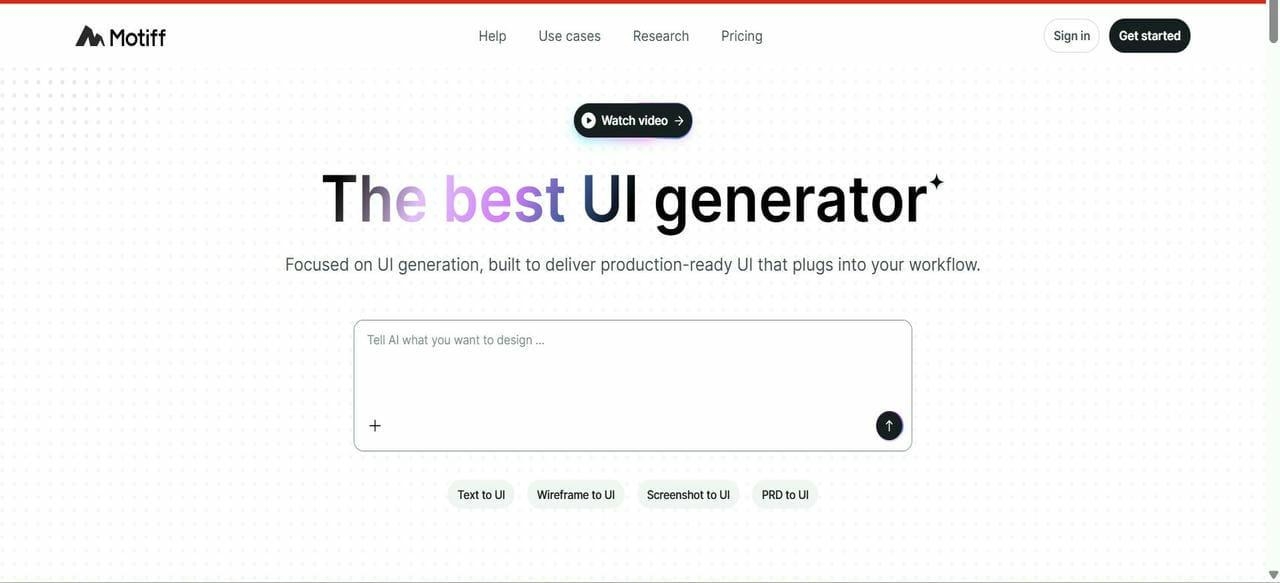
Motiff is an AI-powered design platform focused on enterprise teams and scalable design systems. It emphasizes consistency, productivity, and intelligent component management. By combining AI assistance with structured governance, Motiff enables companies to build and evolve complex product interfaces without sacrificing control or quality.
Best for:
- Enterprises building large-scale design systems
- Professional UI designers needing structured, consistent layouts
- Brand-sensitive companies requiring centralized design control
- Design teams prioritizing collaboration and governance
Pros:
- Excellent for large organizations.
- Strong design consistency tools.
- Efficient component reuse.
- Supports complex products.
Cons:
- Not ideal for beginners.
- Higher cost compared to lightweight solutions.
Pricing:
- Starter: Free
- Pro: $16/month
UX Pilot
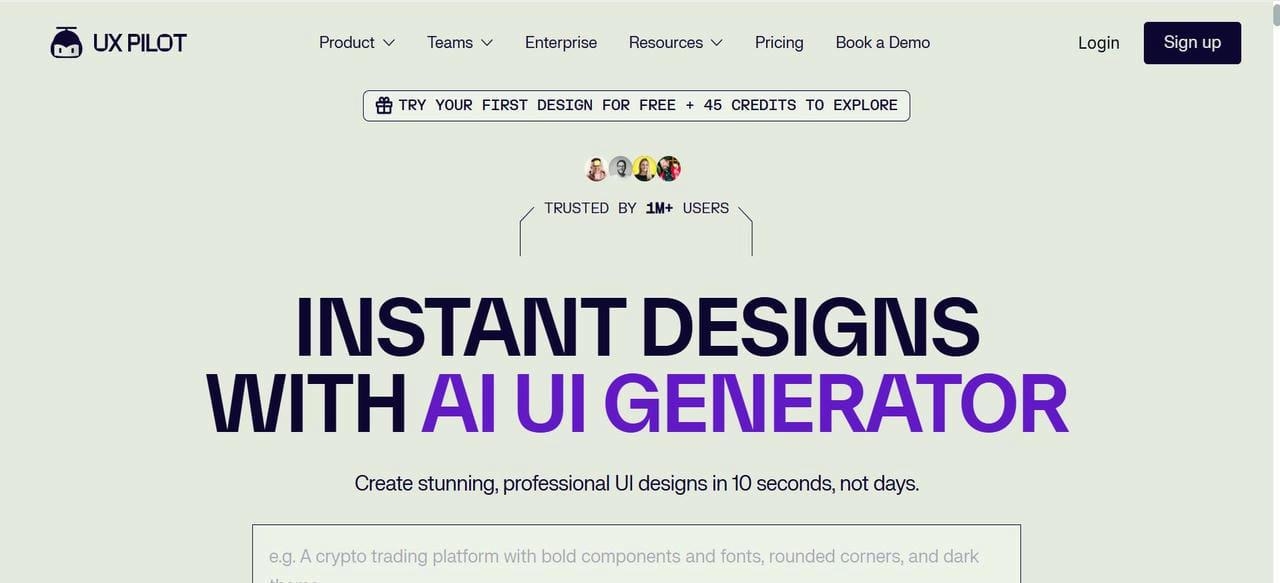
UX Pilot focuses on AI-driven wireframing and ideation. It helps product teams rapidly explore multiple interface concepts during the early stages of development. Turning rough prompts or requirements into structured visual drafts, it reduces the time spent on manual wireframe creation.
Best for:
- UX researchers synthesizing data into insights
- Designers generating journey maps and recommendations
- Teams turning research into actionable design decisions
- Users needing AI support within Figma workflows
Pros:
- Extremely fast ideation process.
- Useful for product discovery.
- Reduces manual wireframing work.
- Great for UX professionals.
Cons:
- Limited full-product design capabilities.
- Requires additional tools for implementation.
Pricing:
- Free: $0/month
- Standard: $14/month
- Pro: $22/month
- Teams: $31/user/month
Betty Blocks AI
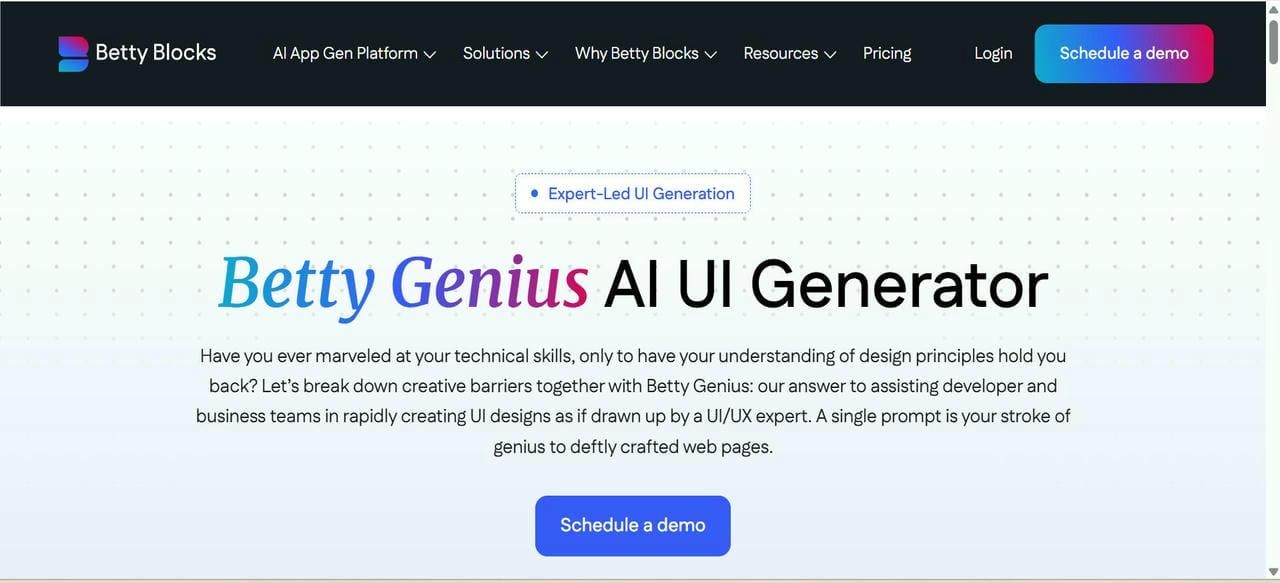
Betty Blocks combines low-code development with AI-assisted interface generation, enabling businesses to build internal tools and customer applications more efficiently. It allows both citizen developers and IT teams to collaborate on secure, scalable applications without writing code from scratch.
Best for:
- Citizen developers building enterprise-grade business applications
- Large organizations digitizing internal processes without heavy coding
- Teams needing secure, scalable no-code platforms
Pros:
- Strong enterprise capabilities.
- Excellent for internal applications.
- Reduces traditional coding requirements.
- Supports complex workflows.
Cons:
- More business-focused than designer-focused.
- Can require onboarding for non-technical users.
Pricing:
- Create: €1,500/month
- Scale: €3,500/month
- Enterprise: Contact Sales
How to choose the right AI UI generator for your project
Selecting an AI UI tool depends on your objectives, team structure, and technical requirements. A startup launching its first product will have very different needs compared to a large enterprise redesigning complex systems.

- Define your project scope: Simple landing pages and MVPs may only require lightweight tools, while enterprise applications benefit from robust collaboration features and scalable design systems.
- Consider your technical experience: Some AI generators prioritize ease of use, while others assume familiarity with professional design workflows.
- Evaluate customization options: The ability to modify layouts, branding, interactions, and components remains critical for creating unique digital experiences.
- Think beyond design: Many organizations now prefer platforms that support planning, development, and deployment, as well as UI generation, reducing the need to juggle multiple tools.
- Account for future growth: Choosing a platform that scales with your team prevents costly migrations later. The best AI UI generator 2026 isn't necessarily the one with the most features; it's the one that aligns with your workflow and long-term goals.
Conclusion
AI is reshaping how teams design and build digital products. The best AI UI generator 2026 tools help creators move from ideas to polished interfaces faster while reducing time and costs. Whether you choose a free UI AI generator or an enterprise platform, the right solution should support creativity, collaboration, and scalability. Platforms like Enter Pro go beyond interface generation by combining planning, design, and development workflows in one place, helping businesses build better digital experiences with greater efficiency.
FAQs
What is an AI UI generator?
An AI UI generator uses artificial intelligence to create interfaces, wireframes, layouts, and prototypes from prompts, sketches, or requirements, helping teams build products more efficiently.
Which is the best AI UI generator 2026?
The best AI UI generator 2026 depends on your needs. Popular choices include Enter Pro, Figma AI, Uizard, Motiff, UX Pilot, and Betty Blocks AI.
Is there a free UI AI generator available?
Yes. Platforms like Uizard and Figma offer free plans or limited-feature options, making them excellent choices for users seeking a free UI AI generator.
What is the difference between a free UI generator AI tool and paid platforms?
Free tools are ideal for experimentation and small projects, while paid solutions typically provide advanced collaboration features, enterprise integrations, stronger customization, and better scalability.
How does Enter Pro help with AI-powered UI design?
Enter Pro enables users to plan, generate, customize, and deploy digital products through conversational AI workflows, reducing development time and simplifying the entire product creation process.