
How to Build an App With AI: A Complete Guide for Beginners
Learn how to build an app with AI using simple prompts, visual development tools, and minimal coding. Discover the key steps, best practices, and how Enter Pro helps turn your ideas into production-ready applications faster.
Building an app once required months of development, large engineering teams, and significant budgets. Today, AI has made the process much faster by helping users generate interfaces, write code, automate workflows, and even deploy applications from a single platform. As a result, startups, businesses, and individual creators can turn ideas into working apps with far less technical effort.
Whether you're creating an internal business tool, an e-commerce app, or your next startup MVP, AI-powered platforms simplify every stage of development. This guide explains how to build an app with AI, what to look for in an AI app builder, and how Enter Pro helps bring your ideas to life.
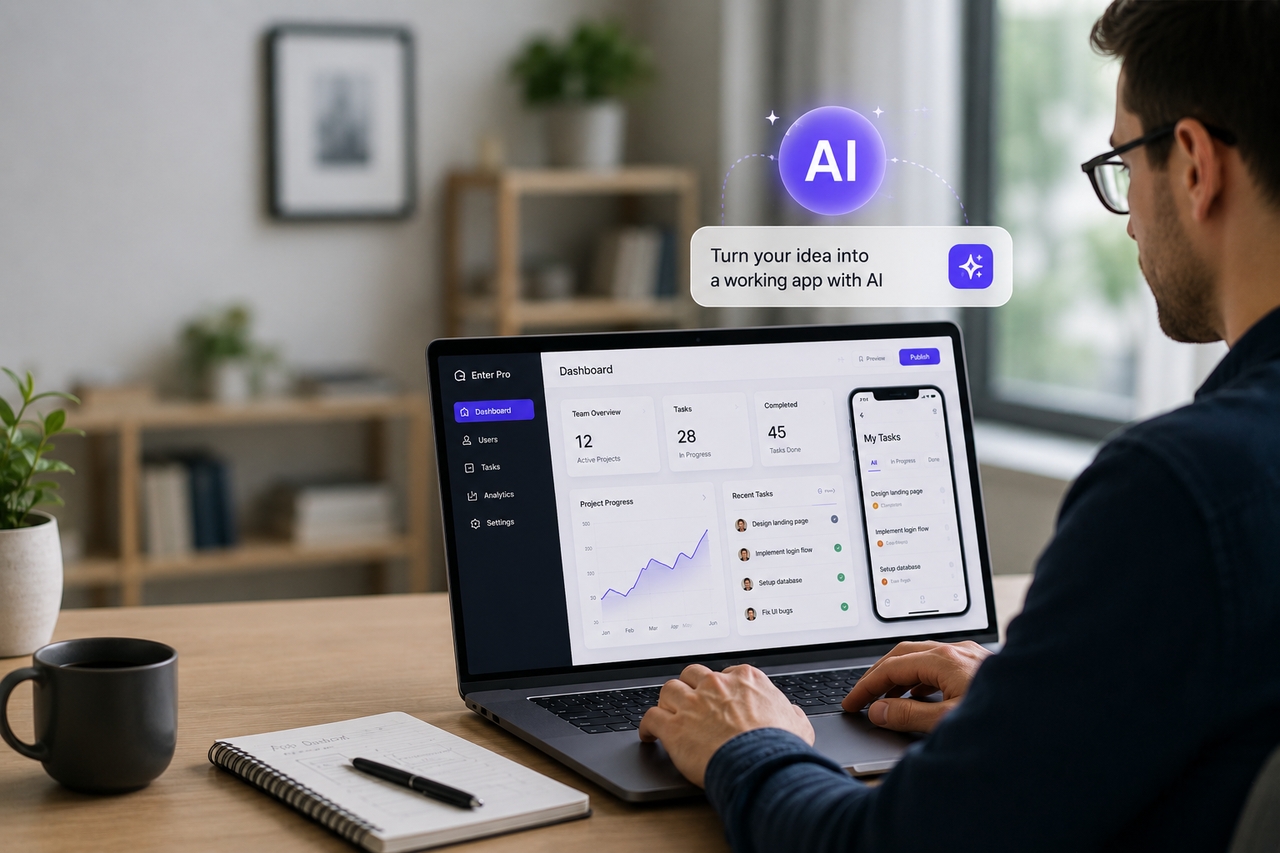
What does it mean to build an app with AI?
Building an app with AI means using artificial intelligence to assist throughout the software development lifecycle. Instead of manually designing every screen or writing every line of code, AI helps generate interfaces, application logic, workflows, and database structures based on simple prompts. Developers can then customize the generated app, connect external services, and prepare it for deployment.
Unlike traditional development, AI doesn't replace technical expertise. It reduces repetitive work, so developers can focus on solving business problems and creating better user experiences. At the same time, entrepreneurs and business teams can prototype ideas much faster, making application development accessible to users with limited coding experience.
These capabilities are why businesses are increasingly adopting AI-powered development platforms. They shorten development cycles, reduce costs, and make it easier to experiment before investing in full-scale software development.
AI-assisted development vs traditional development
| Traditional development | AI-assisted development |
| Build every feature manually | Generate apps from prompts |
| Longer development cycles | Faster prototyping |
| Separate design and coding tools | Unified development workflow |
| Heavy manual coding | AI-assisted coding with customization |
For many projects, it's even possible to build an app with AI without coding by using visual editors and pre-built components. However, applications with advanced business logic or enterprise integrations still benefit from developer customization, making AI a productivity tool rather than a replacement for software engineers.
Why businesses are using AI for app developmen
The growing adoption of AI-powered development isn't simply about building applications faster. Businesses are looking for ways to reduce development costs, launch new ideas quickly, and respond to changing customer needs without constantly expanding their engineering teams. AI helps achieve these goals by simplifying many of the tasks that traditionally consume most of the time.
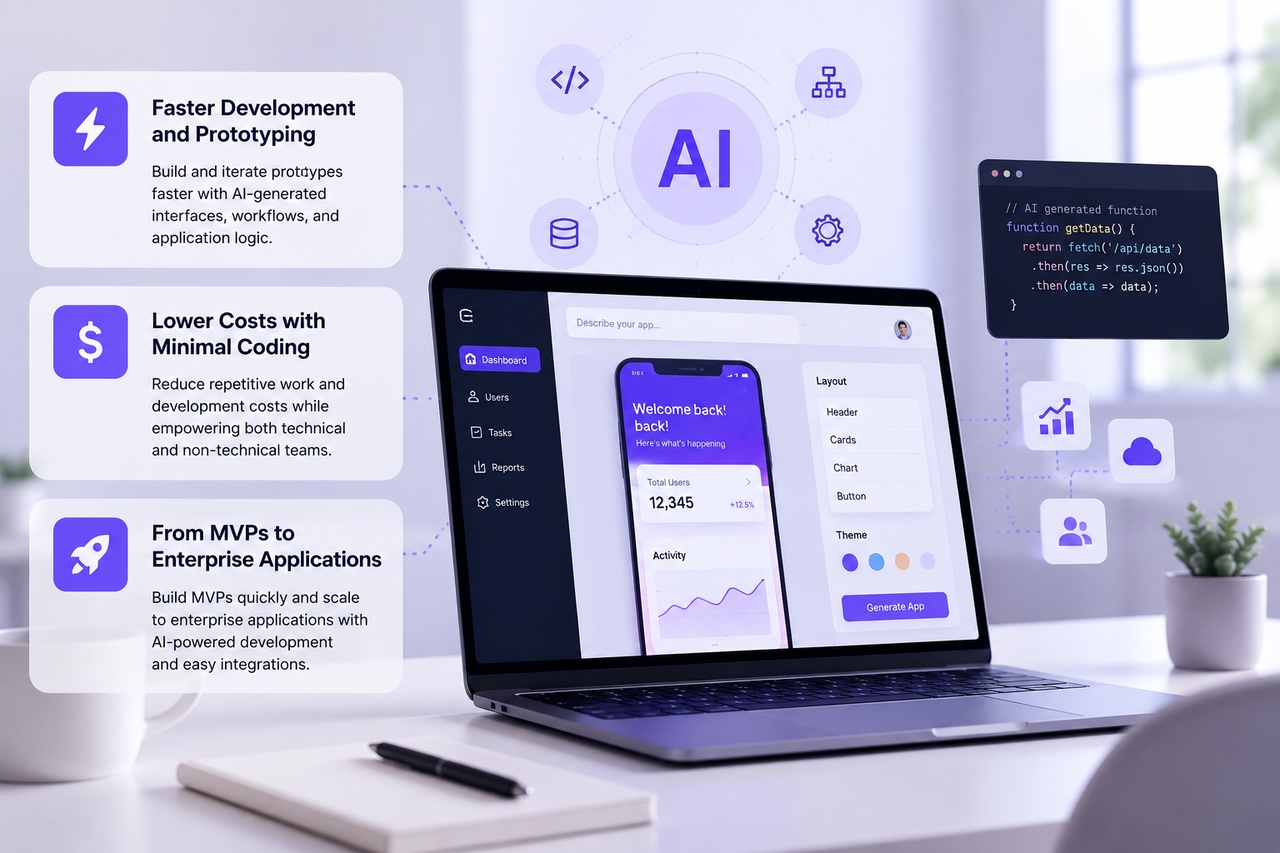
Faster development and prototyping
AI accelerates development by generating interfaces, workflows, and application logic from simple prompts. Instead of spending days creating a basic project structure, teams begin with a working prototype that can be refined and expanded. This makes it easier to validate ideas, collect feedback, and bring new products to market much sooner.
Lower costs with minimal coding
One of the biggest advantages of AI-assisted development is that it reduces repetitive manual work. Developers spend less time building common features and more time improving functionality, while non-technical users can contribute without extensive programming knowledge. For businesses exploring how to start building an AI app with minimal coding, this creates an efficient balance between automation and customization.
From MVPs to enterprise applications
AI is equally valuable for startups and established organizations. Entrepreneurs can use it to build and test MVPs before investing in full-scale development, while enterprises can modernize internal systems, automate workflows, or create customer-facing applications more efficiently. As projects grow, developers can extend AI-generated applications with custom code and integrations instead of rebuilding them from scratch.
This flexibility is why AI has become an important part of modern software development. Rather than replacing developers, it allows teams to work faster, experiment more freely, and focus on delivering applications that solve real business challenges.
What should you look for in an AI app builder?
Not every AI app builder is designed for the same purpose. Some are ideal for quickly creating prototypes, while others support production-ready applications with greater flexibility and scalability. Choosing the right platform depends on your project requirements, technical expertise, and future growth plans.
If you're wondering how to build an app with AI tools, start by choosing a platform that simplifies development without limiting customization. Look for an AI app builder that can generate an application from a simple prompt, provides a visual editor for refining layouts and workflows, and supports integrations with databases, APIs, authentication services, and third-party tools. It should also make testing and deployment straightforward, allowing your application to grow as your business evolves.
Choosing a platform with these capabilities makes the development process faster, more flexible, and easier to scale. Enter Pro brings them together in a single workspace, helping teams move from an idea to a production-ready application with less effort.
Build AI-powered applications with Enter Pro
Knowing how to build an app with AI is only part of the process. The right platform should help you turn an idea into a production-ready application without adding unnecessary complexity. Enter Pro combines AI-powered generation with visual development, allowing you to build, customize, and deploy applications from a single workspace. Whether you're creating an internal business tool, a customer portal, or an MVP, the platform helps streamline every stage of development.
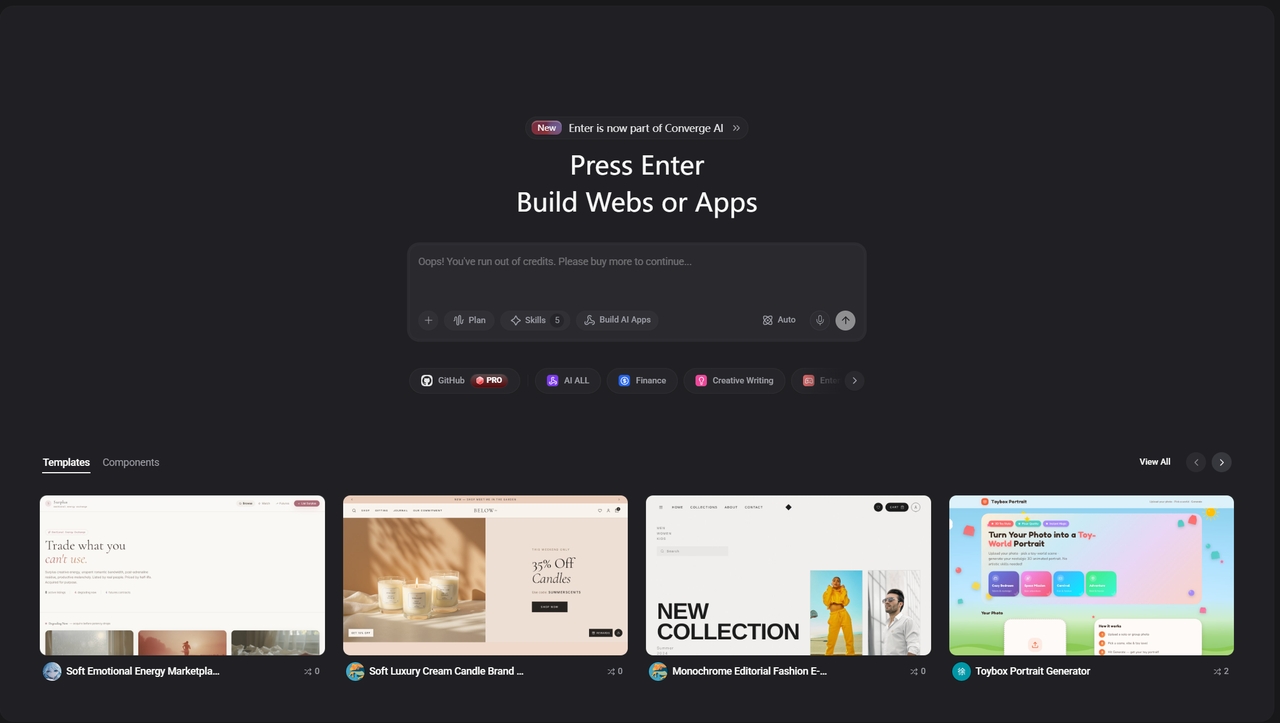
Key capabilities
- Conversational AI app building with Enter Pro: Describe your app idea in plain English, and Enter Pro generates the frontend, backend, database, and business logic in minutes.
- AI coding with Enter Code: Customize, debug, and optimize your project using Enter Code, the AI coding agent that works directly in your terminal.
- Workflow automation with Enter CLI: Run AI-powered commands, automate repetitive tasks, and manage projects from the command line.
- Access multiple AI models: Build with GPT, Claude, Gemini, Grok, and more, switching models based on your project's needs.
- Visual editing: Update layouts, styles, and components on the canvas without rewriting prompts.
- Complete source code ownership: Export the full React and Tailwind codebase anytime with no vendor lock-in.
- One-click deployment: Publish your app with custom domain support, without managing hosting or DevOps.
- Ready-to-use templates: Kickstart projects with templates for SaaS, dashboards, ecommerce, and internal tools.
Build your app in three simple steps
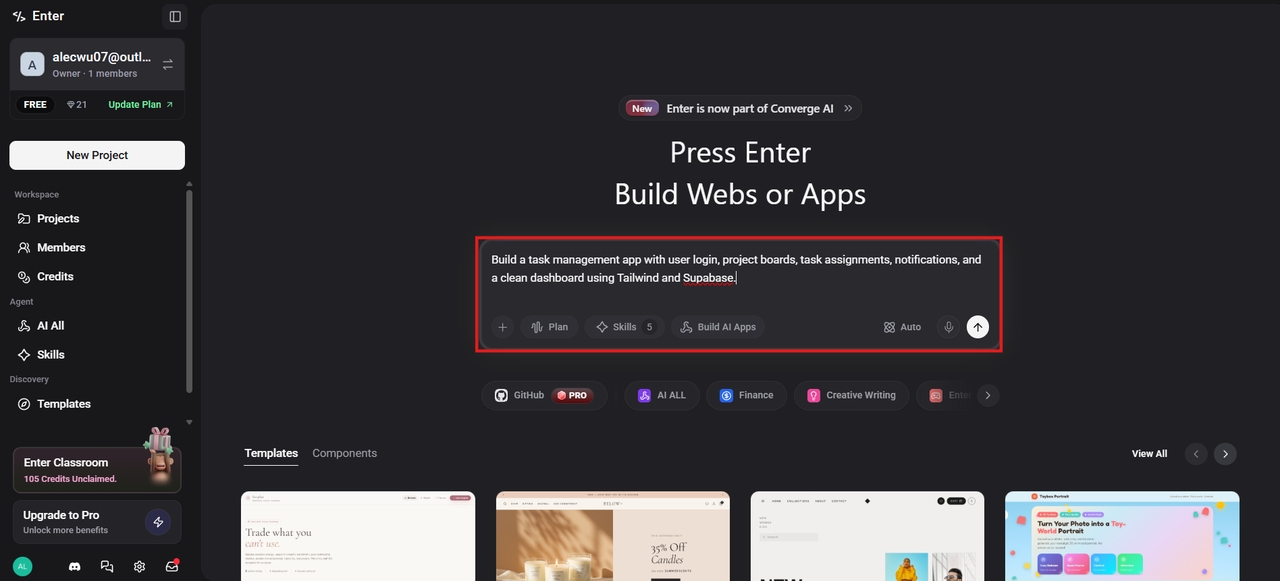
Step 1: Describe your app
Start by entering a prompt that explains what you want to build. Include details such as your app's purpose, target users, core features, design preferences, and workflows. Enter Pro uses this information to generate the first version of your application, giving you a strong starting point for further customization.
Step 2: Customize your application
Use the Visual Editor to personalize your application. Refine layouts, update content, adjust branding, and connect databases or third-party services. If additional functionality is needed, developers can extend the application with custom code.
Step 3: Test and publish
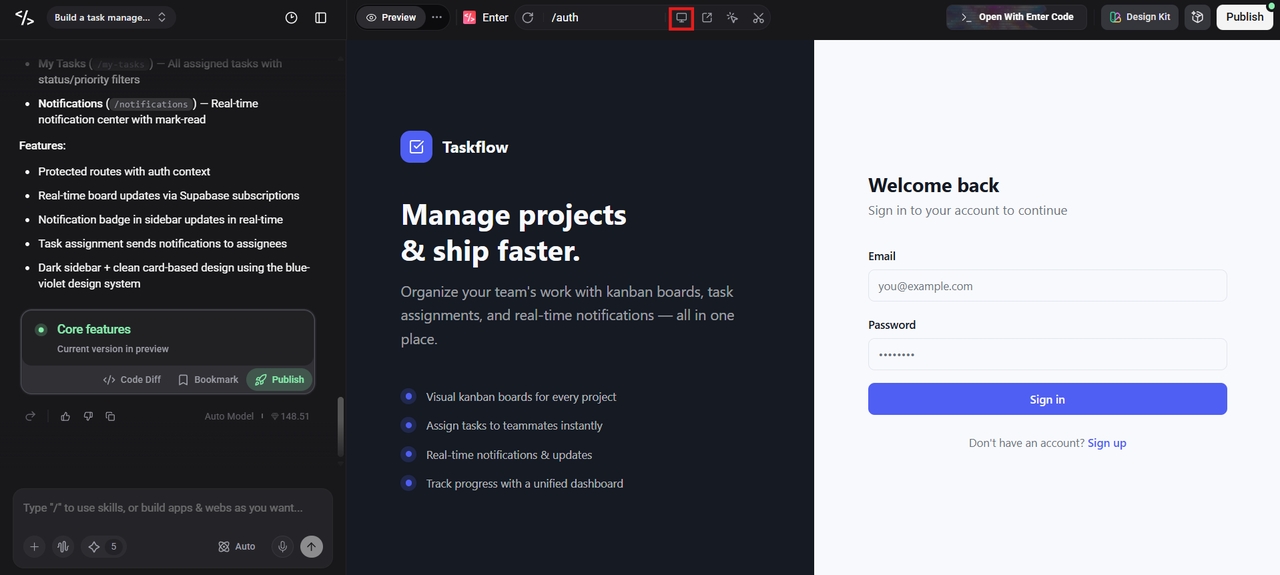
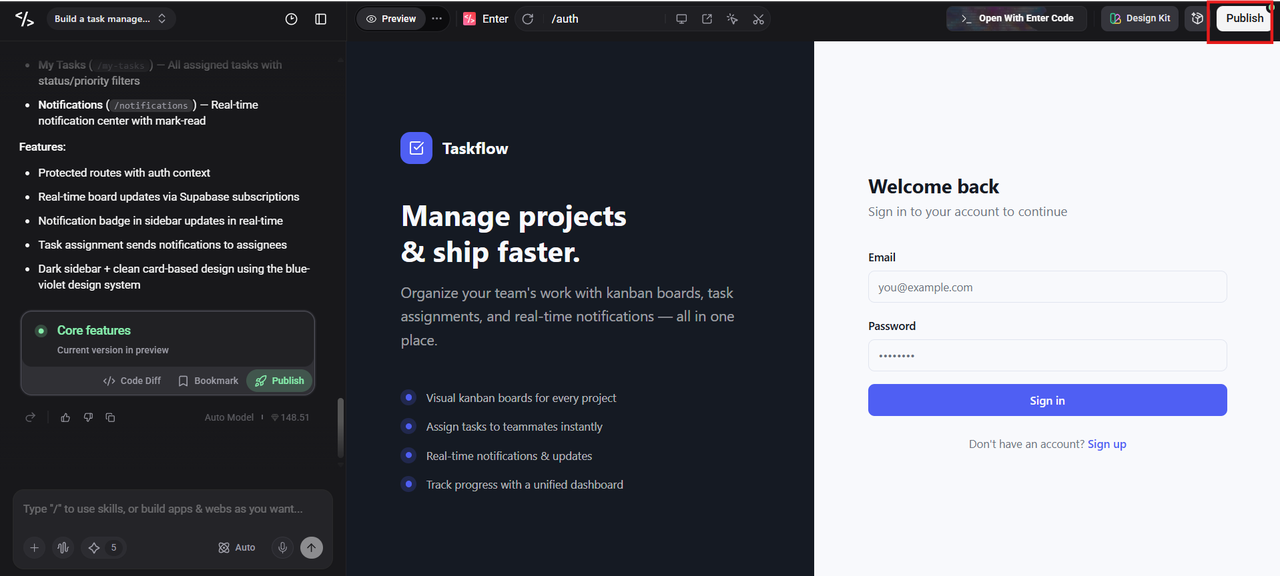
Preview your application, test workflows and integrations, and make any final refinements before deployment. Once everything is ready, publish your application and continue improving it as your business grows.
Whether you're exploring how to build an app with AI for free using a trial or developing a production-ready solution, Enter Pro provides the flexibility to start quickly and scale with confidence.
Conclusion
AI has transformed app development from a complex, code-heavy process into a faster and more accessible experience. By combining intelligent generation with visual development, businesses and creators can build applications, test ideas, and launch products more efficiently than ever before. While AI simplifies much of the work, choosing the right platform is key to creating applications that are scalable, secure, and ready for real-world use. Whether you're building your first prototype or a production-ready business application, Enter Pro provides AI-powered tools to help you develop faster while maintaining the flexibility to grow.
FAQs
How do you build an app with AI?
Building an app with AI typically involves describing your idea, generating the initial application, customizing its design and functionality, testing it, and publishing it. Modern AI app builders simplify much of this process through visual development tools and automation.
Can I build an app with AI for free?
Yes. Many AI app builders offer free plans or trial versions that let you generate and test applications before upgrading to premium features. The available functionality varies depending on the platform you choose.
Can I build an app with AI without coding?
Yes, many platforms allow you to build an app with AI without coding by combining natural language prompts with visual editors. For more advanced applications, developers can still add custom code when additional functionality or integrations are required.
How do I build an iOS app with AI?
Many AI app builders help you create responsive web apps that work across desktop and mobile devices. If you need a native iOS app, check whether the platform supports native deployment. Enter Pro currently focuses on web apps, internal tools, and MVPs, with native mobile support planned for a future release.
Why use Enter Pro to build an app with AI?
Enter Pro combines AI-powered app generation, a visual editor, production-ready integrations, and full code ownership in a single platform. This allows businesses and developers to build, customize, and deploy applications more efficiently while maintaining the flexibility to scale as their needs grow.