Rapid Application Development Tools: The Best Picks for 2026
Discover the best rapid application development tools to build web and enterprise applications faster. Compare leading RAD platforms, key features, pricing, and AI-powered solutions to choose the right tool for your business in 2026.
Building applications from scratch can take months, delaying product launches and increasing development costs. That's why businesses are turning to rapid application development tools to accelerate software delivery. By combining visual development, automation, and AI, these platforms help teams build web and enterprise applications faster without compromising quality. In this guide, we'll explain what RAD tools are, the key features to look for, and compare the best solutions available today.
What are rapid application development tools?
Rapid application development (RAD) tools are platforms that help developers design, build, and deploy applications faster than traditional development methods. Instead of writing every feature from scratch, they use visual builders, reusable components, templates, and automation to simplify the development process.
Unlike the traditional waterfall approach, RAD focuses on rapid prototyping and continuous feedback. Teams can quickly build a working version of an application, gather input from stakeholders, and improve it through multiple iterations. This approach shortens development cycles while ensuring the final product meets business needs.
Modern rapid web application development tools also use AI to generate application layouts, workflows, and business logic from simple prompts. Combined with low-code capabilities, these platforms help businesses deliver software more efficiently while giving developers the flexibility to customize applications when needed.

What to look for in rapid application development tools
Not every RAD platform offers the same capabilities. Before choosing one of the best rapid application development tools, consider these essential features to ensure the platform meets your current and future business requirements.
- Ease of use: A visual drag-and-drop interface makes application development faster and more accessible. It also enables developers and business teams to collaborate throughout the project without relying entirely on manual coding.
- AI-powered development: Many modern platforms use AI to generate user interfaces, workflows, and application logic from natural language prompts. This reduces repetitive work and helps teams move from idea to prototype much faster.
- Integration capabilities: The best tools for rapid application development connect seamlessly with databases, APIs, CRM platforms, payment gateways, authentication providers, and other business applications. Strong integration support allows new applications to fit easily into existing workflows.
- Scalability and security: As your business grows, your applications should scale with it. Look for platforms that offer enterprise-grade security, role-based access, data encryption, compliance support, and flexible deployment options to support long-term growth.
- Customization flexibility: Although RAD platforms reduce manual coding, there are times when custom functionality is required. Choosing a platform that supports custom code, reusable components, and workflow customization gives your team greater flexibility as business requirements evolve.
7 best rapid application development tools in 2026
Choosing the right RAD platform depends on your business requirements, technical expertise, and deployment goals. Some platforms focus on enterprise-grade applications, while others are better suited for startups or internal business tools. Here's a comparison of the best rapid application development tools available today.
| Tool | Best for | AI generation | Code ownership | Free plan/trial | Deployment |
| Enter Pro | AI-powered business app development | Yes | Full source code ownership | Free trial | Cloud |
| Mendix | Enterprise application development | AI-assisted | Partial | Free tier | Cloud, On-premises |
| OutSystems | Large-scale enterprise apps | AI-assisted | Limited | Free trial | Cloud, On-premises |
| Zoho Creator | Business process automation | Limited | Limited | Free trial | Cloud |
| Microsoft Power Apps | Microsoft ecosystem users | AI-assisted | Limited | Trial available | Cloud |
| Appian | Workflow automation | AI-assisted | Limited | Free trial | Cloud |
| Bubble | Startups and MVPs | Limited | No full code export | Free plan | Cloud |
Enter Pro
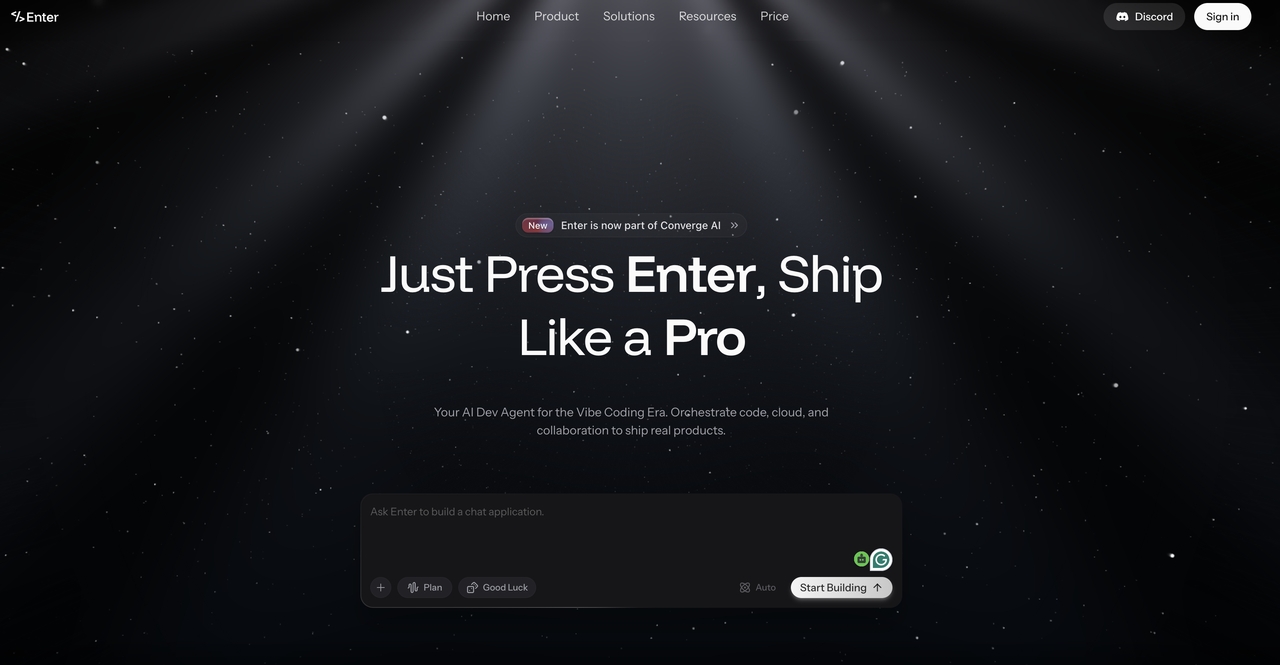
Enter Pro is an AI-powered application development platform that helps businesses build production-ready applications faster. Users can generate apps from natural language prompts, customize them with a visual editor, and connect them to existing business systems. Professional developers can extend projects with Enter Code for AI-assisted coding and use Enter CLI to automate development and deployment workflows, creating a complete AI-powered development ecosystem.
Pros
- Generates applications using AI prompts
- Visual drag-and-drop editor for easy customization
- Supports production-ready integrations
- Offers full ownership of application source code
Cons
- Pricing is not publicly available
- Relatively newer compared to established RAD platforms
Pricing: Free plan available; Paid plan starts at $16/month
How to Get Started with Enter Pro
After choosing the right rapid application development platform, getting started with Enter Pro is straightforward. Describe your application, refine it with AI-powered tools, and publish it when you're ready.
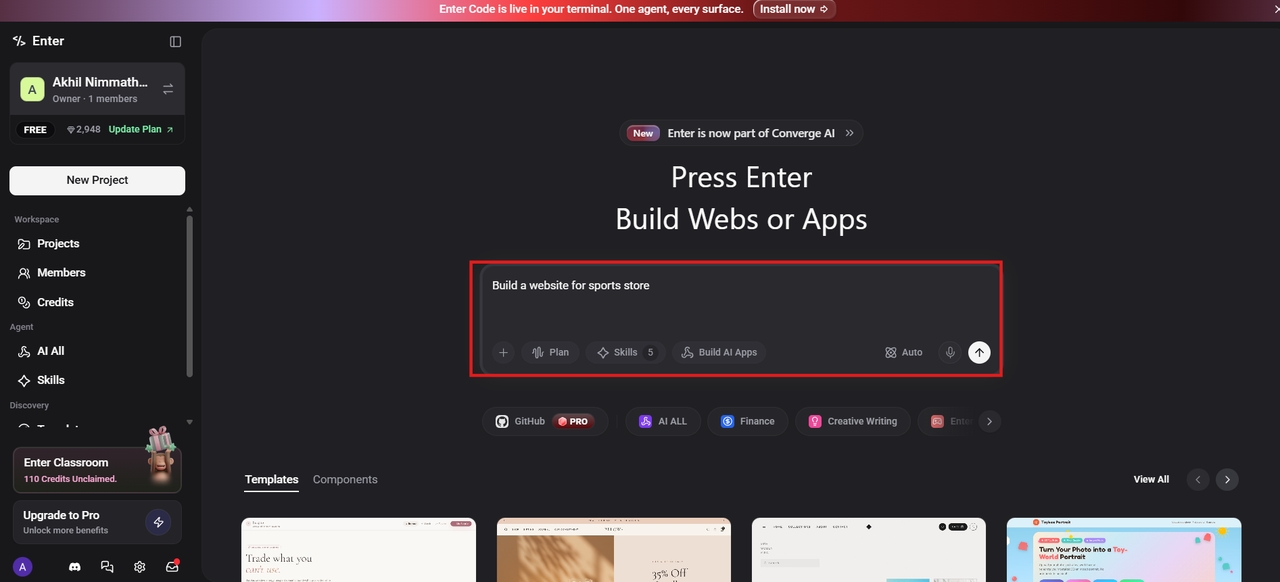
Step 1: Describe your website idea
Log in to Enter Pro and create a new project. Describe your website by outlining its purpose, target audience, desired features, and overall functionality. Enter Pro uses this information to generate a tailored website structure. Once you're ready, click "Build" to create your website.
Step 2: Customize your website
After the initial website is generated, refine it using Enter Pro's AI chat and visual editor. Request updates in natural language or edit text, layouts, colors, and other design elements directly to match your branding and requirements.
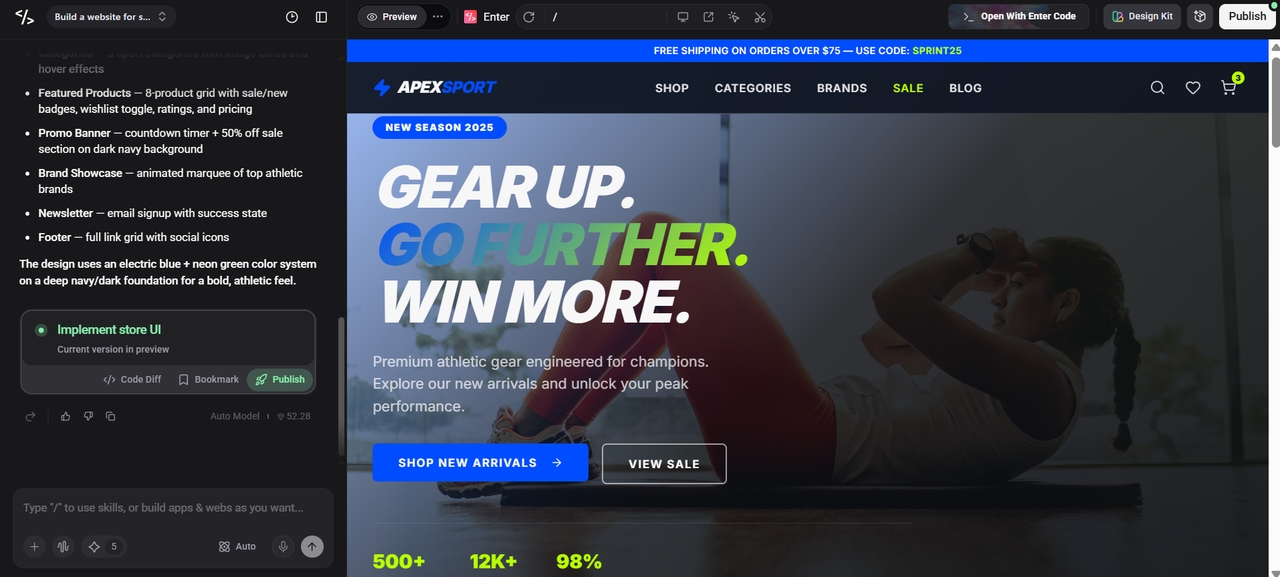
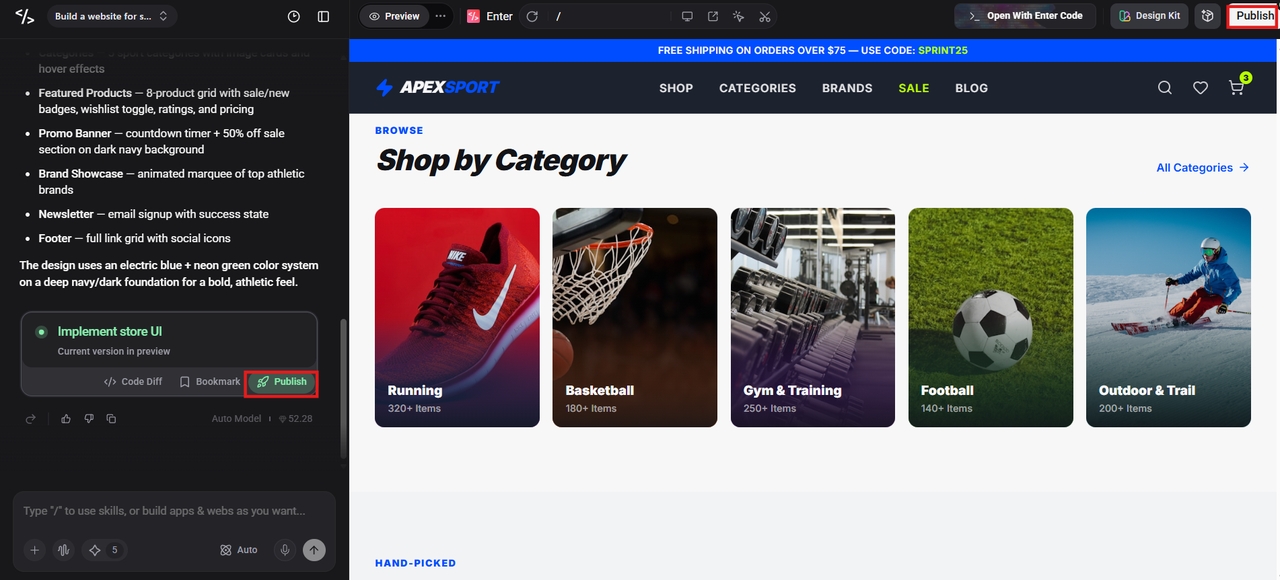
Step 3: Publish your website
Once you're satisfied with the final design, click "Publish" to make your website live. Enter Pro instantly hosts your site with a shareable link, and you can connect to a custom domain for a fully branded online presence.
Mendix
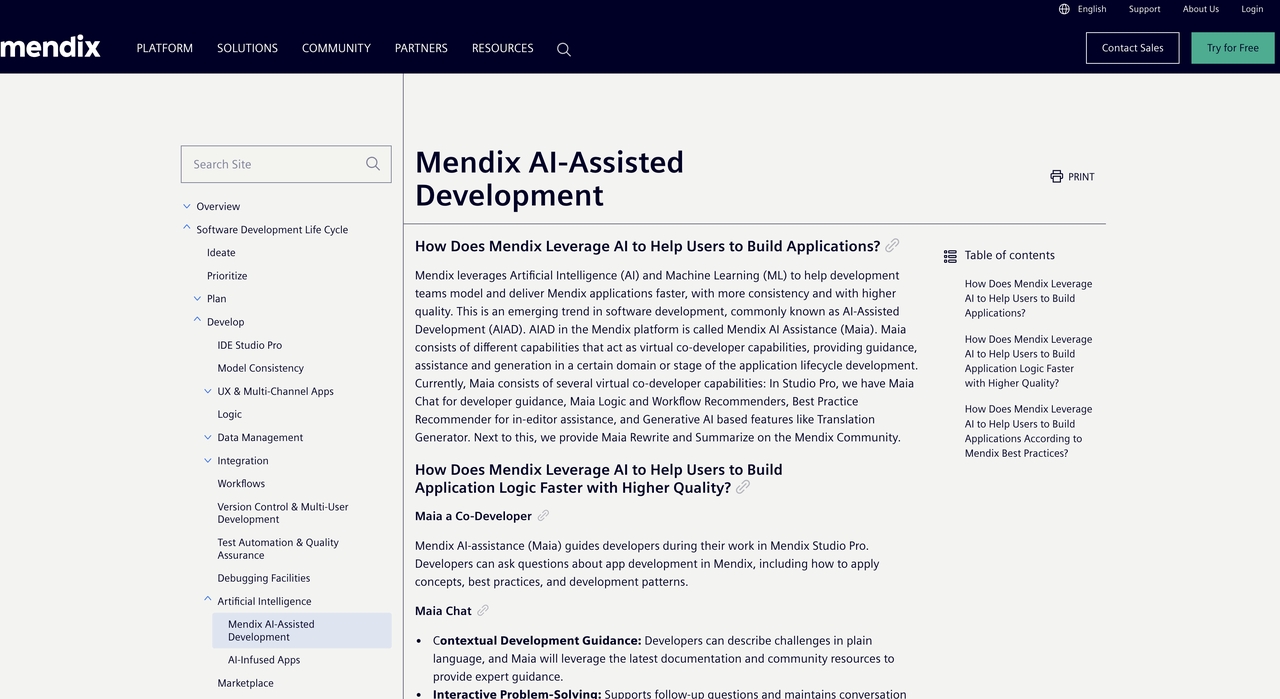
Mendix is a leading low-code platform that helps organizations build enterprise applications quickly. Its visual development environment, AI-assisted features, and extensive integration options make it a popular choice for businesses managing large-scale digital transformation projects.
Pros
- Enterprise-grade scalability
- AI-assisted development capabilities
- Extensive integration library
- Supports cloud and on-premises deployment
Cons
- Premium plans can be expensive
- Advanced features require a learning curve
Pricing: Free trial available; basic apps start around $50/month with custom enterprise tiers.
OutSystems
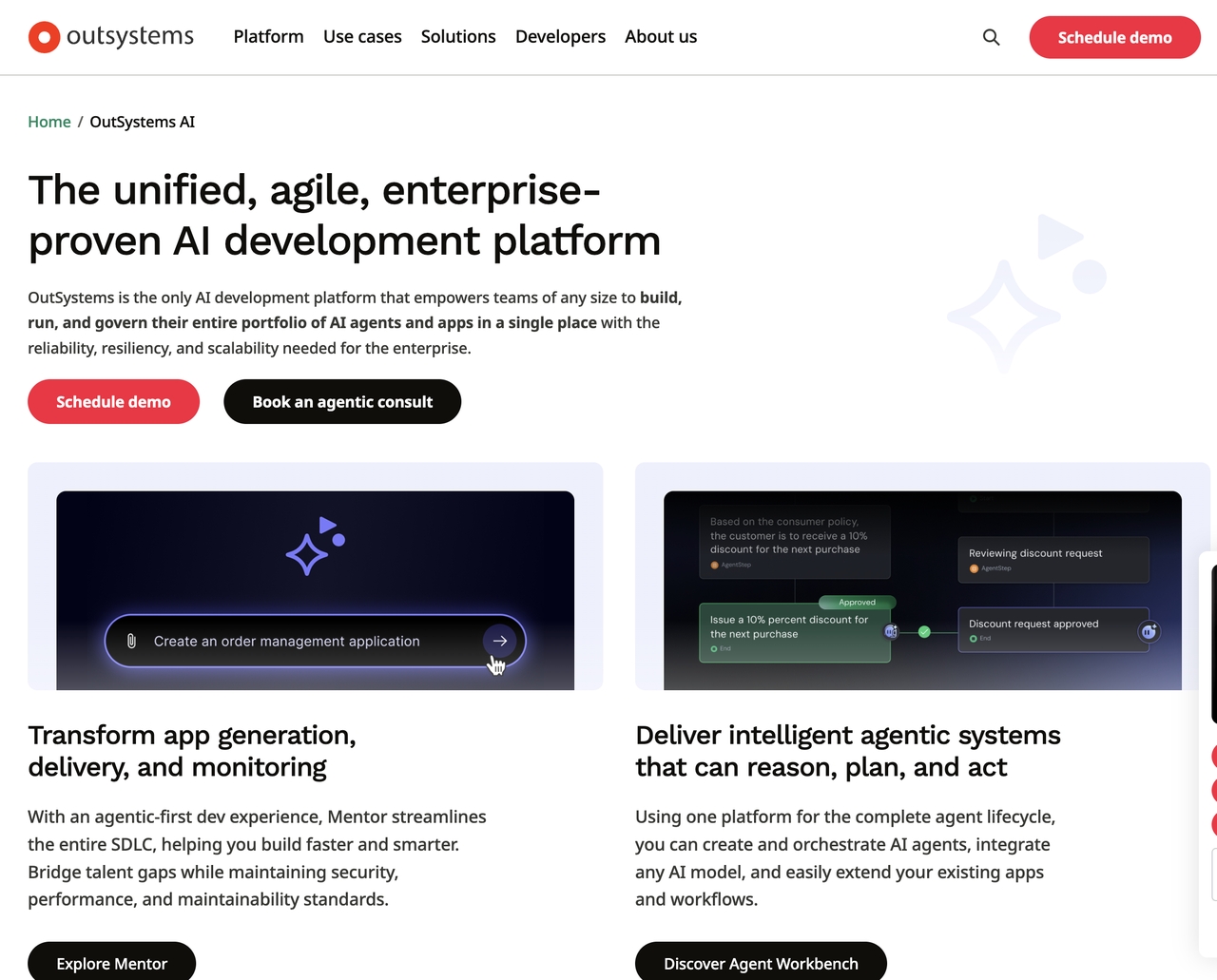
OutSystems enables businesses to develop secure, scalable applications with minimal coding. It combines visual development, reusable components, and automation to accelerate software delivery while supporting complex enterprise requirements.
Pros
- Excellent performance and scalability
- Strong security and governance features
- AI-assisted development tools
- Supports complex enterprise applications
Cons
- Higher cost than many competitors
- May be complex for beginners
Pricing: Free trial available for non-production testing; enterprise deployment packages require a custom quote.
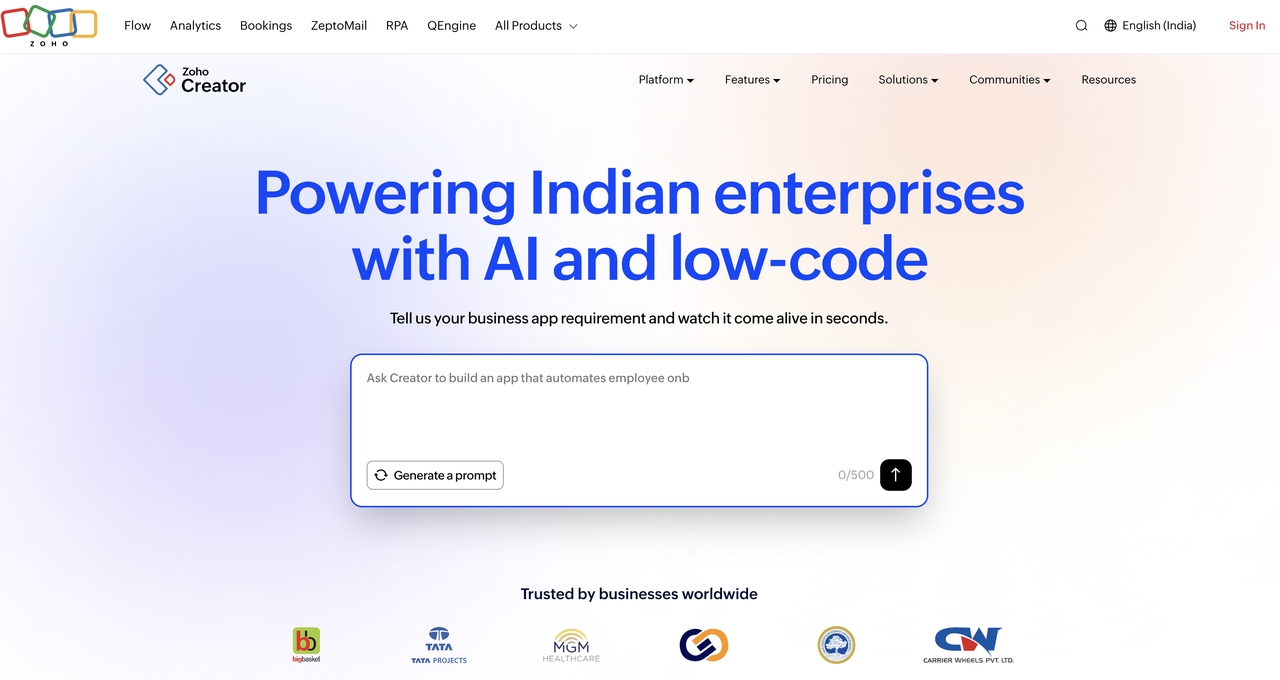
Zoho Creator
Zoho Creator is a low-code platform designed to simplify business application development. It allows users to automate workflows, create custom applications, and manage business processes through an intuitive visual interface.
Pros
- User-friendly visual builder
- Affordable pricing
- Strong workflow automation
- Seamless integration with Zoho applications
Cons
- Limited flexibility for highly complex applications
- The best experience is within the Zoho ecosystem
Pricing: Free trial available; paid plans start at $8/user per month when billed annually.
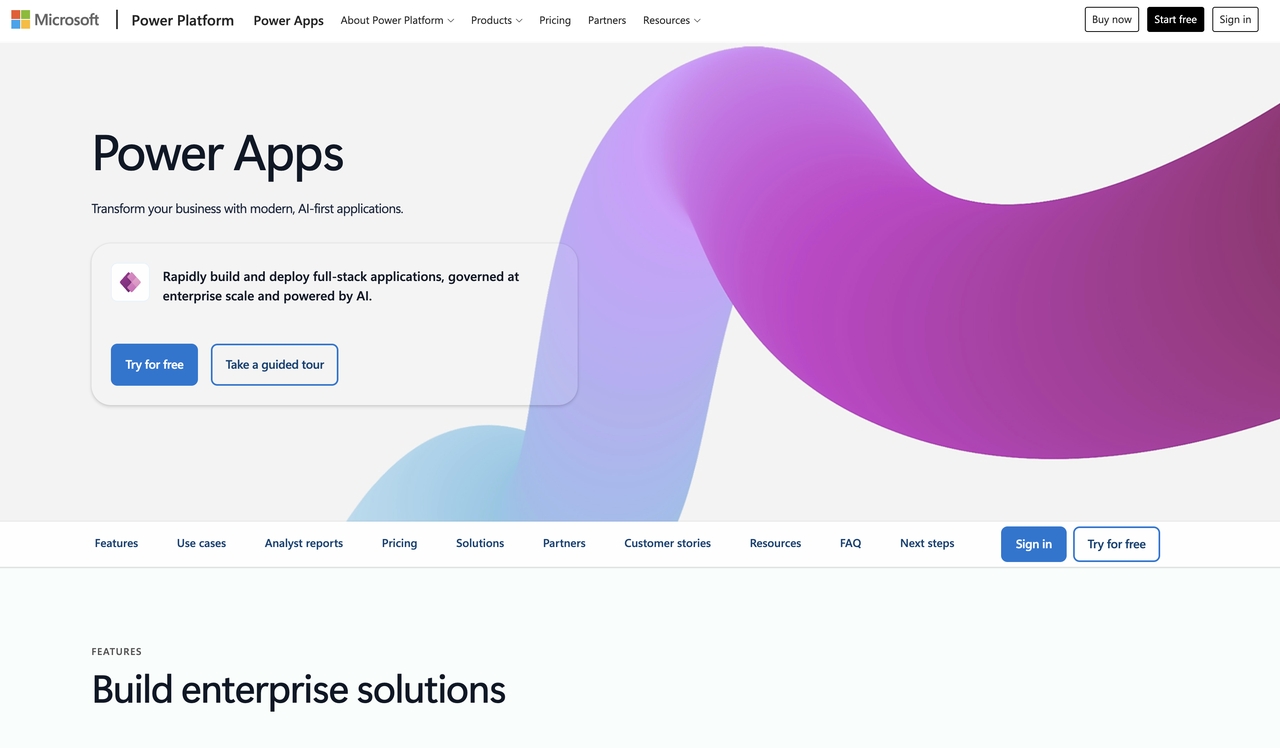
Microsoft Power Apps
Microsoft Power Apps helps organizations build custom business applications with minimal coding. It works seamlessly with Microsoft 365, Azure, and Dynamics 365, making it an ideal solution for businesses already using Microsoft's ecosystem.
Pros
- Excellent Microsoft ecosystem integration
- Large collection of pre-built connectors
- Enterprise-grade security
- AI-powered development features
Cons
- Licensing structure can be confusing
- Less flexible outside the Microsoft ecosystem
Pricing: Paid plans start at $5/user per month for a single application.
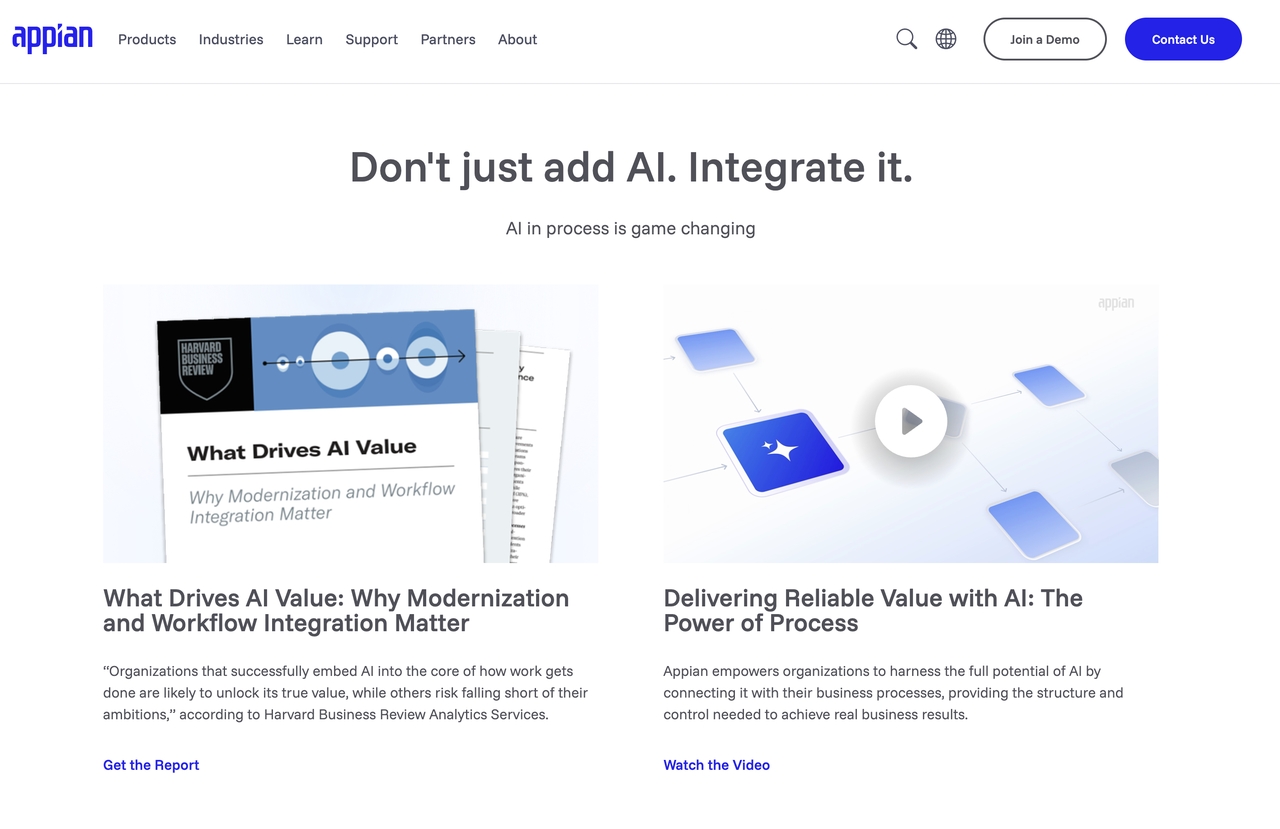
Appian
Appian combines low-code development with workflow automation to help organizations streamline complex business processes. Its AI-powered automation and enterprise-grade capabilities make it well suited for process-driven industries.
Pros
- Powerful workflow automation
- AI and process mining capabilities
- Strong security and compliance features
- Highly scalable for enterprise use
Cons
- Higher implementation costs
- Better suited for medium and large enterprises
Pricing: Free trial available; standard user bundles start around $75/user per month.
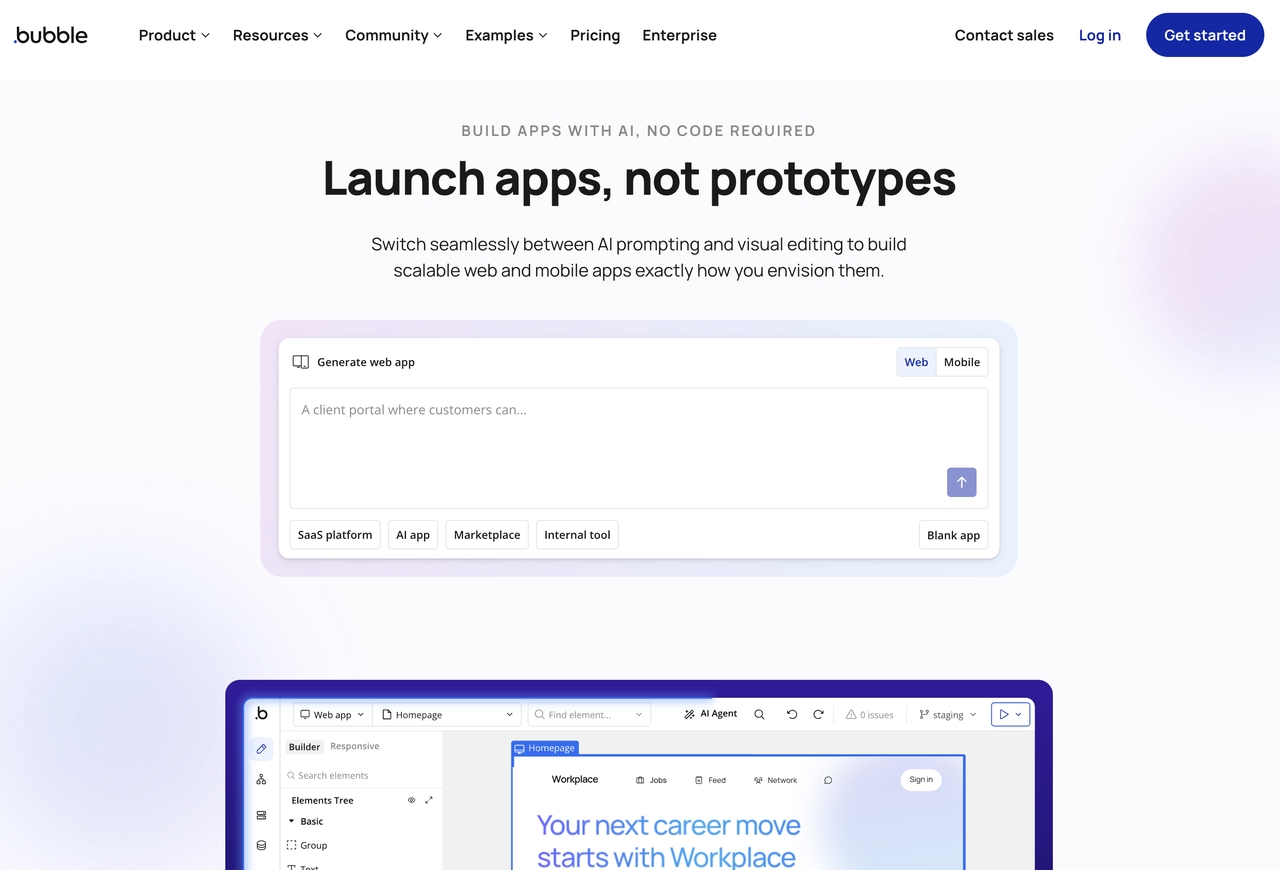
Bubble
Bubble is a no-code development platform that enables startups and entrepreneurs to build web applications without writing code. Its visual editor and extensive plugin ecosystem make it a popular choice for rapidly developing MVPs and SaaS products.
Pros
- Beginner-friendly interface
- Fast web application development
- Extensive plugin marketplace
- Active user community
Cons
- Primarily designed for web applications
- Limited support for highly complex enterprise projects
Pricing: Free plan available; paid plans start at $29/month
Benefits of using rapid application development tools
- Speed: Teams can move from idea to working prototype in days instead of months, so new ideas reach users while they are still relevant.
- Lower costs: Visual builders and reusable components reduce the amount of custom code teams need to write and maintain from scratch.
- Early issue detection: Frequent testing in the RAD approach catches problems before they become expensive rework.
- Greater flexibility: Teams can adjust applications more easily as requirements change mid-project.
- Democratized development: No-code and AI-native tools let non-technical team members build and maintain internal tools without depending on engineering teams.
Conclusion
Choosing the right rapid application development tools can significantly reduce development time while improving collaboration, flexibility, and scalability. Whether you're building an MVP, automating internal workflows, or developing enterprise software, the right platform helps you deliver applications more efficiently. AI-powered solutions like Enter Pro combine intelligent app generation, visual development, and enterprise-ready capabilities to streamline the entire development process while giving teams the flexibility to scale. Ready to accelerate your next project? Start your free trial of Enter Pro today and discover how AI-powered development can help you build, customize, and deploy applications faster.
Frequently asked questions
What are rapid application development tools?
Rapid application development tools are software platforms that help businesses build applications faster using visual development, reusable components, automation, and AI. They reduce manual coding, enabling teams to prototype, develop, and deploy applications more efficiently than traditional development methods.
Which are the best rapid application development tools?
Some of the best rapid application development tools include Enter Pro, Mendix, OutSystems, Zoho Creator, Microsoft Power Apps, Appian, and Bubble. The right platform depends on your project requirements, technical expertise, budget, and scalability needs.
What are rapid web application development tools?
Rapid web application development tools are platforms specifically designed to simplify and accelerate the creation of web applications. They typically include drag-and-drop interfaces, pre-built templates, workflow automation, and integrations that help developers launch web applications in less time.
Are there rapid application development tools open source?
Yes. Several rapid application development tools are available, including Appsmith, Budibase, ToolJet, and Joget DX. These platforms offer greater flexibility and self-hosting options, making them suitable for organizations with in-house development teams.
How do rapid application development tools differ from traditional development?
Traditional software development often follows a sequential process that can take months to complete. RAD tools focus on rapid prototyping, iterative development, and continuous feedback, allowing businesses to deliver applications faster while adapting to changing requirements throughout the project.
Can rapid application development tools build enterprise applications?
Yes. Many modern RAD platforms support enterprise-grade development with features such as AI-assisted app generation, API integrations, workflow automation, role-based access control, and scalable cloud deployment. These capabilities make them suitable for building both internal business applications and customer-facing solutions.