Understanding UI vs UX: What's the Real Difference?
UI vs UX design: While UI makes your product beautiful and interactive, UX ensures it's effortless and delightful to use. Master both to create digital experiences users love. Explore the complete breakdown, examples, and career paths in this guide.
In the world of digital product design, UI and UX are two terms often used interchangeably, but they represent distinct aspects of creating exceptional user-centered products. User Interface (UI) design deals with the visual and interactive elements—like buttons, layouts, colors, and typography—that users directly engage with. User Experience (UX) design, on the other hand, focuses on the overall journey, ensuring the product is intuitive, efficient, and satisfying from start to finish. Understanding UI vs UX is crucial for designers, developers, and businesses aiming to build products that not only look great but also deliver real value.
What is UI design?
UI stands for User Interface. It covers every visual and interactive element a user directly engages with on a screen — buttons, menus, icons, typography, color palettes, spacing, and navigation bars. If you can see it and tap or click it, it belongs to the UI.
A UI designer's job is to make those elements both visually appealing and functionally clear. Great UI design communicates meaning at a glance: a red button signals danger or deletion, a breadcrumb trail tells users where they are, and consistent typography builds trust. It's the equivalent of interior design for digital spaces — UI designers arrange and style the "furniture" of your app or website.
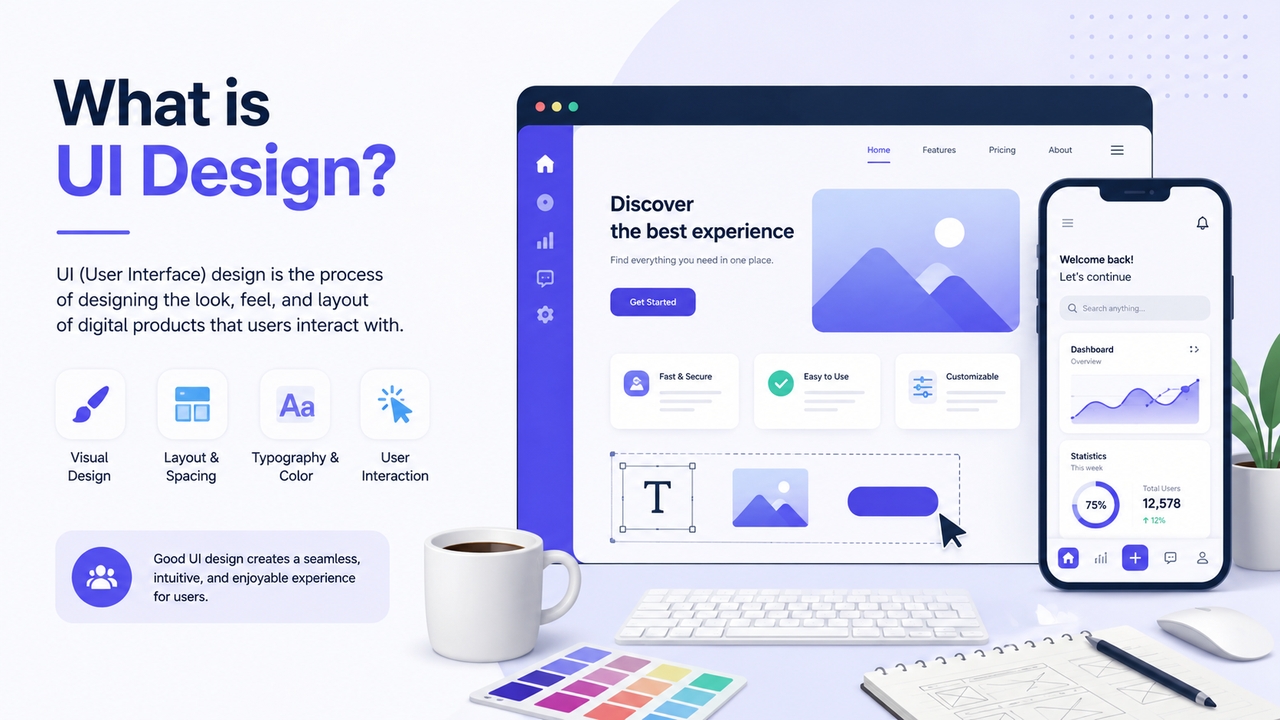
Core responsibilities of a UI designer:
- Creating color palettes, typography systems, and visual style guides
- Designing individual interface components (buttons, forms, sliders, toggles)
- Building high-fidelity mockups and layouts
- Ensuring visual consistency across pages and screen sizes
- Making designs responsive and accessible across devices
- Working closely with developers to translate designs into a working product
UI design is exclusively a digital discipline — it applies to apps, websites, and software interfaces, not physical products or services.
What is UX design?
UX stands for User Experience. While UI is about how something looks, UX is about how it works — and more importantly, how it feels to use. A UX designer focuses on the entire journey a user takes through a product: from discovering it, to completing a task, to walking away satisfied (or frustrated).
UX design is rooted in empathy and research. It asks: Who are the users? What are they trying to accomplish? Where do they get stuck? The goal is to remove friction — those moments of confusion, frustration, or unnecessary extra steps — and replace them with clarity and ease.
Unlike UI design, UX isn't limited to digital products. The principles apply to anything people interact with, from a coffee maker to a government form to a hospital checkout process.
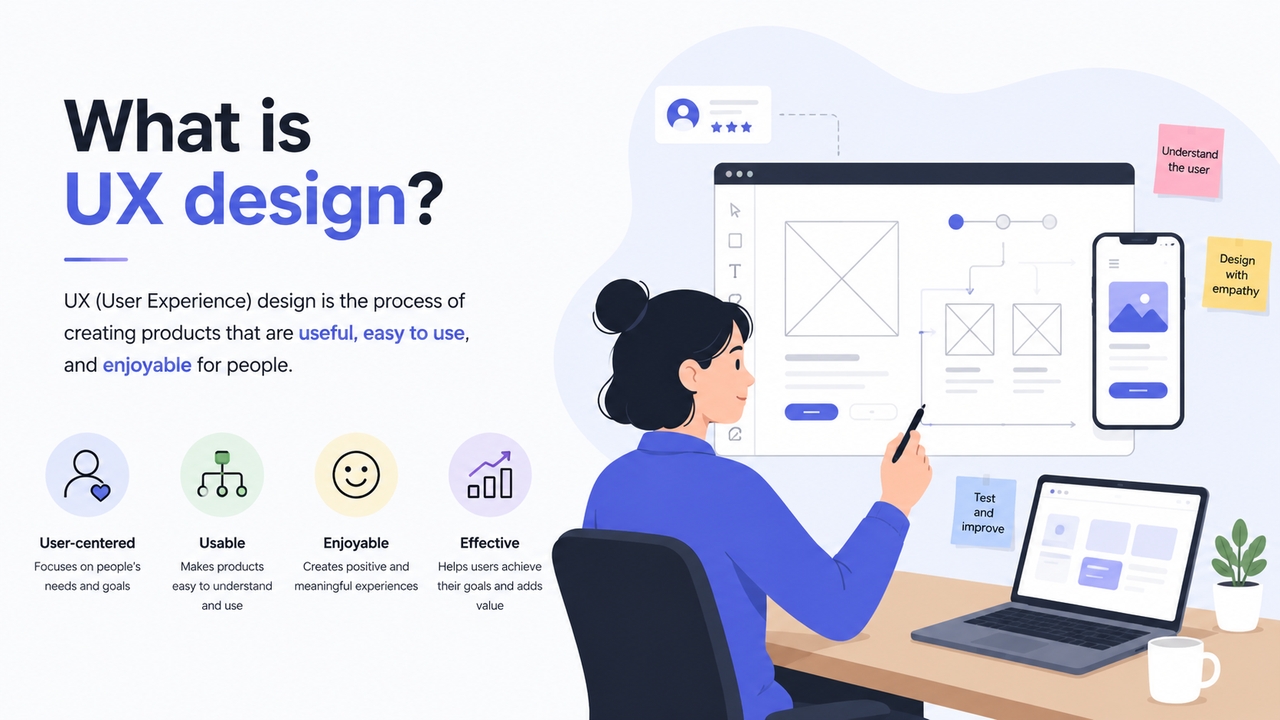
Core responsibilities of a UX designer:
- Conducting user research through interviews, surveys, and observation
- Developing user personas based on target audiences
- Mapping user journeys and interaction flows
- Building wireframes and low-fidelity prototypes
- Running usability tests and iterating based on findings
- Organizing information architecture — how content is structured and labeled
- Collaborating with UI designers, developers, and product stakeholders
UI vs UX design: Key differences
To understand UX vs UI clearly, it helps to analyze how they approach problem-solving from different angles:
| Aspect | UX Design | UI Design |
| Focus | Overall user journey & satisfaction | Visual appearance & interactive elements |
| Goal | Make the product useful and enjoyable | Make the product visually appealing and intuitive |
| Approach | User-centered, research-heavy | Interface-centered, aesthetics-focused |
| Outputs | Wireframes, user flows, journey maps, prototypes | High-fidelity mockups, style guides, visual assets |
| Tools | Figma, Adobe XD, Balsamiq | Figma, Sketch, Photoshop |
| Core Question | "Does this solve the user's problem effectively?" | "Does this look good and feel responsive?" |
How UI and UX design work together
Think of UI and UX as two sides of the same coin. A product with exceptional UX but poor UI might be well-structured and easy to navigate, yet look outdated or feel clunky. A product with stunning UI but weak UX might be beautiful — but frustrating to actually use.
Consider a banking app: it might have an elegant interface with smooth animations and a clean layout (strong UI) — but if you have to tap through seven screens just to transfer money, that's a UX failure. Conversely, a website might organize its content brilliantly with intuitive navigation (strong UX) — but if it looks dated or the buttons are hard to read, users will lose confidence and leave.
The best digital products deliver both: they look great and work effortlessly. That's why UI and UX designers work closely together throughout the product development lifecycle, constantly checking that visual decisions support the user journey, and that the experience logic is reflected in the interface.
UX designer vs UI designer: Roles & skills
Both UX and UI designers are in high demand across startups, enterprises, and tech companies. Businesses increasingly prioritize user-centered design to improve engagement and conversions.
UX designer
A UX designer is part researcher, part strategist, part architect. They spend significant time understanding users before a single pixel is placed. Their process typically starts with discovery — interviews, competitor analysis, heuristic evaluation — and moves through wireframing and prototyping before handing off to UI design.
Key skills: User research, information architecture, wireframing, usability testing, journey mapping, accessibility thinking, and cross-functional communication.
Background: degrees in psychology, human-computer interaction, design, or computer science are common paths.
UI designer
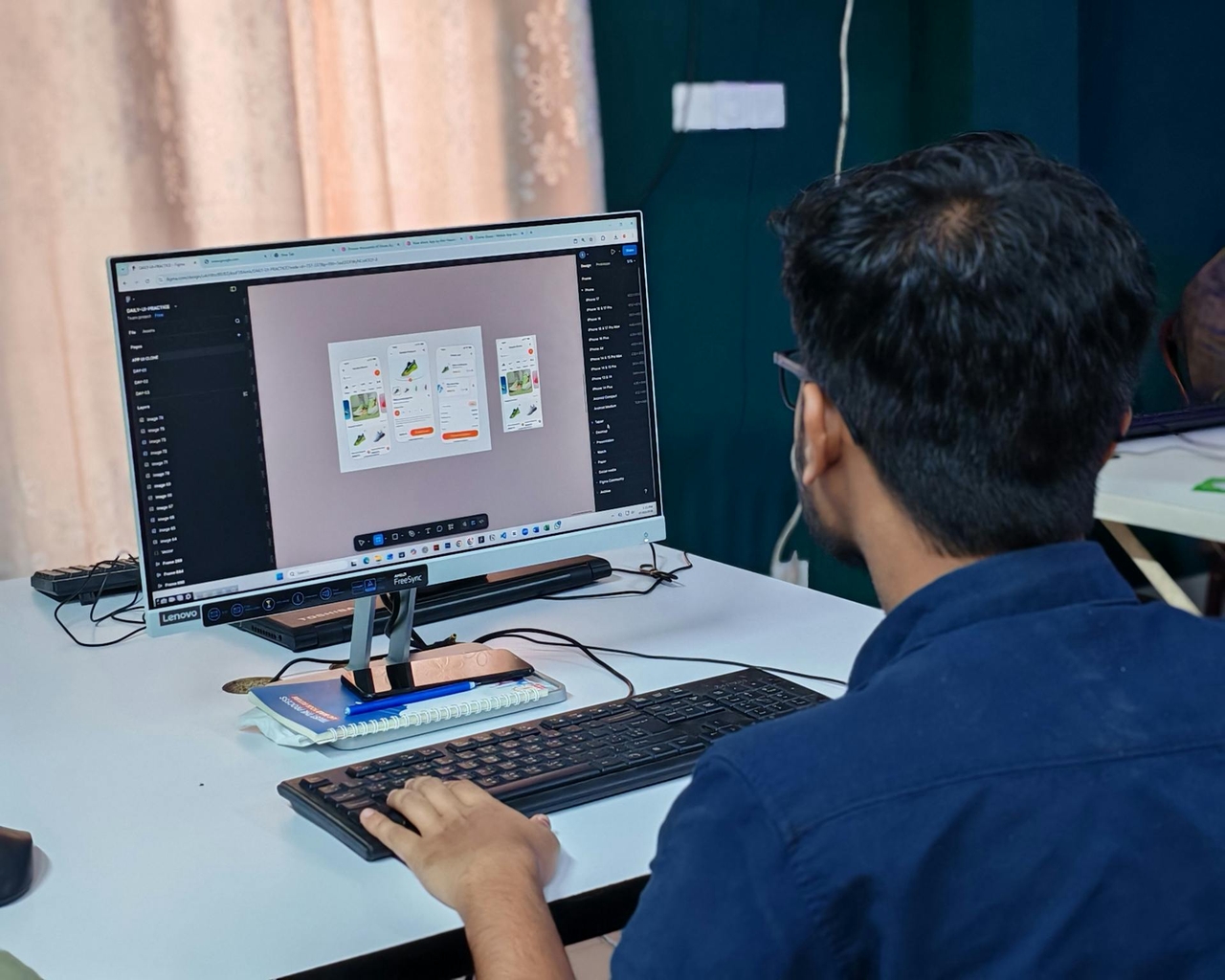
A UI designer is a visual communicator and craftsperson. They take the structure a UX designer establishes and bring it to life with a visual language — translating wireframes into polished, pixel-perfect interfaces that align with the brand.
Key skills: Visual design, color theory, typography, layout, interactive design, component library management, design system thinking, and developer handoff.
Background: degrees in graphic design, digital design, or interaction design are typical routes.
Many companies — especially startups and smaller teams — hire for a combined UI/UX role. These designers cover the full spectrum, from user research to final visual design. When evaluating job listings, pay less attention to the title and more to the listed responsibilities; "UI/UX designer" roles often lean more heavily toward one discipline than the other.

Jump on the AI wagon: Building modern UI/UX projects with Enter Pro
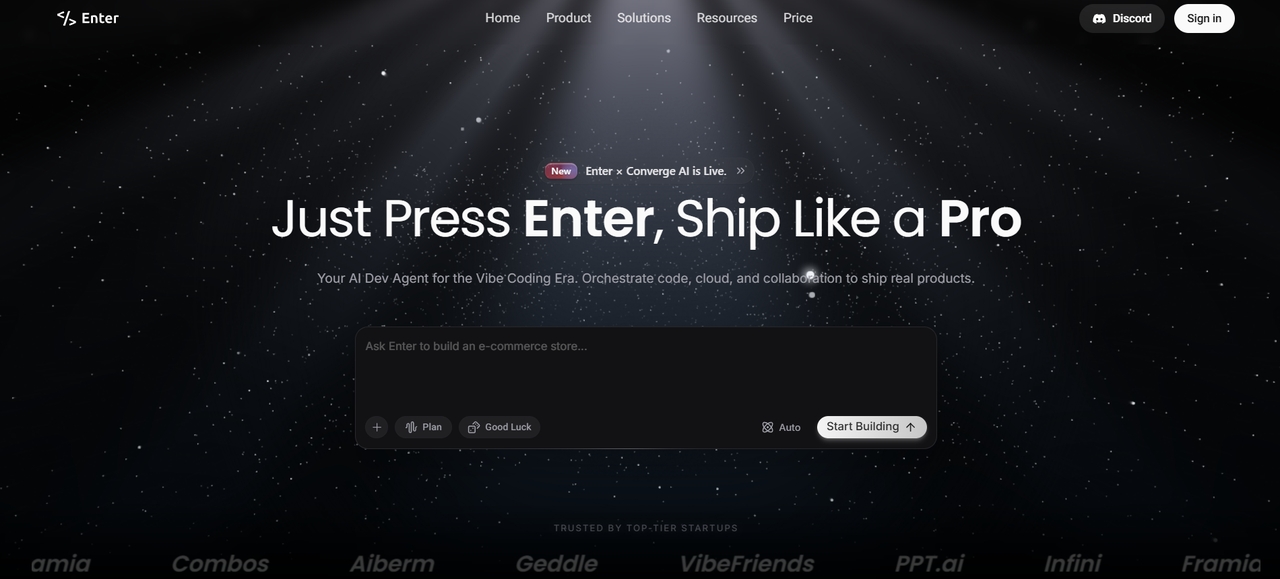
Enter Pro is a powerful AI-powered platform that lets you build apps, websites, and digital products through natural conversation. It's especially useful for beginners and aspiring designers because it dramatically speeds up the UI/UX design and development process. Whether you're a non-technical founder, aspiring UI/UX designer, or product builder, Enter Pro bridges the gap between idea and polished product.
Key features
Enter Pro lets you build full apps, websites, and prototypes simply by chatting in natural language. Describe your idea, and the AI instantly generates screens, user flows, and functional backend — perfect for fast UI/UX design.
Multi-model AI access
Access top AI models like Claude, GPT, and Gemini in one place without switching tools or managing multiple subscriptions. Switch models instantly to get the best output for UI generation, coding, or reasoning.
Reusable UI components
Browse and use a rich library of professionally designed UI components. Remix them instantly and apply to your projects, dramatically speeding up beautiful, consistent interface design with minimal effort.
Smart user flow & navigation
Automatically generates logical user journeys, navigation, and complete UX flows. You can refine them through conversation, ensuring your product feels intuitive and user-friendly from the very first version.
Built-in backend & integrations
Connect databases (Supabase), payments (Stripe), analytics, and more directly through prompts. No complex setup needed — build production-ready full-stack applications with authentication and data handling included.
Which path is right for you?
Choosing between UI and UX design depends on your interests, strengths, and career goals. Both fields are creative and rewarding, but they focus on different aspects of digital product design.
Choose UX design if you enjoy:
- Researching user behavior
- Solving usability problems
- Creating user journeys and wireframes
- Improving accessibility and functionality
- Working with data and testing
UX design is ideal for people who enjoy strategy, psychology, and problem-solving.
Choose UI design if you enjoy:
- Visual creativity and aesthetics
- Designing layouts and interfaces
- Typography and color systems
- Branding and interactive elements
- Creating polished digital experiences
UI design is a strong fit for visually creative people who enjoy crafting engaging interfaces.
Common UI and UX design mistakes
Even visually impressive digital products can fail if the user experience is confusing or frustrating. Understanding common UI and UX mistakes helps designers create products that are both attractive and easy to use.

Prioritizing visuals over usability
A beautiful interface means little if users cannot complete important tasks easily. Overdesigned layouts, excessive animations, or confusing navigation often hurt the overall user experience.
Inconsistent design elements
Using different button styles, fonts, colors, or spacing across pages creates confusion and weakens brand consistency. Strong UI design relies on a unified visual system.
Ignoring mobile responsiveness
Many users access websites and apps through smartphones. Designs that look good only on desktop devices lead to poor usability and higher bounce rates on mobile phones.
Complicated navigation
Users should reach their goals quickly without unnecessary steps. Overcrowded menus, unclear labels, and hidden features create friction and frustrate users.
Poor accessibility design
Ignoring accessibility makes products difficult for users with disabilities. Low color contrast, tiny text, and missing keyboard navigation reduce usability for many people.
Lack of user research
Designing based on assumptions instead of real user behavior often leads to ineffective experiences. UX design should always include testing, feedback, and research.
Conclusion
In conclusion, understanding UI vs UX is essential for creating digital products that are both visually appealing and highly functional. While UI focuses on the look, feel, and interactivity of interfaces, UX ensures the entire user journey is smooth, intuitive, and satisfying. The best results come when both work together seamlessly.
Enter Pro makes this journey easier than ever. By combining powerful conversational AI, reusable components, smart user flows, and instant iterations, it helps beginners and professionals rapidly turn ideas into polished UI/UX designs — even without coding skills.
FAQs
What is the main difference between UI and UX?
UI design focuses on the visual appearance and interactive elements of a product, while UX design focuses on the overall user journey and experience. UI handles how a product looks, whereas UX ensures the product is easy, useful, and enjoyable to use.
Which comes first — UI or UX?
UX always comes first. Designers must map the user journey, structure, and information architecture before any visual design begins. Building UI without UX is like decorating a house before the walls are up.
How do UI and UX work together?
UX designers plan the overall structure and user journey first. UI designers then create the visual layer on top. They collaborate closely to ensure the product is both functional and visually appealing.
Where did the term UX design originate?
The term "UX design" was coined in 1988 by cognitive scientist Don Norman in his book The Design of Everyday Things. He later became the world's first official User Experience Architect while working at Apple in the early 1990s.
Is UI/UX design a good career in 2026?
Yes, UI/UX design remains one of the fastest-growing digital careers. Businesses increasingly prioritize user-centered products, creating strong demand for skilled designers across startups, SaaS companies, e-commerce brands, and enterprise software development teams worldwide.