How Our User Built a Viral “Shoot Anywhere” AI Camera (And How You Can Too)
This guide breaks down the tech stack behind the viral 'Vibe Camera,' covering everything from modular prompting to getting API key to help you build your own AI camera app.
One of our users recently dropped a project on Enter that stopped us in our tracks: Vibe Camera.
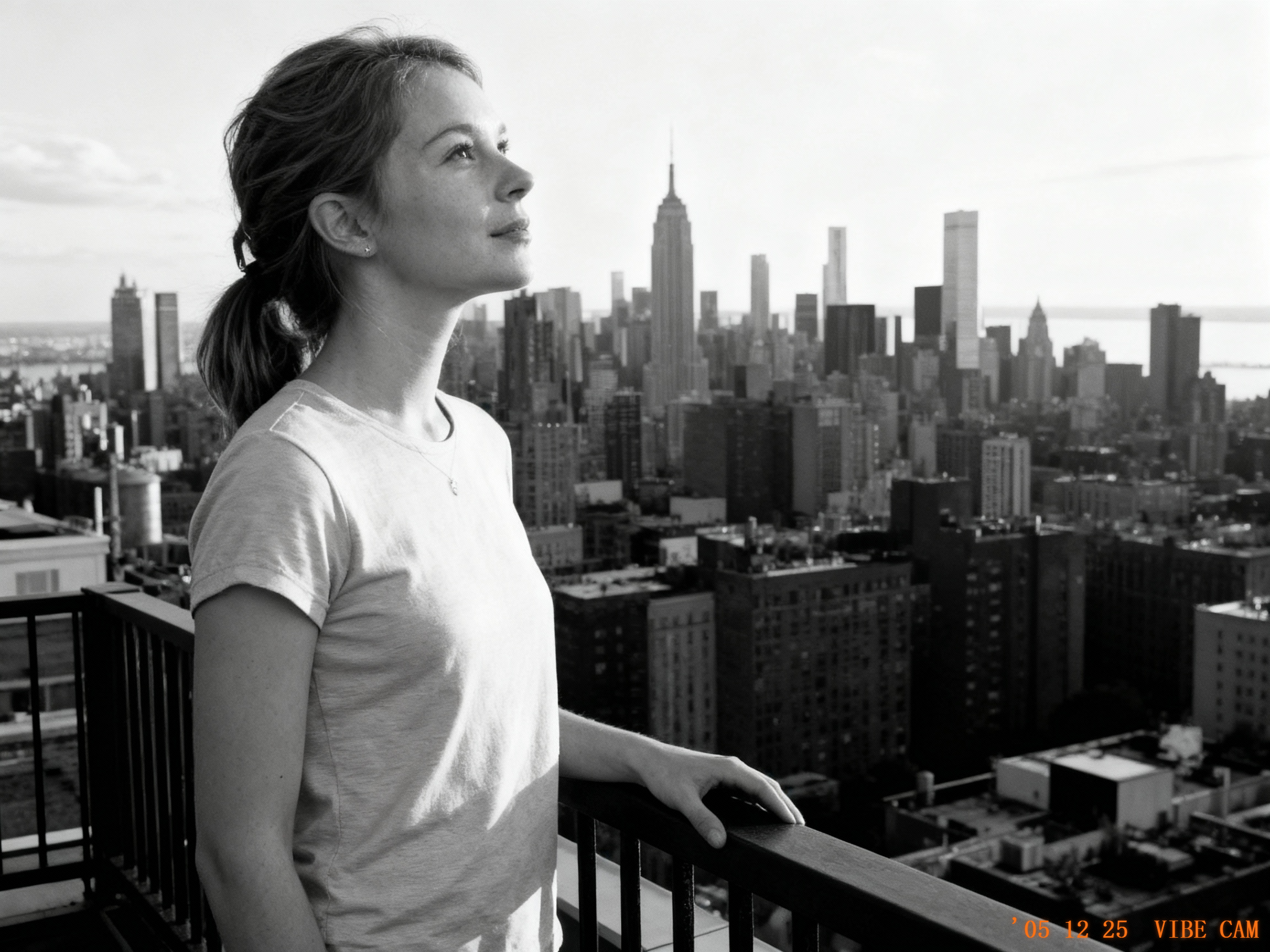
The concept? A web tool that turns your browser into a high-end film camera. You upload a photo, pick your gear (Leica? Polaroid?), set the location, and chat with an AI assistant to direct the shoot. The result is a generated image that feels incredibly raw, authentic, and developed on real film.
https://cfdb190d04474a6c968ba88a9026076e.prod.enterapp.pro
The project didn’t just work—it went viral. Almost immediately, the comments section exploded with the same burning questions:
"How does the AI know what a Leica M6 looks like?"
"How do you keep the character's face consistent in different locations?"
"I want to build this. Where do I get the API Key?"
Today, we’re pulling back the curtain. We’ll break down the Vibe Camera workflow end-to-end—from the creative logic to the prompt engineering "secret sauce"—and give you a crash course on grabbing the API keys you need to build your own.
The Spark: Talk to AI Like a Photographer, Not a Programmer
The creator started with one simple thought:
"If we can already communicate creative ideas with an LLM, why can't we talk to it like a photographer instead of a programmer?"
This shift in perspective defined the workflow:
- Upload a model photo.
- Select a camera body (Polaroid, Leica, Fujifilm).
- Dial in settings (Aperture, Shutter Speed).
- Set the location.
- Discuss the "Vibe" with AI.
- Click to shoot.
The Challenge: The "Prompt Fatigue" Trap
Here is the problem: Writing a prompt that captures all of that is a nightmare for humans. Typing "Polaroid" isn't enough. To an AI, a Polaroid implies color temperature, film grain, chemical aging, vignettes, and specific saturation levels.
Trying to manually write a structured description with hundreds of tokens every time? That’s a dealbreaker.
This is exactly where Banana Pro shines.
Under the Hood: The Tech Stack Behind the Magic
Modular Prompting (The "Lego" Method)
Banana Pro can handle massive, complex prompts, but we didn't want users to suffer through writing them. Instead, we used a Modular Block approach.
We broke the photography process into reusable data blocks:
- Camera Model Block: Translates "Leica" into specific color science & texture tokens.
- Location Block: Injects world-knowledge context.
- Settings Block: Translates aperture/shutter into photographic language (depth of field, motion blur).
- Consistency Block: Handles the model’s internal reasoning to keep the face the same.
The result? Users just toggle simple UI controls, and the system auto-assembles a professional, bulletproof prompt in the background.
Technical Breakdown: What makes Vibe Camera work
Prompt complexity → simplified through modular blocks
Banana Pro can understand extremely detailed prompts, but writing those prompts manually is hard. So we broke the prompt into reusable “blocks”:
- camera model → color science + texture presets
- location → world-knowledge context
- aperture/shutter → photographic language
- character consistency → model’s internal reasoning Users only adjust simple UI controls, while the system auto-assembles a professional, structured prompt in the background.
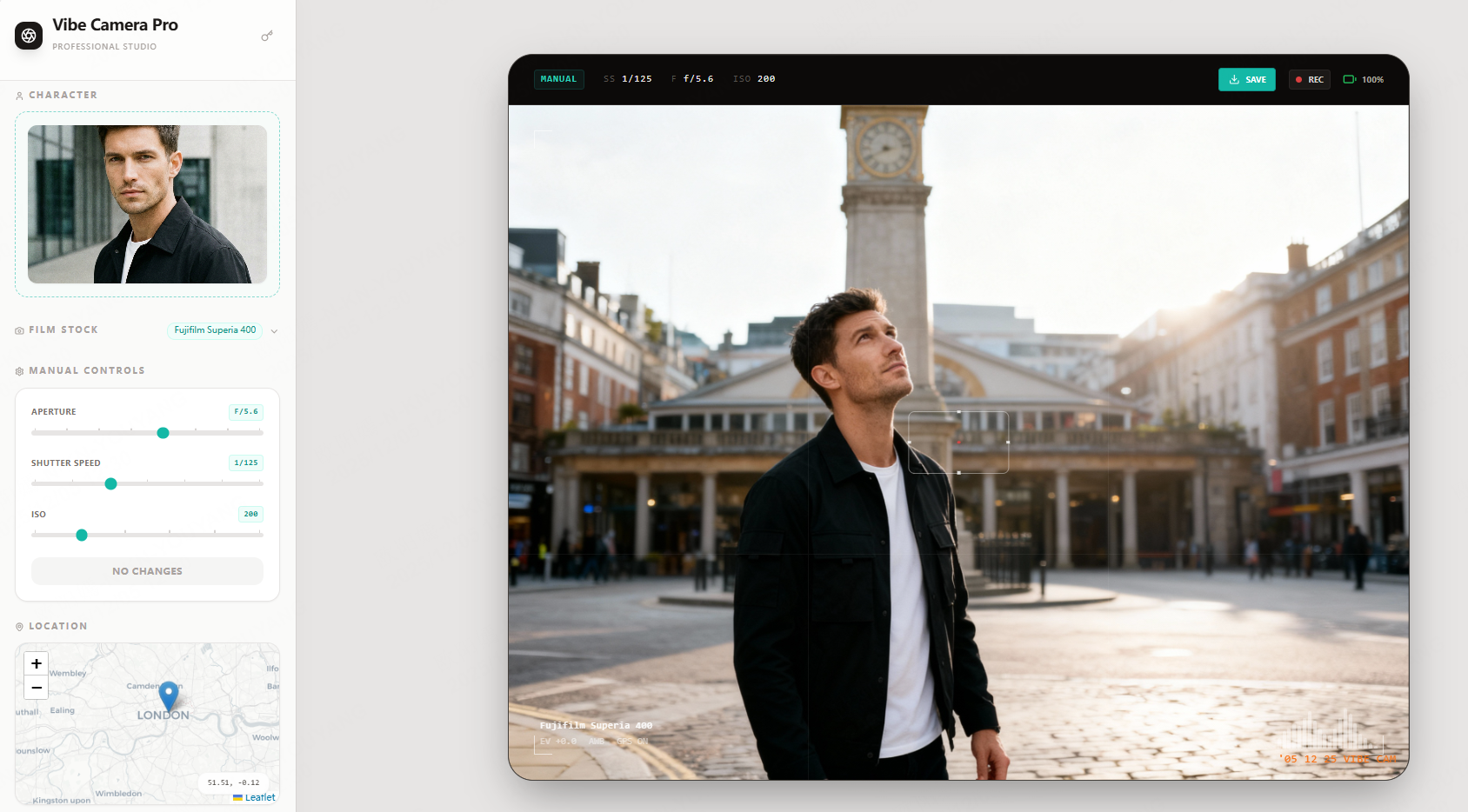
World-knowledge → the “aha moment”
During testing, we found Banana Pro could fill in realistic details about locations with almost no guidance—lighting direction, architecture, street layout, even era-appropriate elements.
This ability to “complete the world” gives users that instant aha feeling of shooting anywhere.
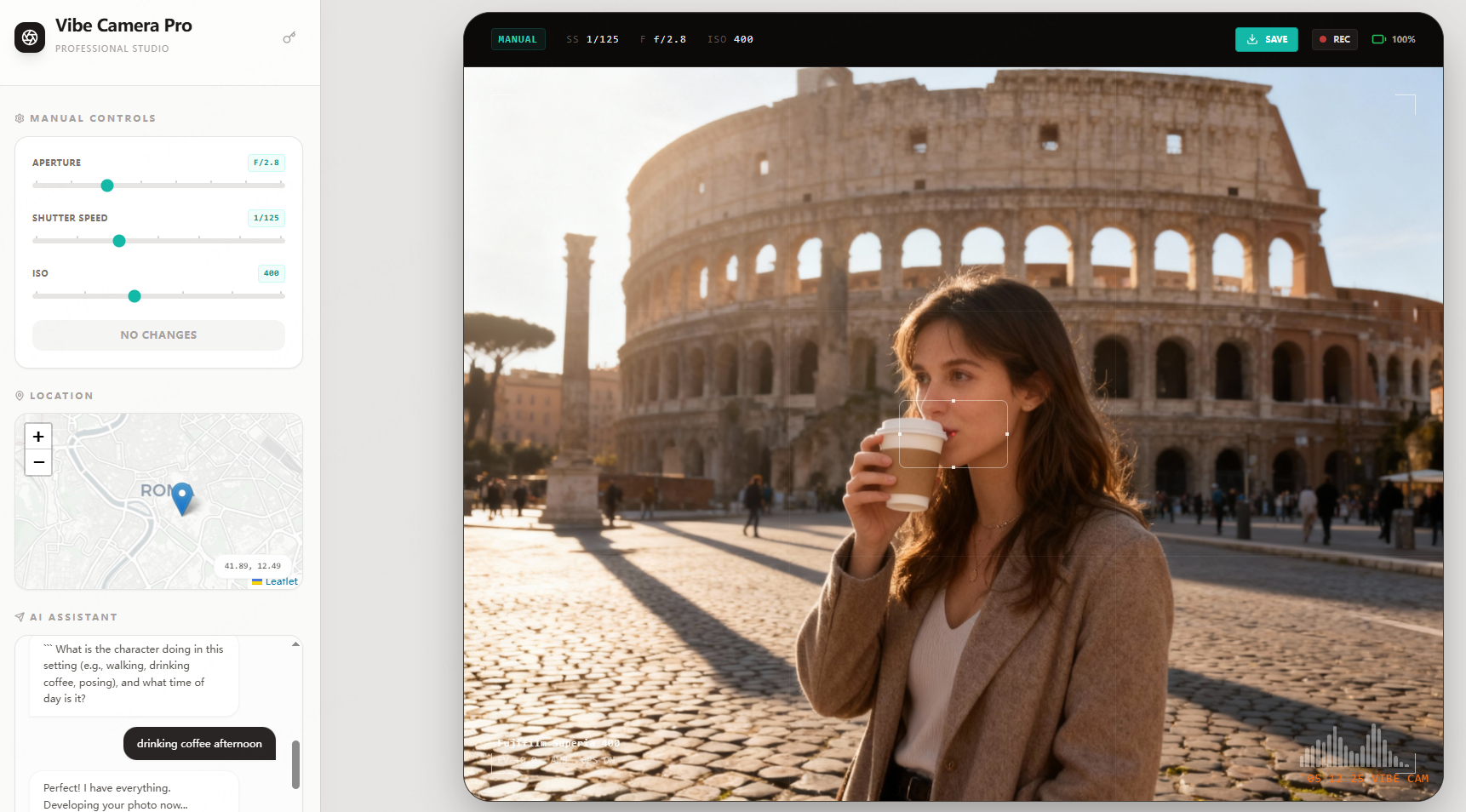
Camera model understanding → an unexpected capability
We discovered that Banana Pro deeply understands iconic camera models. Typing “Leica M6,” “Polaroid SX-70,” or “Contax T2” automatically produces the correct tone, grain, contrast, and color profile—without any custom presets.
This became the foundation for Vibe Camera’s “real camera vibes” with almost zero manual engineering.
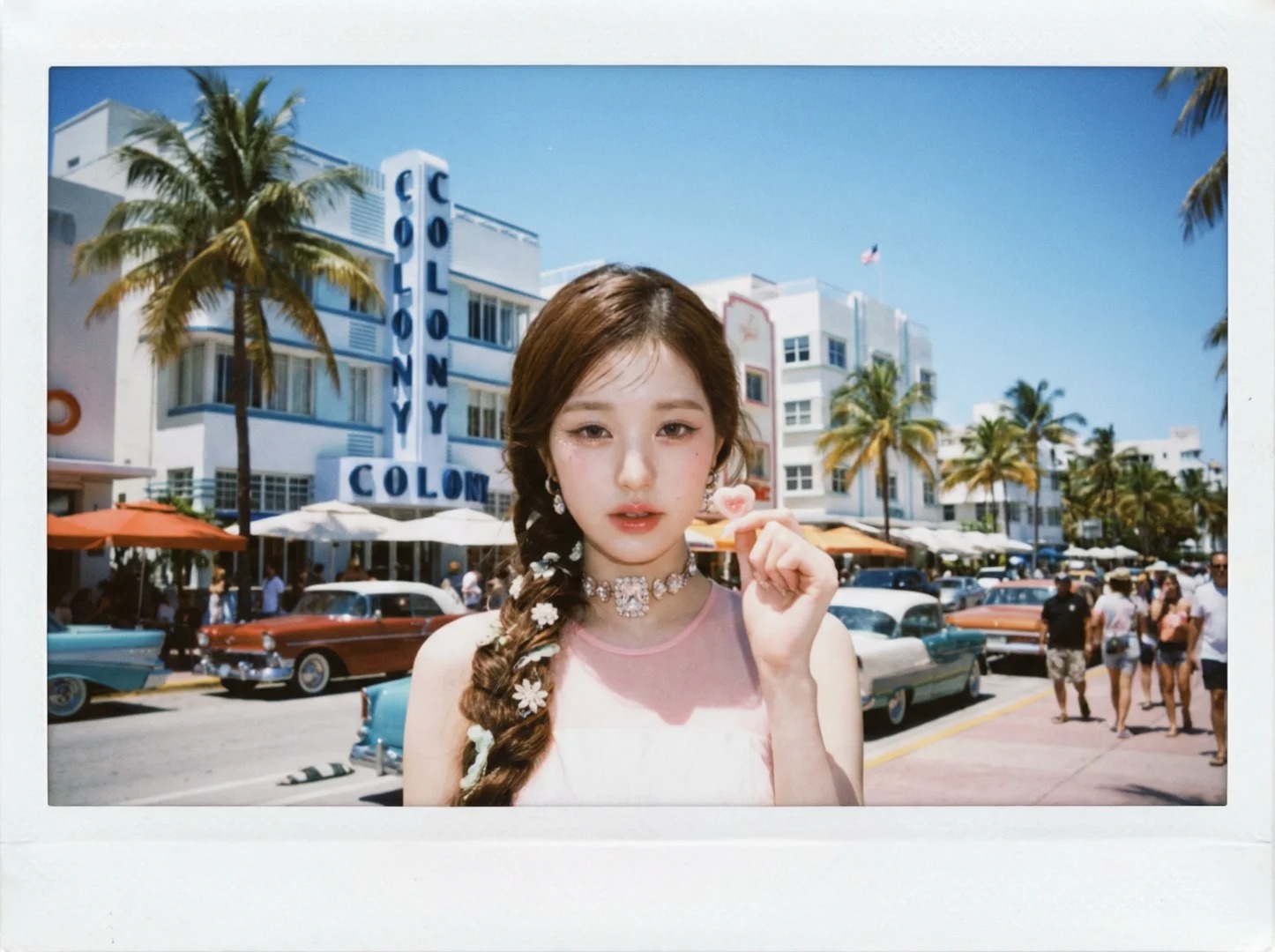
Developer Guide: Top Image-Gen APIs for Your Toolkit
Ready to build your own AI camera? Here is the landscape of the most popular LLM image generation platforms and how to get started.
Nano Banana Pro (Editor's Choice)
- Best For: Design tools, complex photo albums, and multi-shot workflows.
- Why we love it: incredible consistency, rich world knowledge, and a native understanding of camera styles.
- How to get the API Key:
- Go to the Google AI Studio API page.
- Sign up/Log in with your Google account.
- Click "Create API Key."
Note: Banana Pro keys are billing-linked, so you’ll need to add a payment method to top up.
Flux
- Best For: Developers who want freedom to fine-tune open-source models.
- The Vibe: Huge community ecosystem.
- How to get the API Key:
- Visit the official Flux documentation.
Note: Flux API is currently in private beta. You will need to request an invite to get access.
Replicate
- Best For: Rapid prototyping and testing ideas quickly.
- The Vibe: Simple billing and massive model library.
- How to get the API Key:
- Sign up at Replicate.com.
- Navigate to your dashboard to copy your API Token.
Seedream
- Best For: High-impact creative work, fashion, and posters.
- The Vibe: Strong artistic aesthetic and visual texture.
- How to get the API Key:
- Register at Seedream API.
Conclusion: From “Writing Prompts” to “Designing Experiences”
The Vibe Camera example highlights a new shift in how we build with modern AI models: It’s not about teaching users to craft more complicated prompts. It’s about breaking model capabilities into usable modules so people can interact with AI like a tool.
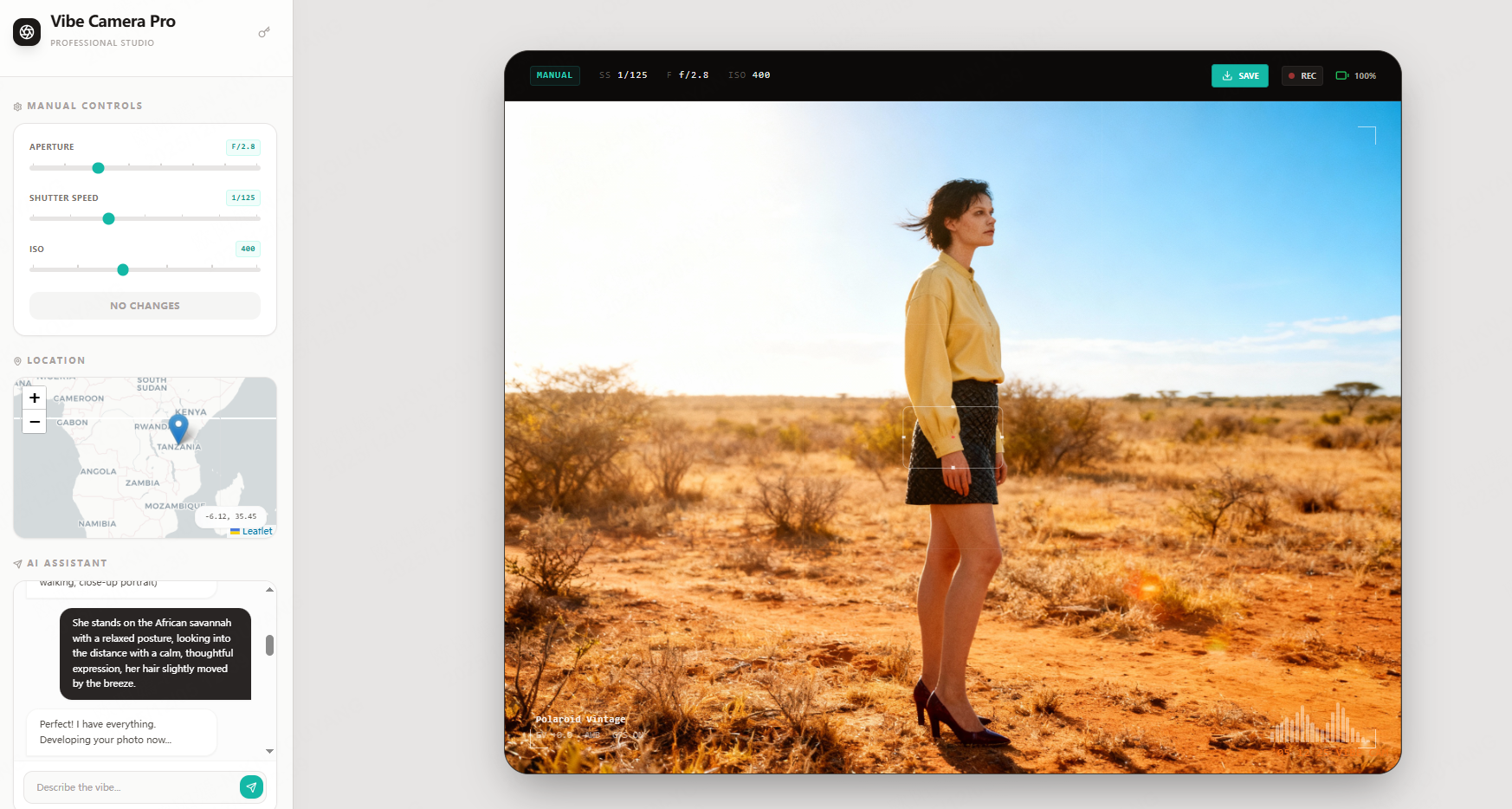
Your job becomes simple:
- Choose a solid image-generation platform
- Get an API key
- Wrap the model’s capabilities into clean, composable “blocks”
- Build your own creative tool on top
If you want to create an experience where “users can make art just by talking to AI,” this is one of the best places to start.